
Revit vs AutoCAD for Architectural Production
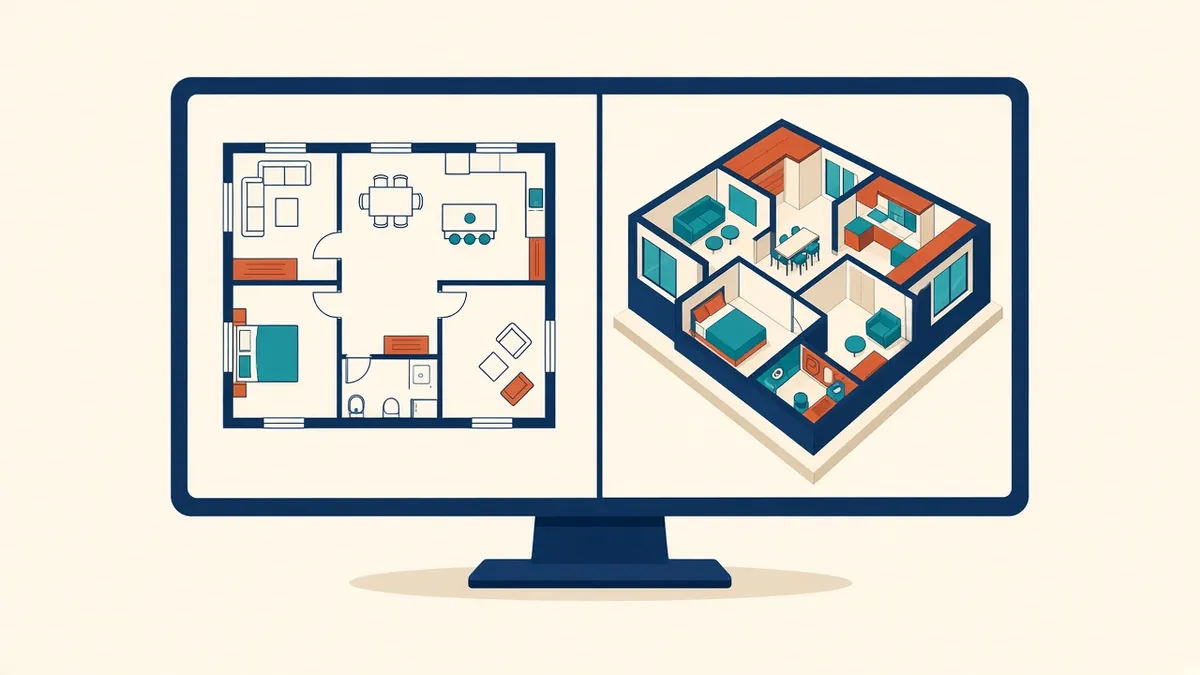
It's rarely a case of one tool being better. It's about which one suits the drawing, the team and the deliverable.
Revit and AutoCAD are both Autodesk products used widely in Architecture, but they work in fundamentally different ways. Choosing between them, or deciding how to use both, depends on the project, the team and what clients and consultants expect.
How AutoCAD works
AutoCAD is a general-purpose CAD application. Drawings are made of lines, arcs, text, hatches and blocks. Plans, sections and elevations are drawn separately, often in different files or layouts. AutoCAD is flexible, fast for 2D drafting and familiar to almost everyone in the industry. AutoCAD also has toolsets, such as the Architecture toolset, that add building-specific objects.
How Revit works
Revit is a BIM authoring tool. You model building elements, such as walls, floors, roofs, doors and windows, and drawings are generated as views of the model. Schedules are live lists of model elements. Change a door size, and the plan, elevation, section and schedule all update.
Where AutoCAD fits well
- Small projects with simple drawing needs
- Detail drafting, where 2D linework is quicker
- Working with consultants or clients who only use CAD
- Site plans based on survey CAD files
- Quick sketches and diagrams
Where Revit fits well
- Projects with many drawings that must stay coordinated
- Projects requiring schedules and quantities
- Multi-discipline coordination using federated models
- Clients who require BIM deliverables
- Projects with frequent design changes
Using both
Many firms use both. Revit for the main model and drawings, with CAD files linked for surveys, consultant backgrounds or legacy details. Some details are drafted in Revit using 2D tools, which works similarly to CAD.
Moving from AutoCAD to Revit
Switching involves more than learning new commands:
- Templates: a good Revit template is essential, with view templates, families and title blocks
- Families: building a library of doors, windows, fixtures and annotation takes time
- Workflow: more decisions happen earlier, because the model needs real wall types and heights
- Training: staff need time to learn modelling and documentation in Revit
- Hardware: Revit models can be demanding, so check computer specifications
Common challenges
- Trying to draw in Revit like CAD, adding 2D lines instead of modelling
- Overly detailed families that slow models down
- Lack of standards, leading to inconsistent models
Costs and licensing
Licensing models change over time, so check Autodesk's current offerings. Many firms use a collection that includes both products.
- 01How AutoCAD works
- 02How Revit works
- 03Where AutoCAD fits well
- 04Where Revit fits well
- 05Using both
- 06Moving from AutoCAD to Revit
Think about your consultants
Neither tool is better in every case. The right choice depends on the work, and many practices get the best results by using each for what it does well.
If your team needs extra production capacity for work like this, take a look at our Architectural production services, or tell us about your project.
Related articles
What Is BIM? A Practical Explanation for Architects
What BIM really means in day-to-day practice, beyond the buzzword.
Read more →
Setting Up a Revit Project Template
What belongs in a template, and how to keep it useful as standards evolve.
Read more →
Producing Construction Documents from CAD Files in Revit
A practical route from legacy CAD files to a clean Revit CD set.
Read more →