
Cover Sheets and Drawing Indexes for Construction Sets
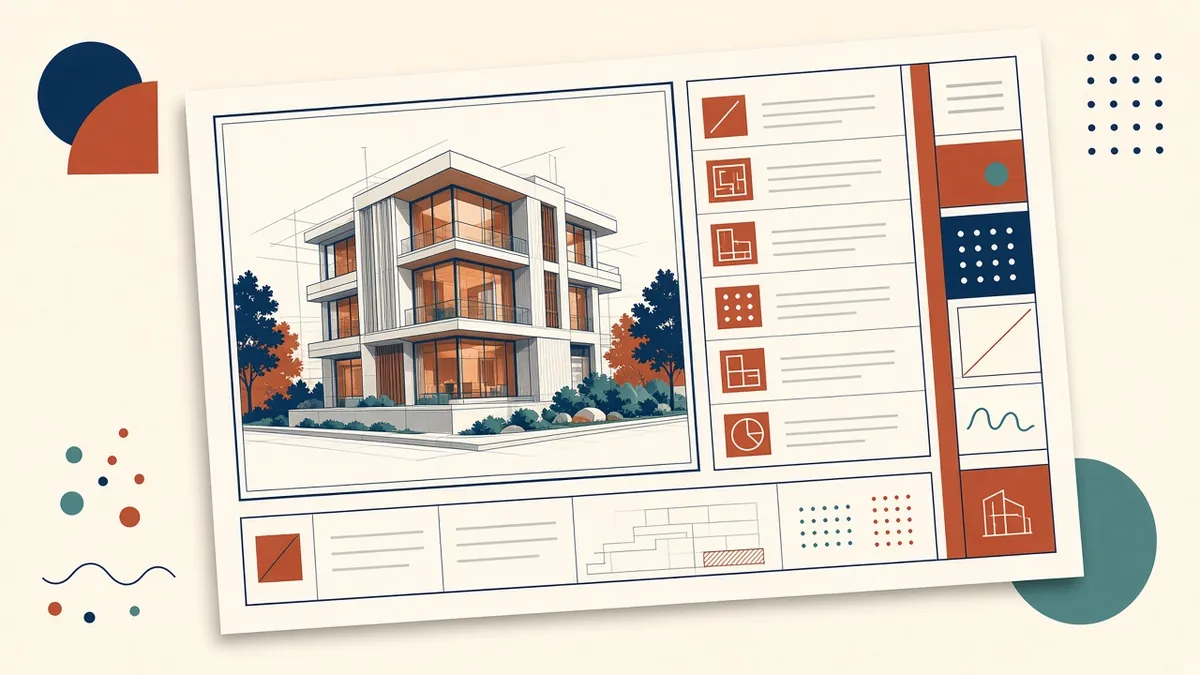
The cover sheet is the first thing a reviewer sees, and the drawing index is the first thing they check. Get both right and the rest of the set starts with trust.
The cover sheet is the first thing a contractor, reviewer or client sees. It sets the tone for the whole set, and the drawing index on it is the map everyone uses to find information. A tidy, accurate cover sheet makes the set feel controlled before anyone opens a plan.
What a cover sheet usually includes
- Project name, address and a simple location or vicinity plan
- The issue purpose, such as permit, tender or construction
- The issue date and revision status
- The project team, with disciplines and contact roles rather than long contact lists
- A drawing index for the whole set or for the Architectural discipline
- Applicable codes or standards, where the jurisdiction expects them up front
- A general abbreviations and symbols list, if it isn't on a separate sheet
Keep it uncluttered. A cover sheet that tries to hold every note becomes hard to read and harder to maintain.
Building a useful drawing index
The index should list every sheet in the issue, in order, with:
- Sheet number
- Sheet name
- Current revision
- The issue each sheet was last included in
Many teams use a matrix format, with sheets down the side and issues across the top, so it's clear which sheets went out in which issue. This is especially helpful during construction, when only some sheets change.
- GGeneral
- CCivil
- LLandscape
- SStructural
- AArchitectural
- IInteriors
- FFire protection
- PPlumbing
- MMechanical
- EElectrical
- TTelecoms
Generate it, don't type it
In Revit, a sheet list schedule placed on the cover sheet updates automatically when sheets are added, renamed or revised. In CAD, a sheet set manager can do a similar job. Typing the index by hand almost guarantees mismatches after a few revisions.
Common mistakes
- Sheets listed in the index that aren't in the set, or the reverse
- Sheet names that don't match the title blocks
- Out-of-date revision letters
- Consultant sheets listed with old numbers
- Issue purpose left as a previous stage, such as a tender set still labelled for permit
Coordinate with consultants
If the cover sheet indexes the whole project, ask each consultant for their current sheet list before every issue. A short check against their transmittal avoids gaps. Some teams prefer each discipline to keep its own index, with the cover sheet referring to them.
A quick check before issue
- Count the sheets in the PDF and compare with the index
- Spot-check sheet names and revisions on five or six title blocks
- Confirm the issue purpose and date
- Check that the location plan and project address are correct
These checks take minutes and catch the errors reviewers notice first.
A clear cover sheet and an index that matches the set build confidence with everyone who uses the drawings, and they make each later issue easier to manage.
If your team needs extra production capacity for work like this, take a look at our Architectural production services, or tell us about your project.
Related articles
How to Structure a Construction Document Set
The order, content and logic of a well-built CD set, and why structure saves time on site.
Read more →
Drawing Sheet Standards: Numbering, Title Blocks and Naming
Sheet numbering, title blocks and naming conventions that keep large drawing sets readable.
Read more →
Managing Redlines and Revisions in Construction Drawings
How to turn markups into clean revisions without losing comments or creating new errors.
Read more →