
Drawing Sheet Standards: Numbering, Title Blocks and Naming
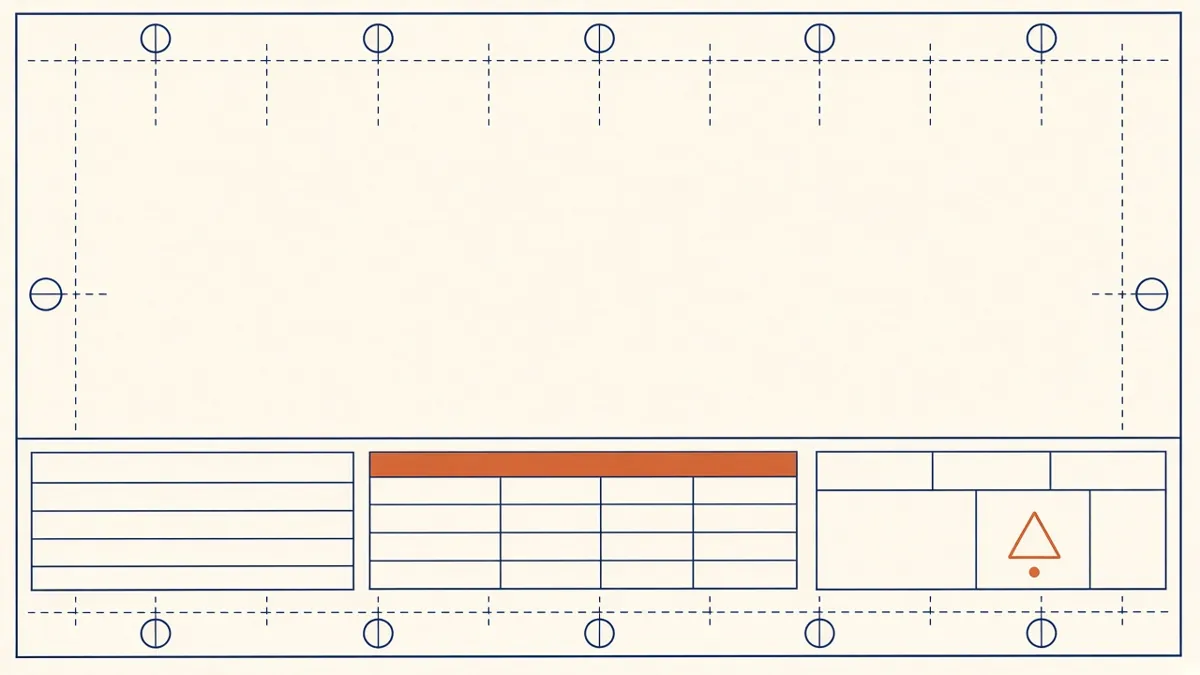
A sheet called A-301 in one set and A3.01 in the next looks like a small thing, until someone on site builds from the wrong one.
Sheet standards sound like admin, but they decide how quickly a contractor, consultant or reviewer can find a drawing. They also make it far easier to bring new people onto a project. Here's how the main conventions work in the US and the UK, and how to apply them sensibly on any project.
US: the National CAD Standard sheet identifier
Many US firms base their sheet numbers on the United States National CAD Standard (NCS). Its Uniform Drawing System uses a discipline designator, a sheet type number and a sequence number. For example, A-201 reads as Architecture, sheet type 2, sheet 01.
The sheet type digits are:
- 0 General, such as symbols, legends and notes
- 1 Plans
- 2 Elevations
- 3 Sections
- 4 Large-scale views, such as enlarged plans
- 5 Details
- 6 Schedules and diagrams
- 7 and 8 User defined
- 9 3D representations
UK: BS EN ISO 19650 information naming
In the UK, information management on many projects follows BS EN ISO 19650, and the UK National Annex sets out a field-based naming convention for files and containers. A typical name combines project, originator, volume or system, level or location, type, role and number, separated by hyphens. Each field uses agreed codes defined in the project's information standard.
Alongside the name, ISO 19650 workflows use status codes, such as those showing whether information is work in progress, shared for coordination or published, and revision codes that distinguish preliminary revisions from contractual ones. Always follow the codes set out in the appointing party's information requirements, because projects often customise them.
- GGeneral
- CCivil
- LLandscape
- SStructural
- AArchitectural
- IInteriors
- FFire protection
- PPlumbing
- MMechanical
- EElectrical
- TTelecoms
UAE: follow the client and the authority
UAE projects frequently use either US-style or UK-style conventions depending on the client, the lead consultant and the contract. Some developers and authorities also publish their own CAD and BIM requirements. Check these at the start of the project, because resubmitting a full set with corrected naming is wasted effort.
What every title block needs
Whatever the standard, a good title block carries:
- Project name and address or plot reference
- Sheet title and sheet number
- Scale, with a note where drawings aren't to scale
- Issue date, stage or purpose of issue
- Revision history or a link to the revision schedule
- Drawn, checked and approved initials where the firm requires them
- A north point and key plan where relevant
Keep the title block clean. If it's crowded with logos and disclaimers, the essential information gets lost.
Practical tips
- Set up sheet numbers in the template, not project by project
- Keep the sheet number and the file name aligned, so the PDF of A-201 is easy to find
- Reserve numbers for sheets you expect to add, so you don't have to renumber the set later
- Use the same scale for related drawings, so plans and enlarged plans compare easily
- Lock the title block family or block, so nobody edits it by accident
Why it matters
Clear sheet standards reduce errors in callouts, speed up reviews and make transmittals easier to track. They also make outsourced or shared production smoother, because everyone works to the same rules from day one.
If your team needs extra production capacity for work like this, take a look at our Architectural production services, or tell us about your project.
Related articles
How to Structure a Construction Document Set
The order, content and logic of a well-built CD set, and why structure saves time on site.
Read more →
Revit Family Best Practices for Clean, Reliable Models
Building families that flex correctly, schedule cleanly and keep models light.
Read more →
Outsourcing Workflow and File Exchange for Architecture Firms
Folder structures, version control and communication habits that keep remote production smooth.
Read more →