
File Naming Conventions for BIM Projects
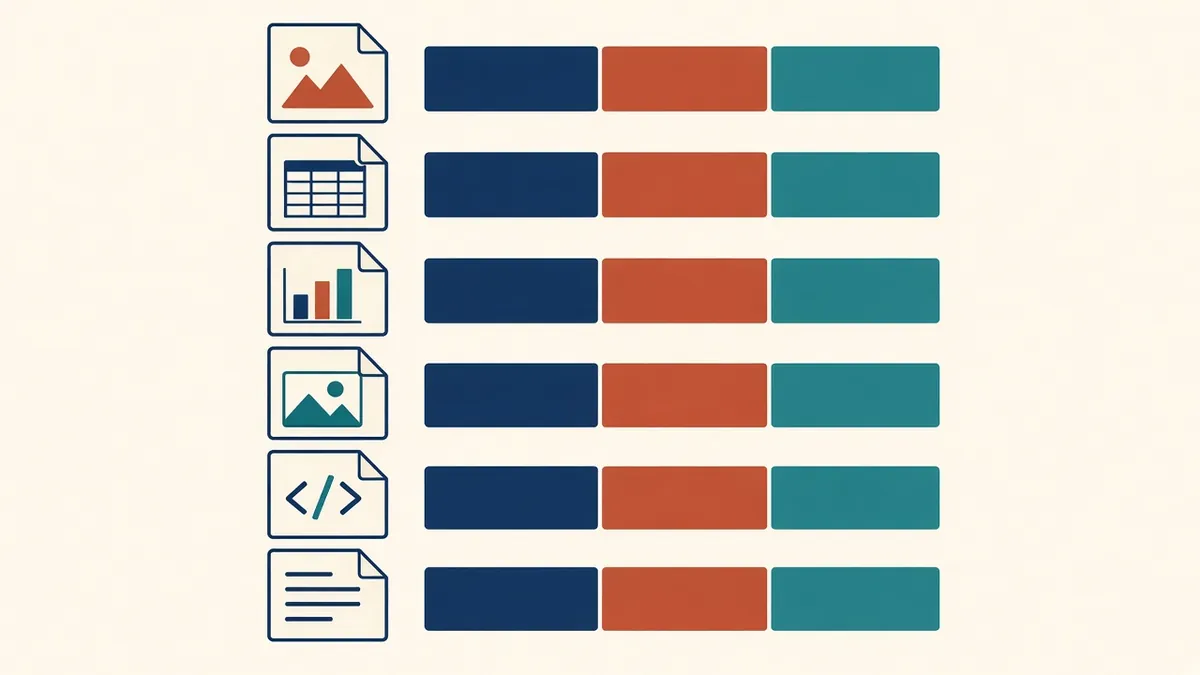
"Final_v3_REAL_final.rvt" is funny until you're trying to find the right model at a deadline.
Consistent file naming sounds like a small thing, but it makes a big difference on projects with many files and many parties. Good naming tells you what a file is, who produced it and where it belongs, without opening it.
Why naming matters
- Files can be found quickly
- Duplicates and outdated files are easier to spot
- Automated sorting and filtering work properly
- Everyone understands what each file contains
The UK ISO 19650 approach
The UK National Annex to BS EN ISO 19650-2 sets out a naming convention using fields separated by hyphens, typically:
- Project
- Originator
- Volume or system
- Level and location
- Type
- Role
- Number
Status and revision are usually held as metadata in the common data environment rather than in the file name. Projects define the codes allowed in each field.
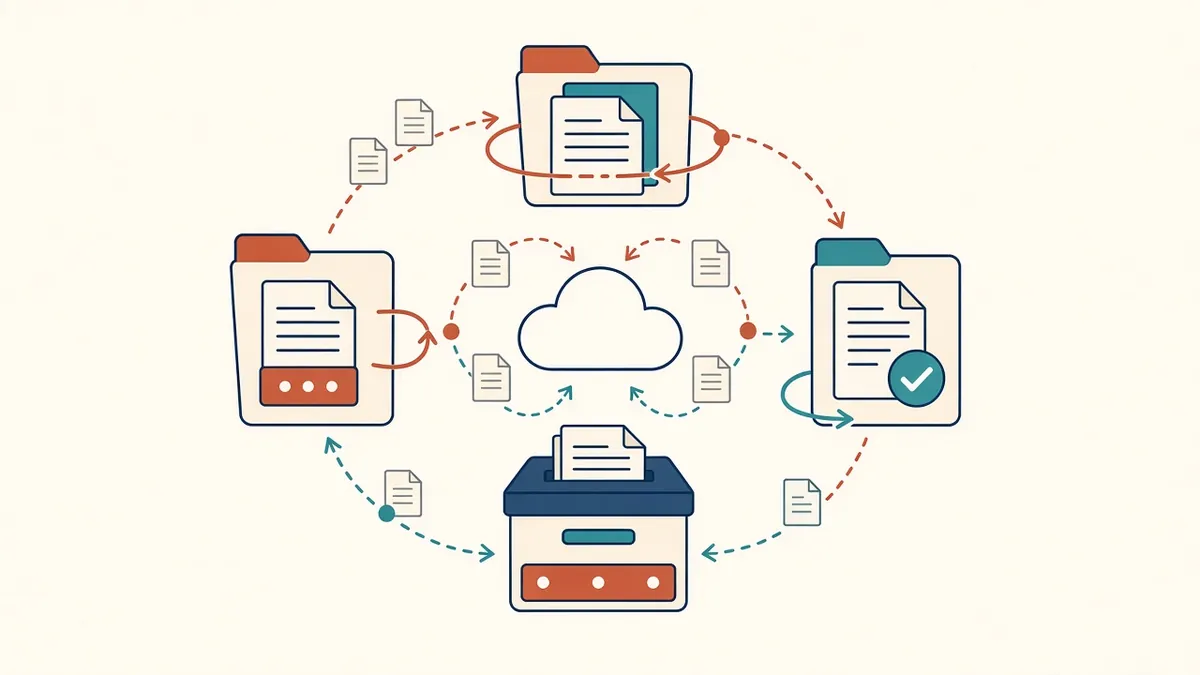
- Work in progressYour team develops information. It is not yet visible to others.
- SharedChecked information is shared with the wider team for coordination.
- PublishedAuthorised information for use, for example for construction.
- ArchivedA record of what was shared and published, kept for the project history.
Other approaches
Outside the UK, many projects use similar structured naming, often adapted from the National CAD Standard in the US or from client requirements. The key is consistency, not a particular format.
Practical tips
- Agree the convention at the start and include it in the BIM execution plan
- Publish a list of allowed codes for each field
- Keep names short enough to be readable
- Avoid spaces and special characters that can cause problems in some systems
- Don't put dates or "final" in file names
- Use leading zeros in numbers so files sort correctly
Model names
Model files should follow the same convention, with fields that identify the discipline and zone. Linked models with clear names make coordination easier.
Drawing numbers and file names
Some projects use the same structure for drawing numbers and PDF file names. This makes drawings easy to match with their files. Others keep shorter sheet numbers on drawings and full names for files. Agree which approach the project uses.
Checking compliance
Some CDE platforms can check names against rules automatically. If not, a simple spreadsheet or script can flag names that don't match. Check at each exchange.
Common problems
- Teams using their own internal names and renaming at issue
- Inconsistent codes for the same thing
- Names that are too long for some systems
Train everyone
Apply naming to drawings and documents
Naming isn't only for models. Drawings, reports, schedules and correspondence benefit from the same structure, so everything in the CDE can be sorted and found consistently. Agree whether one convention covers all information types.
Good naming quietly saves time every day, and it's one of the easiest improvements a project team can make.
If your team needs extra production capacity for work like this, take a look at our Architectural production services, or tell us about your project.
Related articles
ISO 19650 Explained for Architecture Practices
The key ideas of ISO 19650 in plain English, and what they mean for your team.
Read more →
Outsourcing Workflow and File Exchange for Architecture Firms
Folder structures, version control and communication habits that keep remote production smooth.
Read more →
Drawing Sheet Standards: Numbering, Title Blocks and Naming
Sheet numbering, title blocks and naming conventions that keep large drawing sets readable.
Read more →