
Communication Tools for Outsourced Architecture Teams

The right tools don't fix a poor working relationship, but the wrong ones can strain a good one.
Good communication is the foundation of successful outsourcing. The right tools help, but only when the teams agree how to use them. Too many channels can be as confusing as too few.
Each type of tool has a different strength. Here's how they're commonly used.
Email works well for formal communication, such as briefs, transmittals and decisions that need a record. It's less effective for quick questions or ongoing discussion.
Chat
Chat tools, such as Microsoft Teams or Slack, suit quick questions and day-to-day coordination. Organise channels by project to keep discussions focused.
Video calls
Video calls with screen sharing are ideal for kickoff meetings, design explanations and complex questions. Walking through a model or drawing live often resolves issues faster than written messages.
Task trackers
Trackers show tasks, owners, deadlines and status. Options range from shared spreadsheets to project management tools. A shared tracker reduces status update emails.
Markup tools
PDF markup tools allow clear, trackable comments on drawings. Some support shared review sessions where several people can comment on the same document.
File sharing platforms
Cloud platforms and common data environments store files with version control and access permissions. They help ensure everyone works from current information.
BIM collaboration platforms
Platforms such as Autodesk Construction Cloud support model sharing, coordination and issue tracking for BIM projects.
Agree the rules
- Which tool is used for what
- Expected response times
- Where decisions are recorded
- Who should be included in each channel
Write these down in a short communication plan.
Record decisions
Decisions made in chat or calls should be confirmed in a place where they won't get lost, such as the tracker or a decision log.
Avoid tool overload
Using too many tools fragments information. Start with a small set and add tools only when there's a clear need.
Check access and security
Make sure partners have the access they need, and that tools meet the practice's and clients' security requirements.
Time zones
Asynchronous tools, such as trackers and written updates, are especially useful when teams work in different time zones.
Review regularly
Ask both teams what's working. Adjust the tools and rules as the partnership develops.
- 01Email
- 02Chat
- 03Video calls
- 04Task trackers
- 05Markup tools
- 06File sharing platforms
Onboard people to the tools
When new team members join, show them how the tools are used on your projects.
The right tools, used consistently, keep outsourced teams connected, informed and productive.
If your team needs extra production capacity for work like this, take a look at our Architectural production services, or tell us about your project.
Related articles

Working Across Time Zones With a Production Team
Overlap hours, handovers and written briefs that keep work moving.
Read more →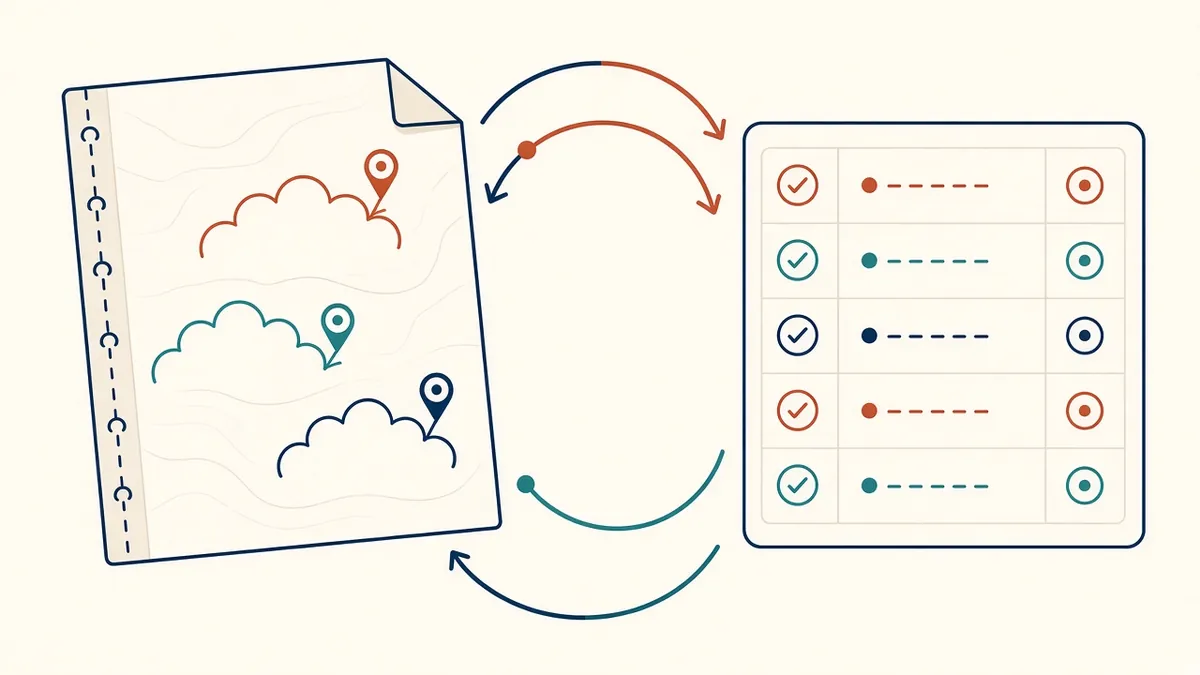
Markups and Feedback Loops With Outsourced Teams
Clear markups and feedback cycles that cut rework.
Read more →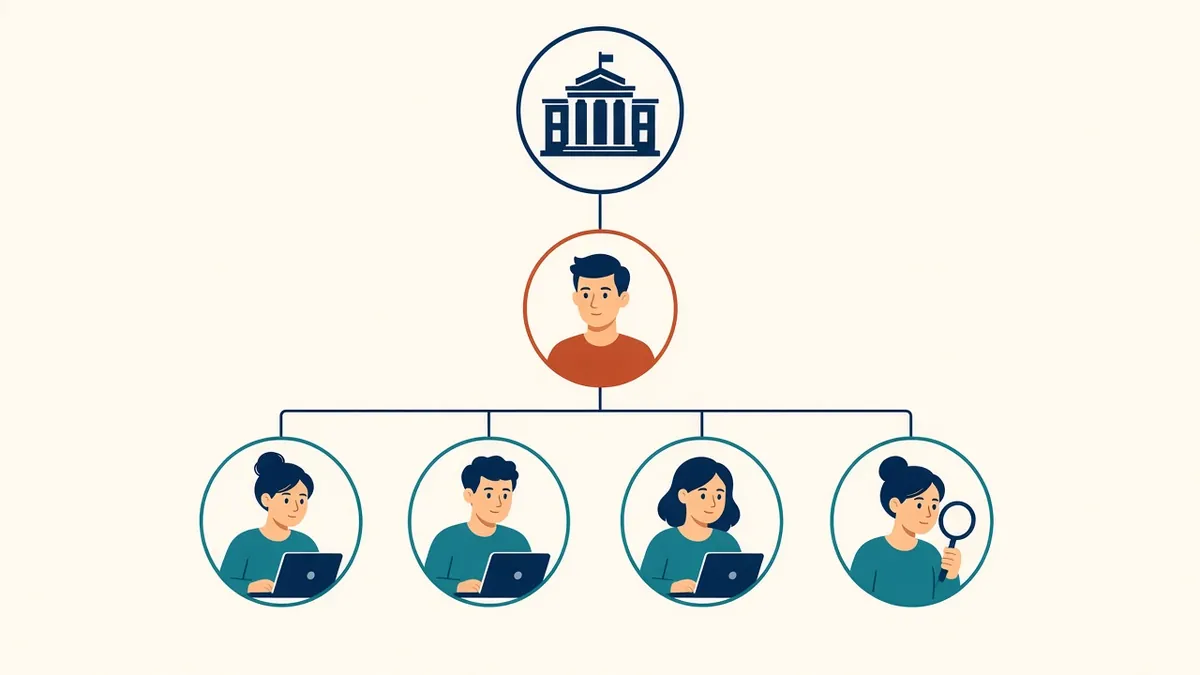
Roles in an Outsourced Architectural Production Team
Who does what in an outsourced team, and who your contact should be.
Read more →