
Door and Window Schedules That Stay Accurate
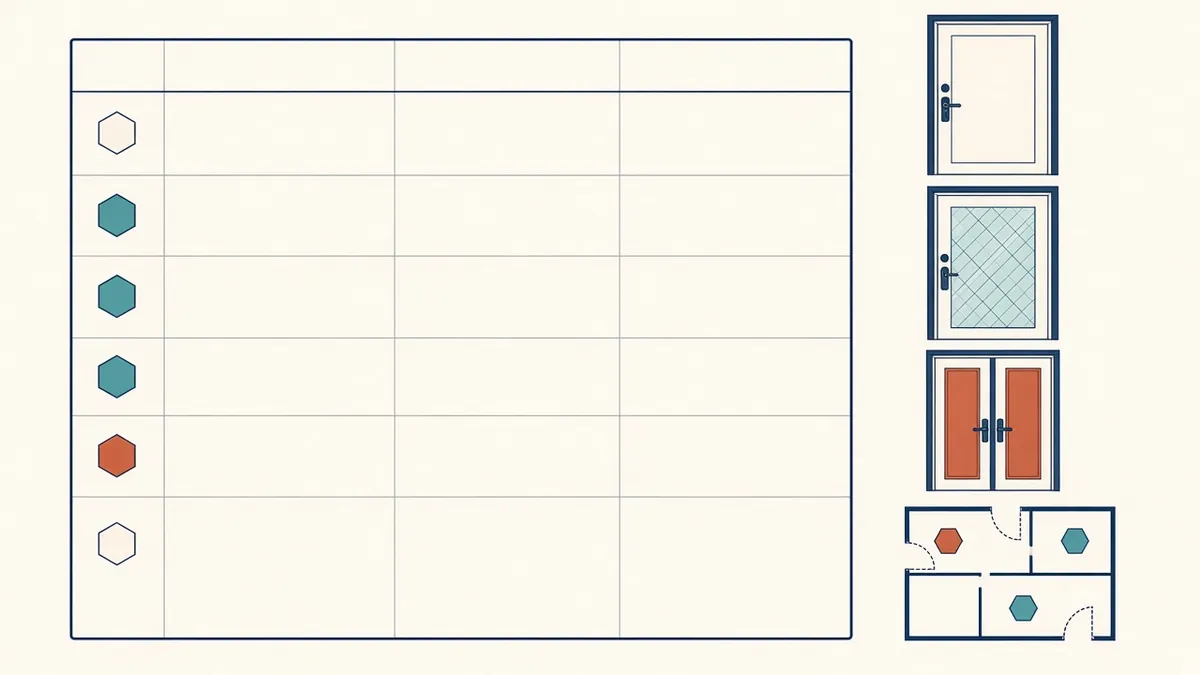
Door and window schedules look simple until a late change touches forty openings across six sheets.
Door and window schedules gather the information for every opening into one place. They're used by contractors for pricing and ordering, by suppliers for manufacturing and by reviewers for checking fire and accessibility requirements. Errors in schedules can lead to wrong orders and costly delays.
What a door schedule usually includes
- Door number, matching the plan tag
- Location or room
- Door type, referenced to door type elevations
- Size, such as width, height and thickness
- Material and finish of door and frame
- Fire rating, where applicable
- Hardware set reference
- Acoustic or security requirements
- Remarks, such as vision panels or undercuts
Window schedules
- Window type or tag, matching plans and elevations
- Size and configuration
- Frame material and finish
- Glazing type
- Operation, such as fixed or opening
- Performance requirements, if specified on drawings
- Remarks, such as restrictors or safety glazing
Use types and elevations
Door and window type elevations show the configuration of each type graphically. The schedule then references the type, so information isn't repeated for every instance. This also makes it easier for suppliers to understand the range of products needed.
Generate schedules from the model
In Revit, door and window schedules are generated from the model, so tags and schedules stay linked. Use shared parameters for information such as fire rating and hardware set, so it can be scheduled and tagged consistently. Avoid typing information into schedule fields that aren't linked to elements.
Coordinate with specifications and hardware
Door hardware is often specified by a hardware consultant or in a separate schedule. Make sure hardware set references match. Fire ratings should match the fire strategy or life safety plans, and accessibility requirements, such as clear widths, should be checked against the applicable code.
Common errors
- Doors on plans missing from the schedule, or the reverse
- Fire ratings that don't match the fire strategy
- Sizes that don't match plan openings
- Duplicate door numbers
- Outdated hardware references
Checks before issue
- Compare door counts on plans and in the schedule
- Filter the schedule by fire rating and check against rated walls
- Check accessible doors for clear widths
- Confirm numbering is unique and follows the agreed system
Numbering systems
Many firms number doors by room, such as door 101A for a door into room 101. Others use sequential numbering by level. Choose one system and apply it consistently.
- 01What a door schedule usually includes
- 02Window schedules
- 03Use types and elevations
- 04Generate schedules from the model
- 05Coordinate with specifications and hardware
- 06Common errors
Keep revisions visible
When schedule rows change after issue, cloud them and note the revision, just as you would on a drawing. Suppliers often order directly from schedules, so a silent change can lead to the wrong product arriving on site.
If your team needs extra production capacity for work like this, take a look at our Architectural production services, or tell us about your project.
Related articles
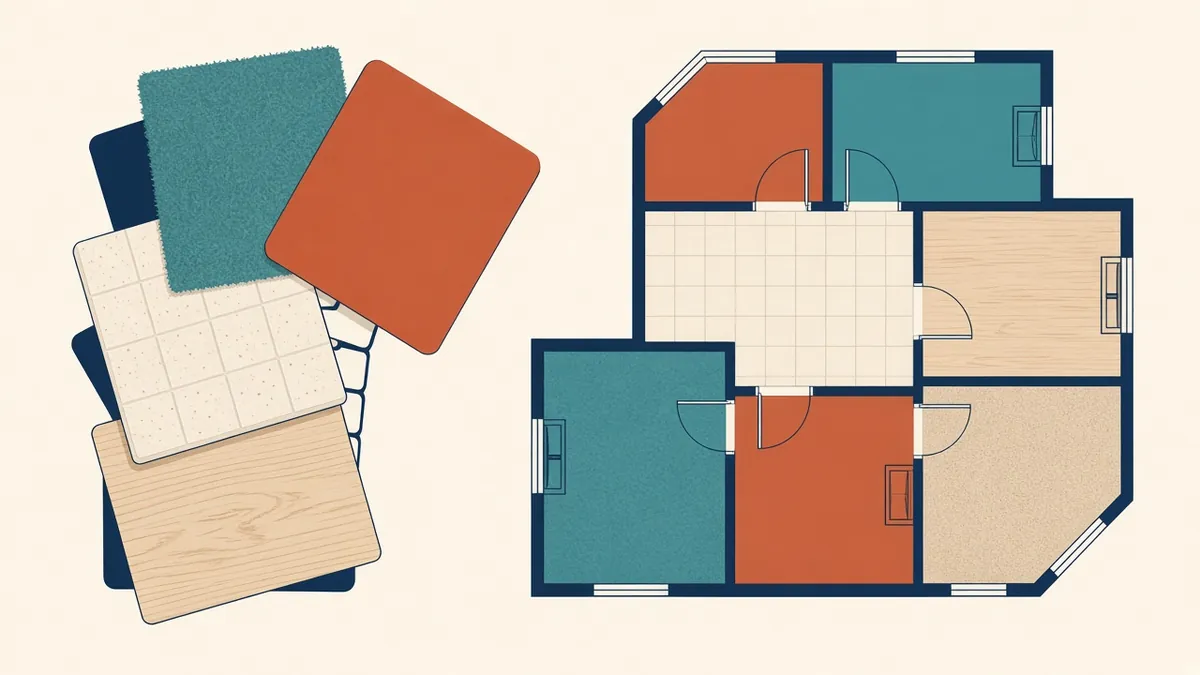
Room Finish Schedules and Finish Plans
Choosing between schedules and finish plans, and keeping finish codes consistent.
Read more →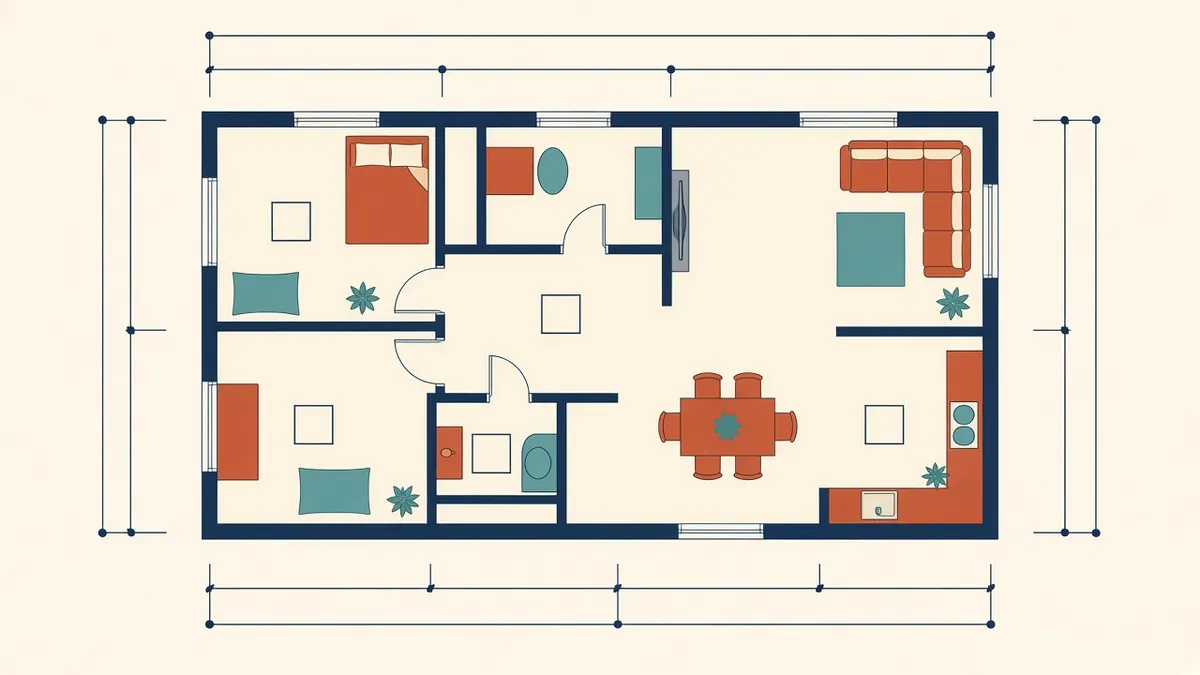
Annotating Architectural Floor Plans Clearly
Dimensions, tags and notes that make plans readable instead of crowded.
Read more →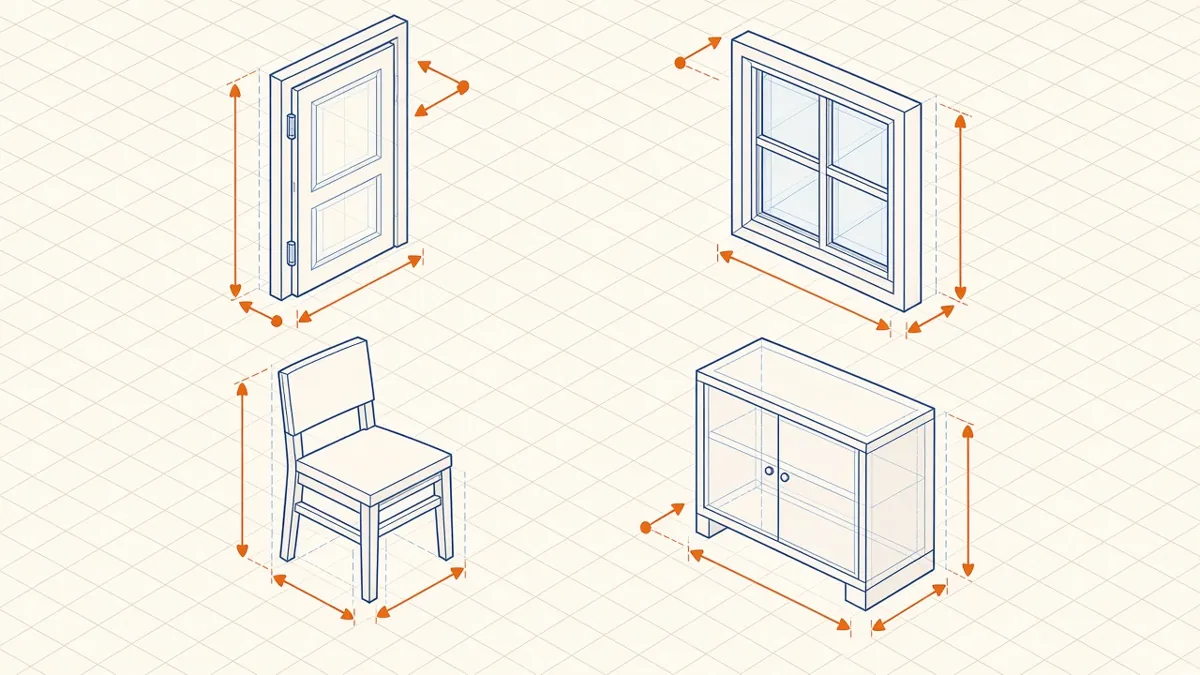
Revit Family Best Practices for Clean, Reliable Models
Building families that flex correctly, schedule cleanly and keep models light.
Read more →