
Area Plans and Area Calculations in Revit
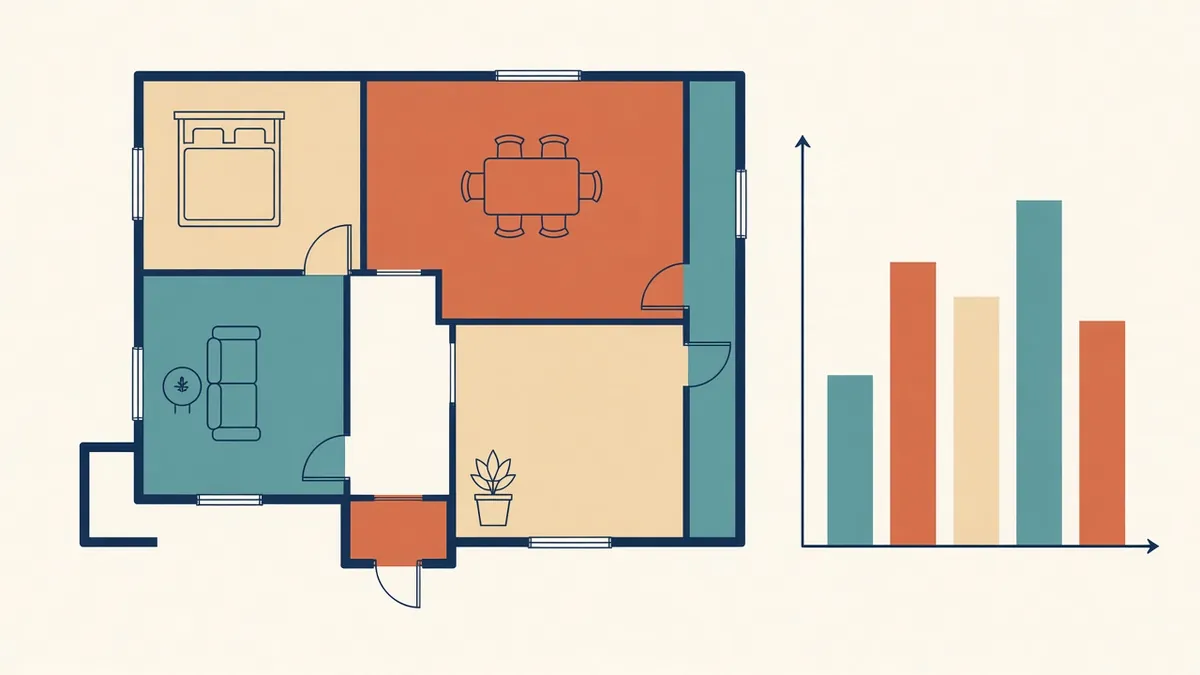
Area figures end up in leases, valuations and approvals. They need to be traceable, not just roughly right.
Area figures matter to clients, planners and authorities. They affect planning permissions, sales, leasing and fees. Revit provides tools to calculate areas from the model, but the results depend on following the right measurement rules.
Rooms and areas
Revit has two related concepts:
- Rooms: spaces bounded by walls and room separation lines, used for room data and schedules
- Areas: elements placed in area plans, bounded by area boundary lines, used for area calculations under specific rules
Rooms are good for net internal areas of spaces. Area plans suit gross areas, rentable areas and other defined measurements.
Area schemes
An area scheme defines a type of measurement, such as gross building area or rentable area. Each scheme has its own area plans, so you can calculate different measurements in the same model.
Area boundaries
Area boundary lines define the edges of each area. They can be drawn manually or applied automatically to walls, with rules about whether boundaries follow wall faces or centrelines. Check that boundaries match the measurement standard required.
Measurement standards
Different standards define areas differently:
- International Property Measurement Standards (IPMS) are used in many markets
- In the UK, the RICS Code of Measuring Practice and RICS standards based on IPMS are widely referenced
- In the US, BOMA standards are common for commercial buildings
- In the UAE, authorities and developers define gross floor area rules for planning and sales
Always confirm which standard applies before calculating.
Schedules and colour fills
Area schedules list areas by type, level or tenant. Colour fill legends make area plans easy to read and are useful for client presentations.
Gross floor area for authorities
Authorities often define gross floor area in their own way, with specific rules for what's included or excluded, such as balconies, plant rooms or parking. Model areas following those rules, and show calculations in the format required.
Common problems
- Rooms not enclosed, giving wrong areas
- Boundaries following the wrong wall face
- Areas missing on some levels
- Mixed measurement rules in one scheme
Check areas
Communicate clearly
State the measurement standard and basis on every area schedule or plan. Areas without a stated basis are easily misunderstood.
- 01Rooms and areas
- 02Area schemes
- 03Area boundaries
- 04Measurement standards
- 05Schedules and colour fills
- 06Gross floor area for authorities
Keep calculations auditable
Keep area plans with clear boundaries and labels, so anyone can check how a figure was reached. Authorities and clients sometimes ask for evidence, and a clear plan answers questions quickly.
Reliable area calculations protect clients and the design team. Revit makes them repeatable, as long as the rules are clear from the start.
If your team needs extra production capacity for work like this, take a look at our Architectural production services, or tell us about your project.
Related articles
Building Reliable Schedules in Revit
Doors, rooms, materials and quantities scheduled straight from the model.
Read more →
Preparing Drawings for UAE Authority Submissions
Working with UAE municipalities, free zone authorities, civil defence and green building rules.
Read more →
Pre-Design Research for Architecture Projects
Site, zoning, code and precedent research that sets a project up well.
Read more →