
Cloud Collaboration with Autodesk Construction Cloud
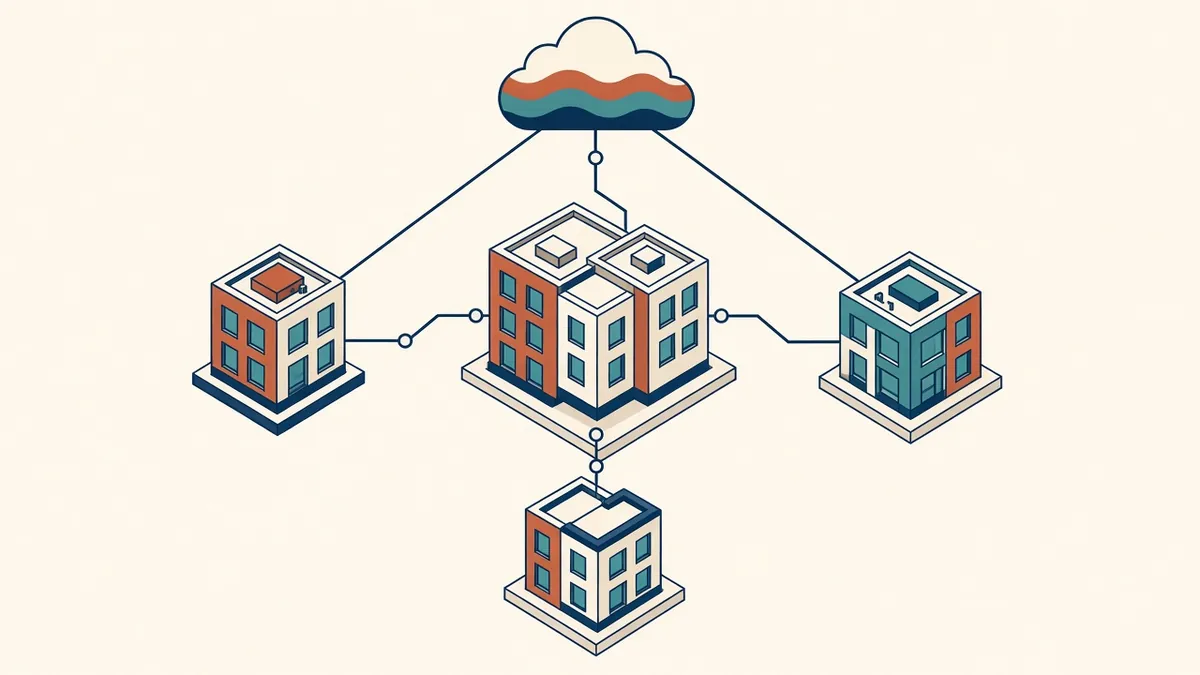
When the team is spread across offices and time zones, a shared cloud model can replace a lot of file shuffling.
Many teams now work across offices, home locations and outsourced partners. Cloud collaboration tools let them work on shared Revit models without a shared local network. Autodesk Construction Cloud, which includes BIM Collaborate and Docs, is one of the most widely used platforms for this.
What cloud worksharing does
Revit cloud worksharing hosts workshared models in the cloud. Team members open the model, work locally and sync changes, much like a central model on a network server. This allows real-time collaboration across locations.
Docs and document management
Autodesk Docs provides document management, including folders, permissions, versioning, review workflows and markups. Published sheets and models can be reviewed and shared with the wider team.
Design collaboration
Design collaboration tools let teams share packages of models with other disciplines at agreed times. Each team works in its own space and consumes others' packages when ready, which supports controlled coordination.
Model coordination
Model coordination tools can run clash detection on shared models and track issues, which supports regular coordination reviews.
Setting up a project
- Plan the folder structure, aligned with your CDE states if using ISO 19650
- Set permissions by role and company
- Agree naming conventions
- Decide how and when packages are shared
- Initiate cloud models from clean local models
Permissions
Version control
The platform keeps versions of files and models. Use published versions for coordination and issued drawings, and keep work in progress clearly separated.
Performance
Cloud worksharing depends on internet connections. Stable, fast connections help, and opening only needed worksets improves performance.
Alternatives
Other platforms, such as Bentley's offerings, Trimble Connect or general file-sharing services, may suit some teams. Revit cloud worksharing specifically requires Autodesk's cloud services.
Common problems
- Unclear folder structures leading to lost files
- Over-broad permissions
- Users working on downloaded copies instead of the cloud model
- Inconsistent publishing schedules
Licensing
Cloud services are licensed separately from Revit. Check current Autodesk offerings for what's included.
- 01What cloud worksharing does
- 02Docs and document management
- 03Design collaboration
- 04Model coordination
- 05Setting up a project
- 06Permissions
Train the team
Cloud platforms have many features, and teams often use only a fraction of them. Short training on the project's specific setup, such as where to save, how to publish and how to raise issues, helps everyone work consistently. A one-page guide for external partners is especially useful, because they may be working across several platforms for different clients.
Cloud collaboration makes distributed teams work as one, as long as the structure, permissions and routines are set up clearly from the start.
If your team needs extra production capacity for work like this, take a look at our Architectural production services, or tell us about your project.
Related articles
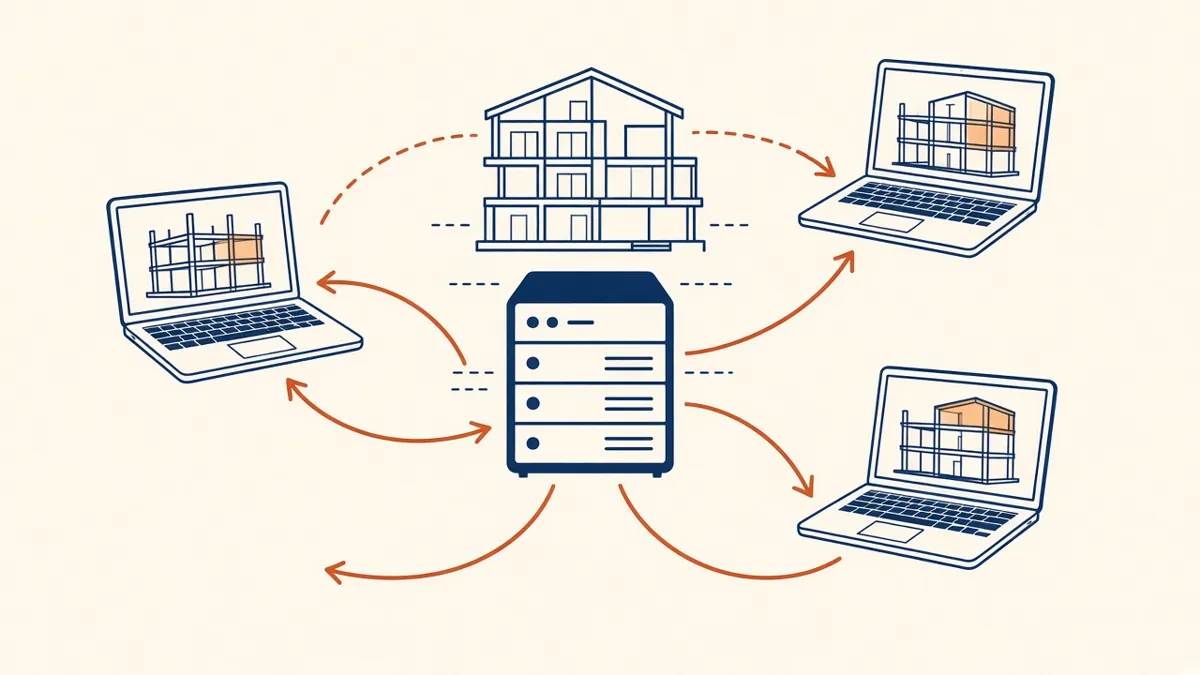
Revit Worksharing Basics: Central Models, Worksets and Syncing
How central models, worksets and syncing work, and the habits that keep shared models stable.
Read more →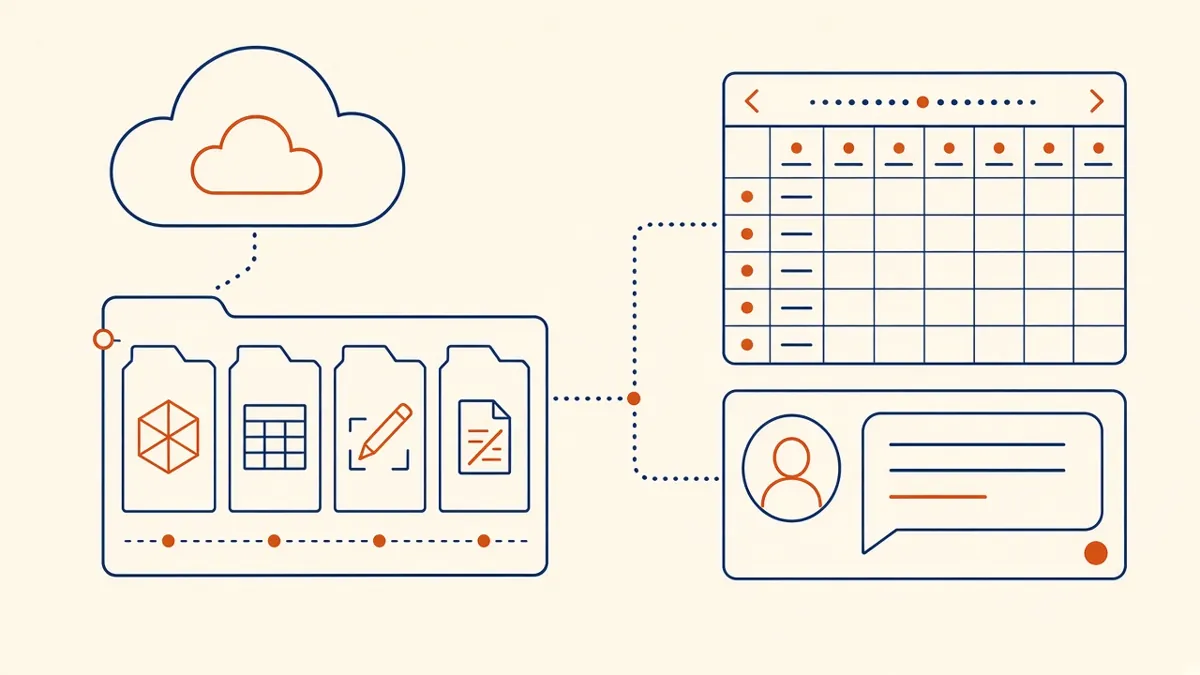
Outsourcing Workflow and File Exchange for Architecture Firms
Folder structures, version control and communication habits that keep remote production smooth.
Read more →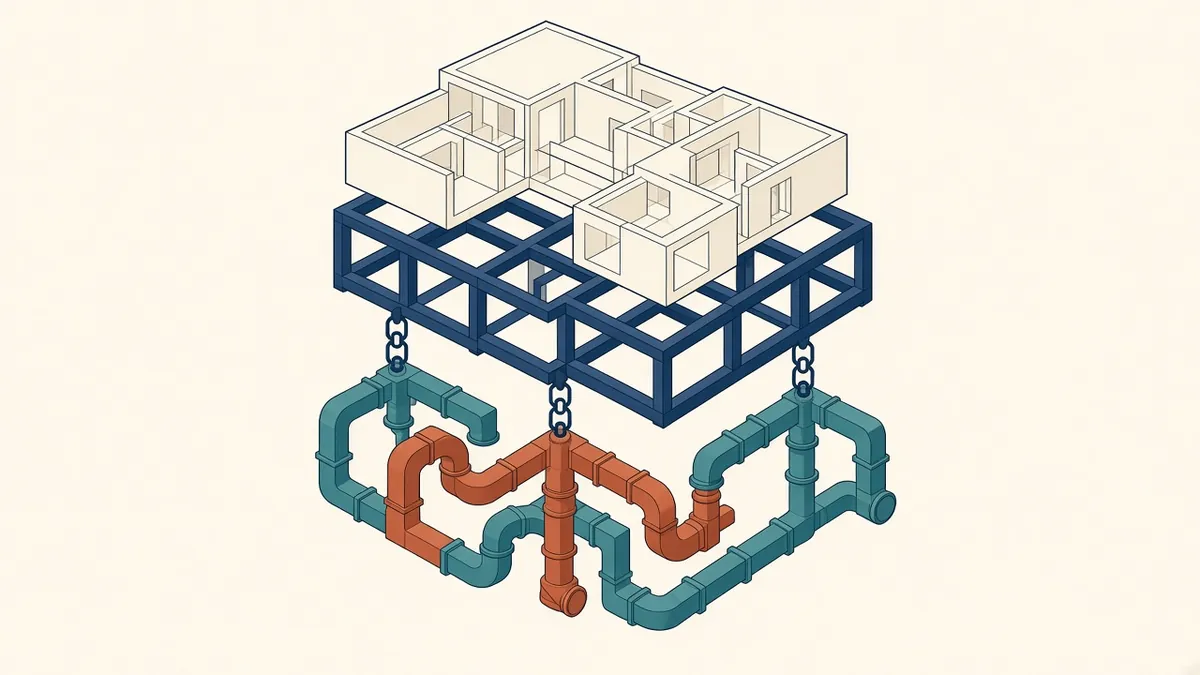
Linking Models in Revit: Best Practice for Teams
Linking consultant models, CAD and point clouds without causing chaos.
Read more →