
Survey Tolerances and Accuracy Levels
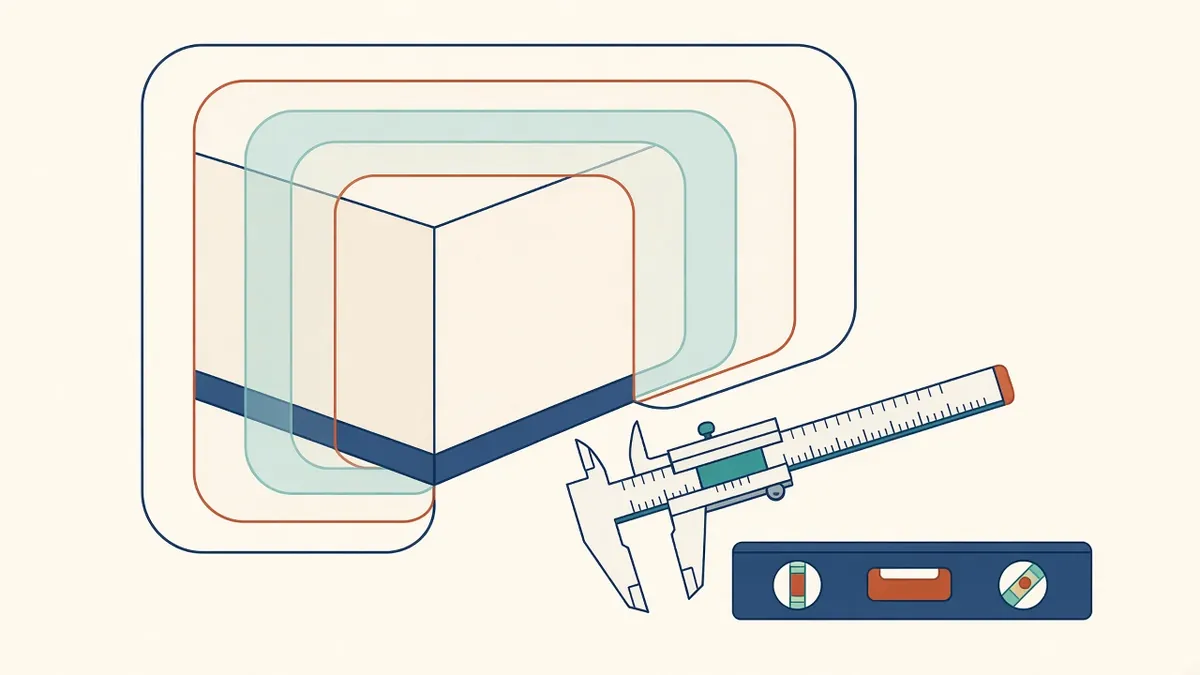
"Accurate" means nothing until you say how accurate. Tolerances put a number on it.
Every survey and model has some level of uncertainty. Specifying accuracy helps make sure surveys and models are fit for purpose, without paying for more precision than needed. Understanding how accuracy is described helps Architects write better specifications.
Measured and represented accuracy
There are two parts to accuracy:
- Measured accuracy: how accurately the survey captured the building
- Represented accuracy: how accurately the model or drawing represents the survey data
A precise point cloud can still lead to an inaccurate model if elements are simplified. Specifications should address both.
Accuracy levels
The USIBD Level of Accuracy Specification defines levels, from LOA10 to LOA50, each with a range of accuracy. It allows different elements to have different accuracy requirements. In the UK, RICS guidance on measured surveys also describes accuracy and detail requirements.
Matching accuracy to need
Different uses need different accuracy:
- Space planning: moderate accuracy may be enough
- Detailed design and fit-out: higher accuracy for walls and openings
- Prefabrication: high accuracy at interfaces
- Heritage recording: high accuracy for significant features
Specifying the highest accuracy everywhere increases time and data without always adding value.
Tolerances in modelling
Modelling often simplifies reality. For example, a wall that varies slightly in thickness may be modelled as uniform. Agree tolerances for simplification, such as how far a modelled wall can deviate from the point cloud.
Plumb and level
Existing walls may not be plumb and floors may not be level. Decide whether to model them as they are or as idealised elements, and record the decision.
Checking accuracy
- Compare models with point clouds
- Check key dimensions on site
- Review deviation reports from modelling software
- Check control points
Recording accuracy
Notes on drawings or model metadata explaining accuracy and sources help others understand how much to rely on information.
Uncertain areas
Some areas may be inaccessible or obscured. Mark them as lower accuracy or assumed.
Writing specifications
- Accuracy levels by element type
- Coordinate systems and datums
- Areas and level of detail
- Deliverable formats
- How accuracy will be checked
Communicate with the surveyor
Discuss the project's purpose with the surveyor. They can recommend appropriate methods and accuracy levels.
- 01Measured and represented accuracy
- 02Accuracy levels
- 03Matching accuracy to need
- 04Tolerances in modelling
- 05Plumb and level
- 06Checking accuracy
Write it into the brief
State required tolerances in the survey brief, along with the standard or specification being used. It gives the surveyor a clear target and gives you something to check deliverables against.
Clear accuracy requirements make surveys and models reliable for their intended use.
If your team needs extra production capacity for work like this, take a look at our Architectural production services, or tell us about your project.
Related articles
Measured Building Surveys Explained
Survey methods, deliverables and how to specify what you need.
Read more →
Model Accuracy Checks for Revit and BIM Projects
Practical checks that keep a BIM model accurate, healthy and trustworthy.
Read more →
Point Cloud Formats and Registration Basics
Registration, file formats and using point clouds in Revit.
Read more →