
How to Structure a Construction Document Set
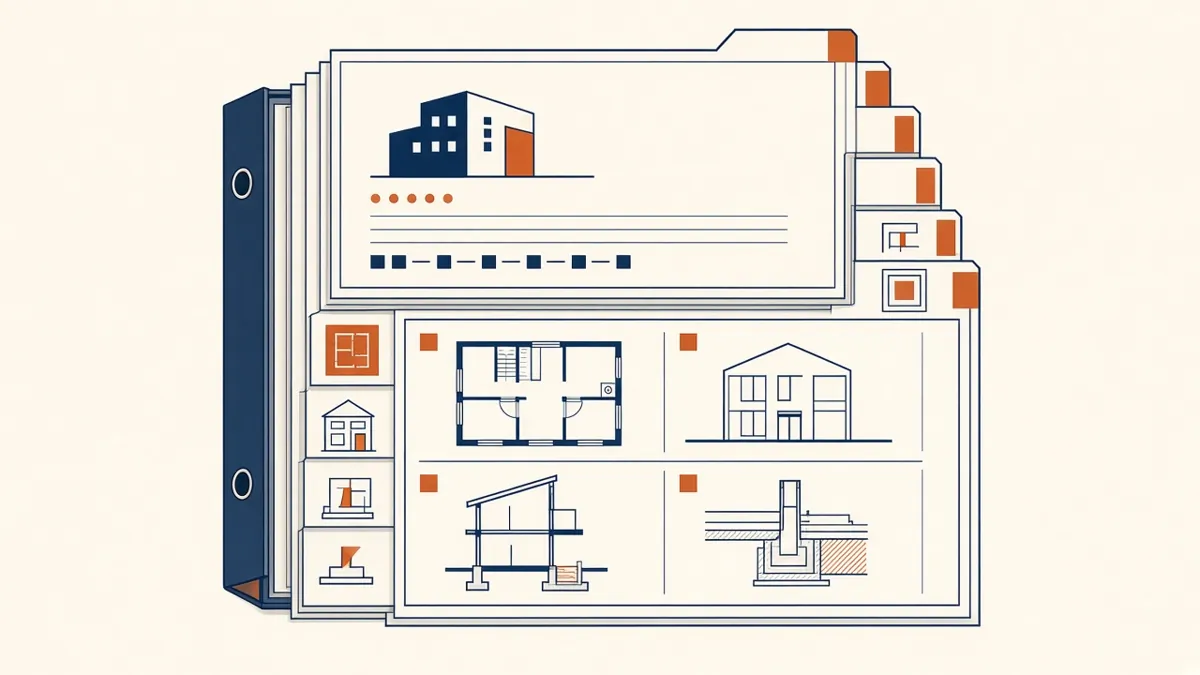
Picture a contractor flipping through two hundred sheets looking for one door detail. Whether that takes ten seconds or ten minutes comes down to how the set was structured.
A construction document set is the contractor's instruction manual for the building. If it's well organised, people find what they need quickly and ask fewer questions. If it isn't, even good drawings generate RFIs, delays and arguments about scope. Here's how to structure a set so it reads logically from the first sheet to the last.
Start with the general sheets
The front of the set orients everyone. A typical sequence is a cover sheet, a sheet index, general notes, abbreviations and symbols, and then a code or regulatory analysis. On US projects, the code analysis sheet usually summarises occupancy, construction type, allowable area and height, egress and fire-resistance ratings. On UK and UAE projects, the equivalent information often sits in a design statement or a fire strategy that the drawings reference.
Follow a consistent discipline order
Most sets group sheets by discipline. A common order is general, civil, landscape, structural, Architecture, interiors, fire protection, plumbing, mechanical and electrical. The exact order matters less than using the same one on every project, so your team and your contractors always know where to look.
- GGeneral
- CCivil
- LLandscape
- SStructural
- AArchitectural
- IInteriors
- FFire protection
- PPlumbing
- MMechanical
- EElectrical
- TTelecoms
Within the Architectural sheets, move from big to small
Architectural sheets read best when they move from the overall building down to the smallest detail:
- Site plan and overall plans
- Floor plans, enlarged plans and reflected ceiling plans
- Roof plans
- Exterior elevations
- Building sections and wall sections
- Vertical circulation, such as stairs, ramps and lifts or elevators
- Interior elevations
- Plan, section and elevation details
- Schedules for doors, windows, finishes and hardware
This order mirrors how people read a building. They understand the whole first, then zoom in.
Make every reference two-way
Callouts are what tie a set together. Every section mark, elevation tag and detail bubble should point to a sheet and drawing number, and every detail should note where it's referenced from when that helps. Broken references are one of the most common errors in issued sets, so check them every time sheets are renumbered.
Say it once, in the right place
A good rule is that each piece of information lives in one place. Wall types belong in a wall type schedule or legend, not repeated in notes on every plan. Door hardware belongs in the hardware schedule. When the same information appears in two places, one of them will eventually be wrong.
Coordinate drawings with specifications
Drawings show quantity, location and relationship. Specifications describe quality, materials and workmanship. Keep notes on drawings short and generic, such as "insulated metal panel, refer to specification", and let the specification carry the detail. In the US this usually follows MasterFormat sections, and in the UK, NBS-style specifications are common.
Plan sheet sizes and scales early
Decide sheet size, plan scale and how the building will be split across sheets before production starts. A plan that doesn't fit at a readable scale forces match lines, partial plans and extra coordination. Agree the key plan, match line conventions and sheet layout once, then use them across the set.
Build the set from the model, not around it
If you're working in Revit, let the model generate as much as possible: plans, sections, elevations, schedules and tags. Views, sheets and schedules then update together, and the chance of a plan disagreeing with a schedule drops considerably. Manual drafting still has its place for some 2D details, but it should be the exception.
- 01Start with the general sheets
- 02Follow a consistent discipline order
- 03Within the Architectural sheets, move from big to small
- 04Make every reference two-way
- 05Say it once, in the right place
- 06Coordinate drawings with specifications
Final checks before issue
- Sheet index matches the issued sheets
- Every callout points to the right sheet
- Revision clouds, triangles and the revision schedule agree
- Title blocks carry the correct date, stage and status
- Schedules and tags match the model
A clearly structured set doesn't just look professional. It reduces site queries and protects the design intent all the way through construction.
If your team needs extra production capacity for work like this, take a look at our Architectural production services, or tell us about your project.
Related articles
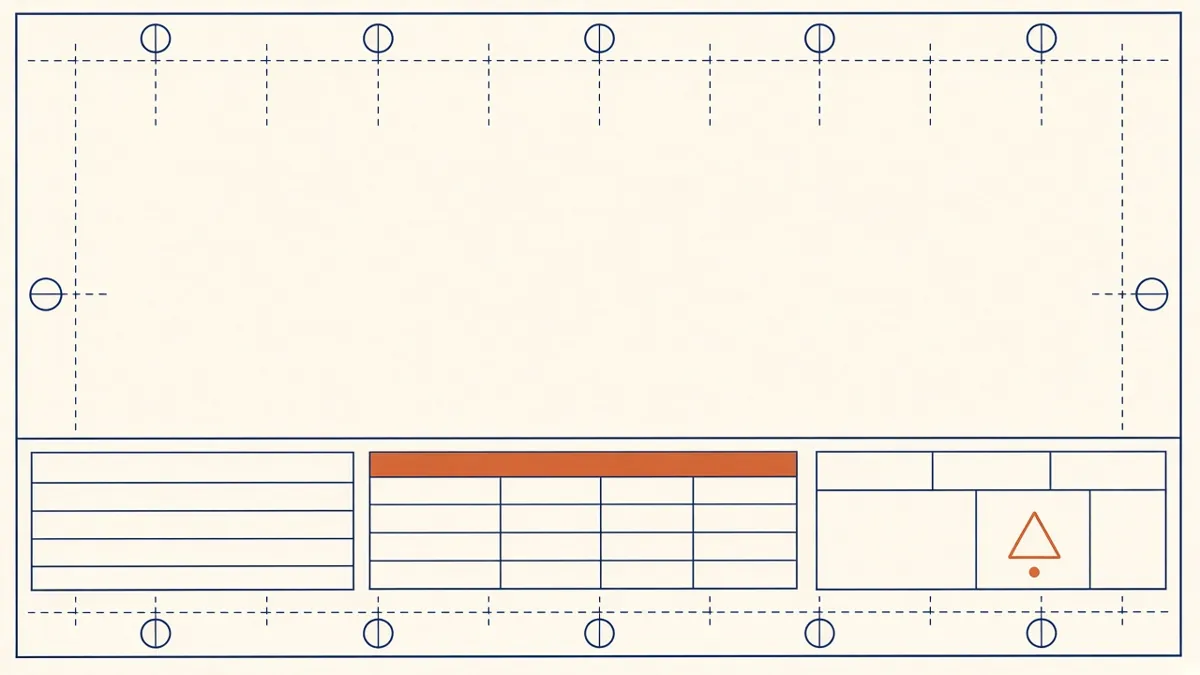
Drawing Sheet Standards: Numbering, Title Blocks and Naming
Sheet numbering, title blocks and naming conventions that keep large drawing sets readable.
Read more →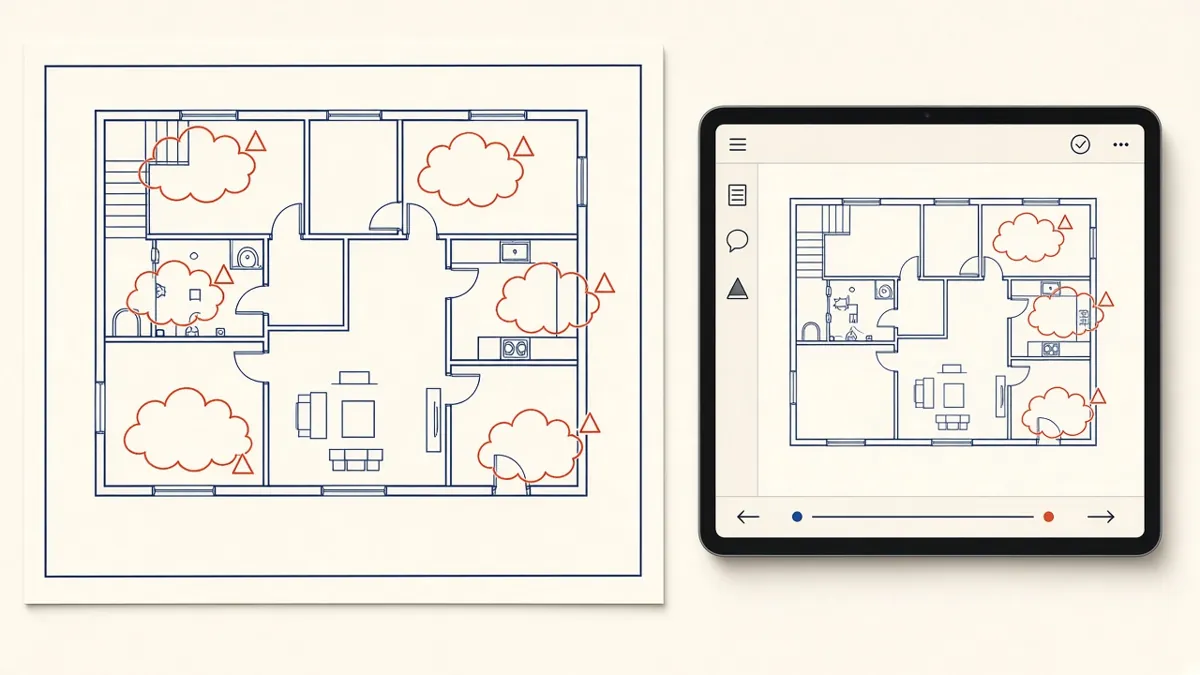
Managing Redlines and Revisions in Construction Drawings
How to turn markups into clean revisions without losing comments or creating new errors.
Read more →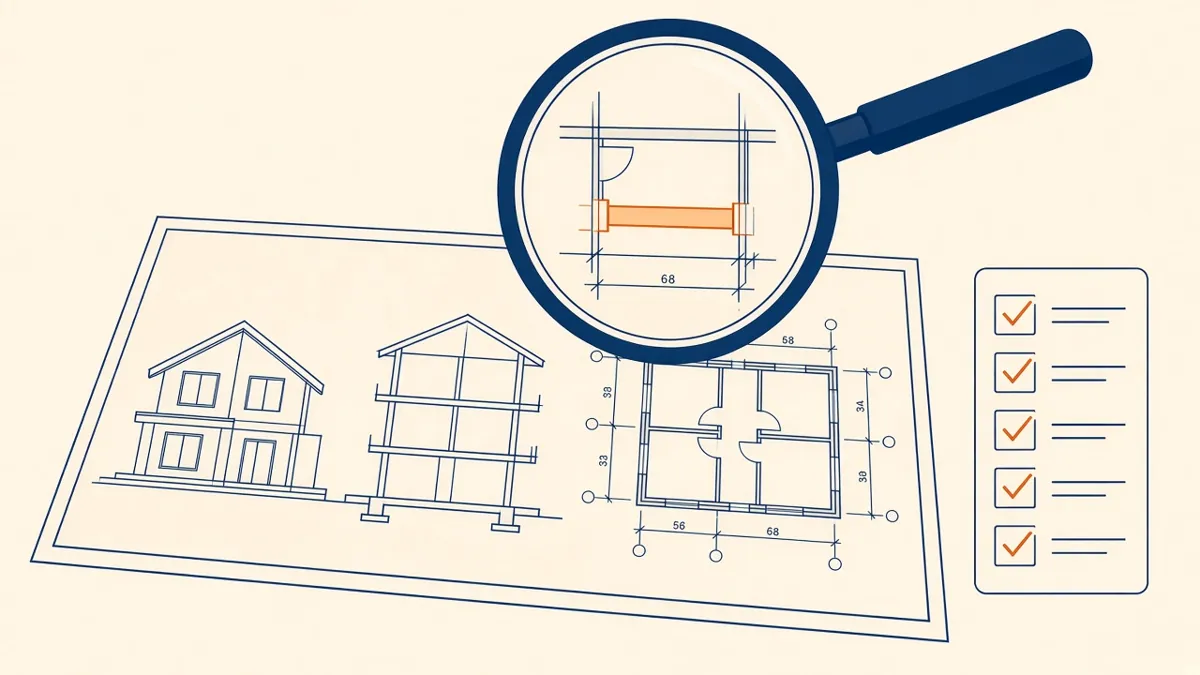
Quality Control for Outsourced Architectural Drawings
Checklists and review steps that catch errors before drawings reach your desk.
Read more →