
Scan to BIM for Existing Buildings
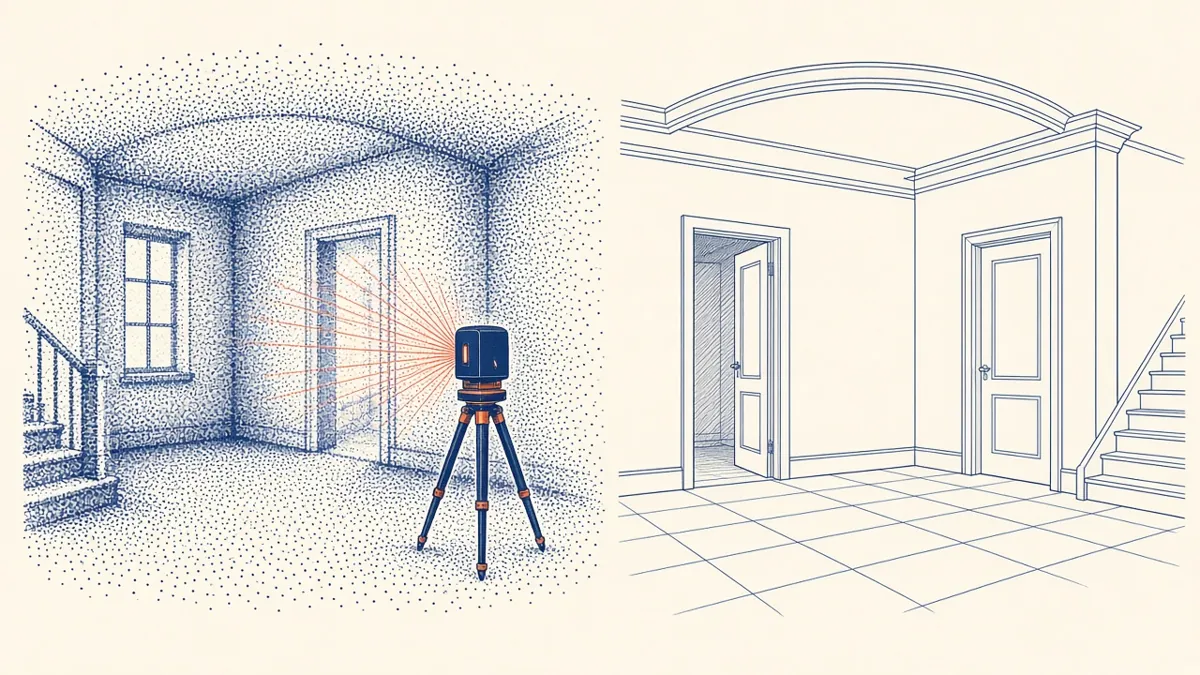
Existing buildings rarely match their old drawings. Scan to BIM starts from what's really there.
Refurbishment, extension and fit-out projects all depend on accurate information about the existing building. Scan to BIM uses laser scanning to capture a building as a point cloud, then models it in BIM software such as Revit. It's often faster and more reliable than measuring by hand, especially for complex or large buildings.
How it works
- Scanning: a surveyor uses terrestrial laser scanners, and sometimes mobile or drone-based capture, to record millions of points
- Registration: individual scans are aligned into one combined point cloud, often tied to survey control
- Processing: the point cloud is cleaned and exported in formats such as E57 or Autodesk ReCap (RCP/RCS)
- Modelling: the BIM team models walls, floors, roofs, openings and other elements using the point cloud as a reference
- Checking: the model is compared back against the point cloud to confirm accuracy
Define the scope clearly
A good brief prevents surprises. Confirm:
- Which areas and floors need modelling
- Which elements to model, such as Architecture only, or structure and MEP too
- The level of detail, for example whether mouldings and ceiling features are needed
- How to treat hidden elements that the scanner can't see
- The deliverables, such as a Revit model, 2D drawings or both
- 01Agree scope and accuracy
- 02Scan on site
- 03Register the scans
- 04Clean and segment the cloud
- 05Model from the cloud
- 06Check the model against the cloud
Understand level of accuracy
Level of accuracy (LOA) describes how closely the model or point cloud represents the real building. The USIBD Level of Accuracy Specification is often used to define measured and represented accuracy in bands. Specify the accuracy you need for each element, rather than asking for "as accurate as possible", which is open to interpretation.
Level of accuracy is different from level of development (LOD). LOD describes how much information an element contains, while LOA describes how closely it matches reality.
Deal with real buildings
Existing buildings are rarely square, level or plumb. Agree how to handle:
- Walls that lean or vary in thickness
- Floors that aren't level
- Irregular openings
A common approach is to model elements as straight or level within a tolerance, and flag where deviations exceed it.
Mark what's assumed
Scanners only capture visible surfaces. Wall build-ups, concealed structure and services inside walls are usually assumed. Make those assumptions clear in the model and drawings, so the design team knows what's verified and what isn't.
Manage file sizes
Point clouds can be very large. Link them into Revit rather than importing them, use regions or sections to focus on areas being modelled, and agree how the point cloud will be shared.
Typical uses
- Measured surveys for refurbishment and extensions
- Fit-out planning in existing shells
- Heritage recording
- Facility management models
- Clash checking new work against existing conditions
Check the deliverable before design starts
A well-briefed scan to BIM project gives the whole team confidence in the starting point, which makes every later design decision more reliable.
If your team needs extra production capacity for work like this, take a look at our Architectural production services, or tell us about your project.
Related articles
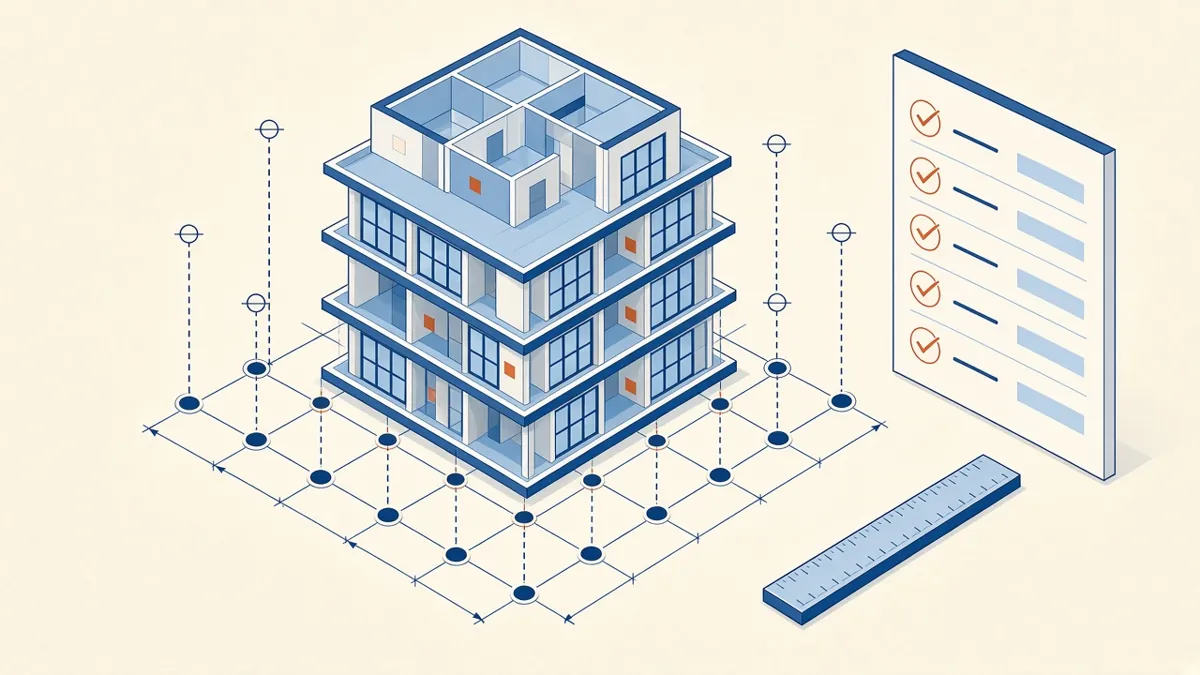
Model Accuracy Checks for Revit and BIM Projects
Practical checks that keep a BIM model accurate, healthy and trustworthy.
Read more →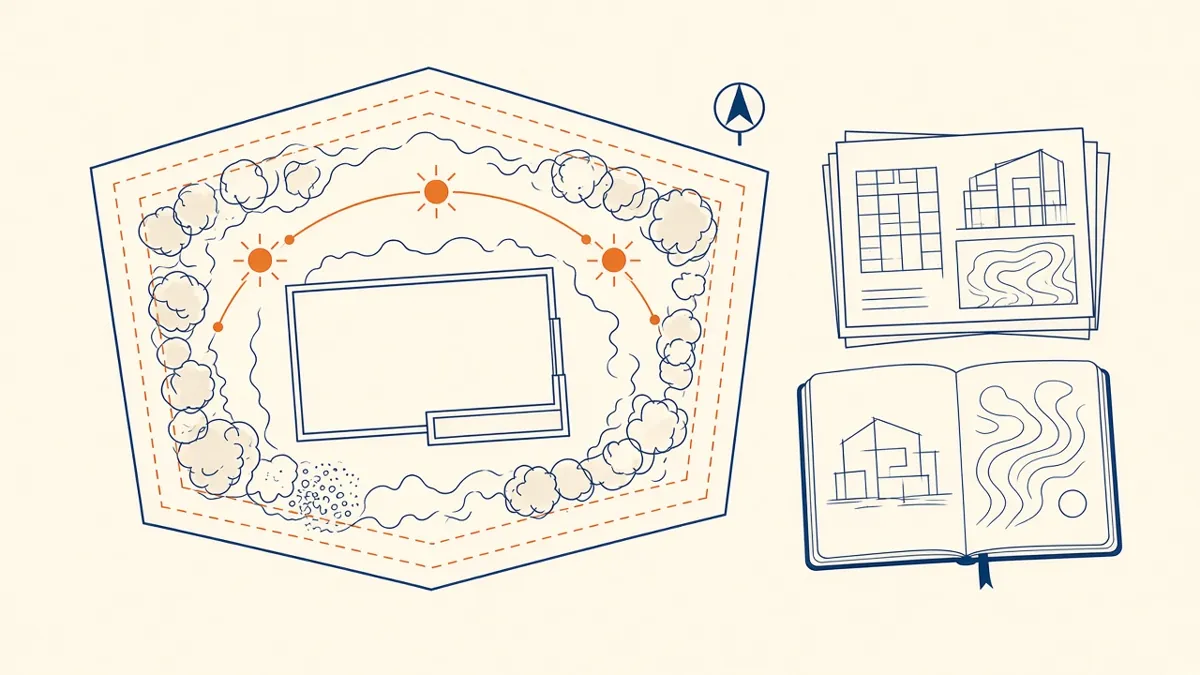
Pre-Design Research for Architecture Projects
Site, zoning, code and precedent research that sets a project up well.
Read more →
Level of Development (LOD) Explained for Architects
What each LOD means in practice, and how to agree the right level for each stage.
Read more →