
Quality Control for Outsourced Architectural Drawings
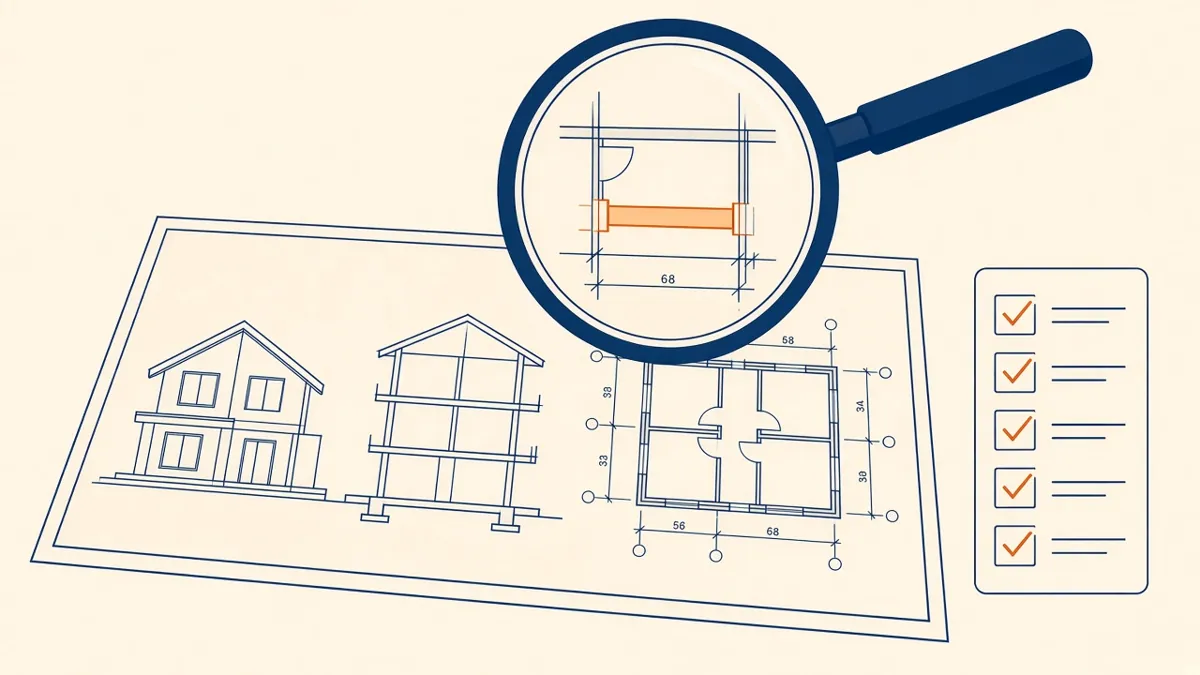
You can't check quality into a set at the end. With outsourced work, it has to be built into the process.
Quality control is what makes outsourced drawings save time rather than create it. If every set needs heavy correction, the benefit disappears. A layered QC process catches most errors before drawings reach the Architect, and makes each review faster.
Build QC into production, not just the end
Checking only at the end means errors are found when they're hardest to fix. Good production teams check as they go:
- Before starting: confirm the brief, source files and standards
- During production: check each sheet as it's completed
- Before issue: run a full set review
Use a checklist
A written checklist makes QC consistent, whoever is doing it. A typical one covers:
Set and sheets
- Sheet index matches the set
- Title blocks complete and correct
- Sheet numbers and names match the standard
References
- Every section, elevation and detail callout points to the right sheet
- No orphaned or duplicate details
Drawings
- Dimensions close and are consistent between plans and enlarged plans
- Grids and levels match across sheets
- Wall types and tags agree with the legend
- Door and window tags match schedules
- Annotation is readable at the printed scale
Coordination
- Structural grids and column positions match the structural drawings
- Ceiling heights agree between sections and RCPs
- Shafts and risers line up floor to floor
Markups
- Every comment is addressed or answered
- Changes are clouded and tagged with the correct revision
- Issue drawings
- Mark up comments
- Revise the set
- Back-check every comment
- Close out and log
Check the model, not just the sheets
In Revit, many errors start in the model. Check:
- Warnings, especially duplicate elements and overlapping walls
- Elements placed on the wrong level or workset
- Schedules that show unexpected blanks or values
- Views that crop out important information
A healthy model produces consistent sheets.
Separate the drafter and the checker
The person who drew a sheet is the worst person to check it, because they see what they meant to draw. A second, senior reviewer catches more. On small teams, even a short swap between team members helps.
Use colour-coded markups
Track recurring errors
Keep a short list of mistakes that come up more than once, such as missing revision clouds or wrong title block dates. Add them to the checklist. Over time, the same mistakes stop happening.
The Architect's review
Internal QC doesn't replace the Architect's review. It makes it faster. The Architect should still review design intent, code compliance and coordination, and sign off before anything is issued. A short QC note with the set, listing assumptions and open questions, helps focus that review.
Measure improvement
Count review comments per set over time. If they're falling, the process is working. If they aren't, look at the brief, the standards and the checklist together.
- 01Build QC into production, not just the end
- 02Use a checklist
- 03Check the model, not just the sheets
- 04Separate the drafter and the checker
- 05Use colour-coded markups
- 06Track recurring errors
Agree what done looks like
Before a package starts, agree what a finished set means: which sheets, which level of detail, and which checks must be complete. Write it into the brief. When both sides share the same definition of done, there's less debate at review and fewer surprises at issue. It also gives the production team a clear target to check against before anything leaves their desk.
Good QC isn't about perfection on the first draft. It's about making each round of review smaller than the last.
If your team needs extra production capacity for work like this, take a look at our Architectural production services, or tell us about your project.
Related articles
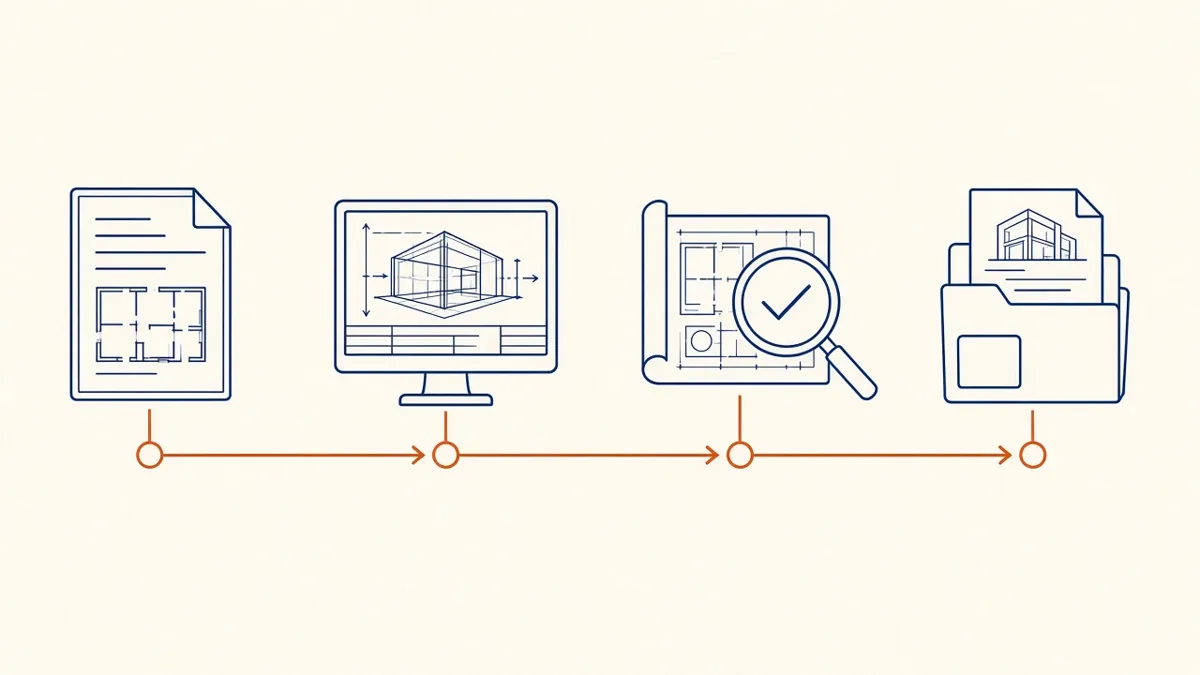
How Architectural Production Outsourcing Works
What's usually outsourced, how engagements start, and where responsibility sits.
Read more →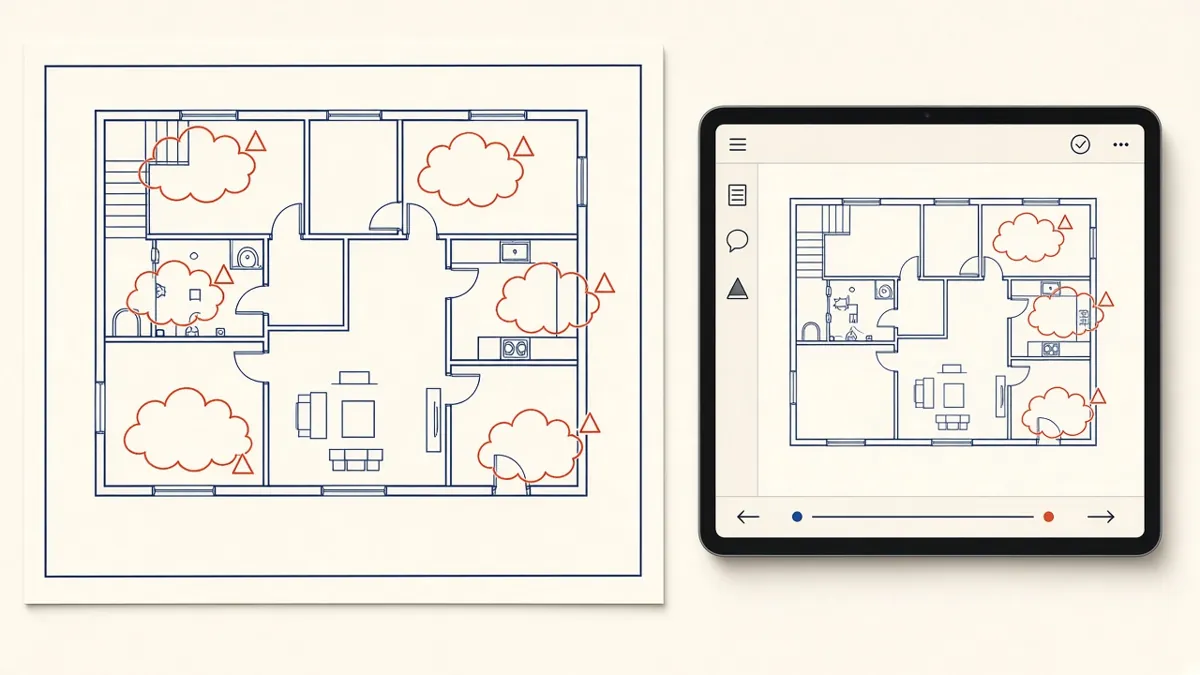
Managing Redlines and Revisions in Construction Drawings
How to turn markups into clean revisions without losing comments or creating new errors.
Read more →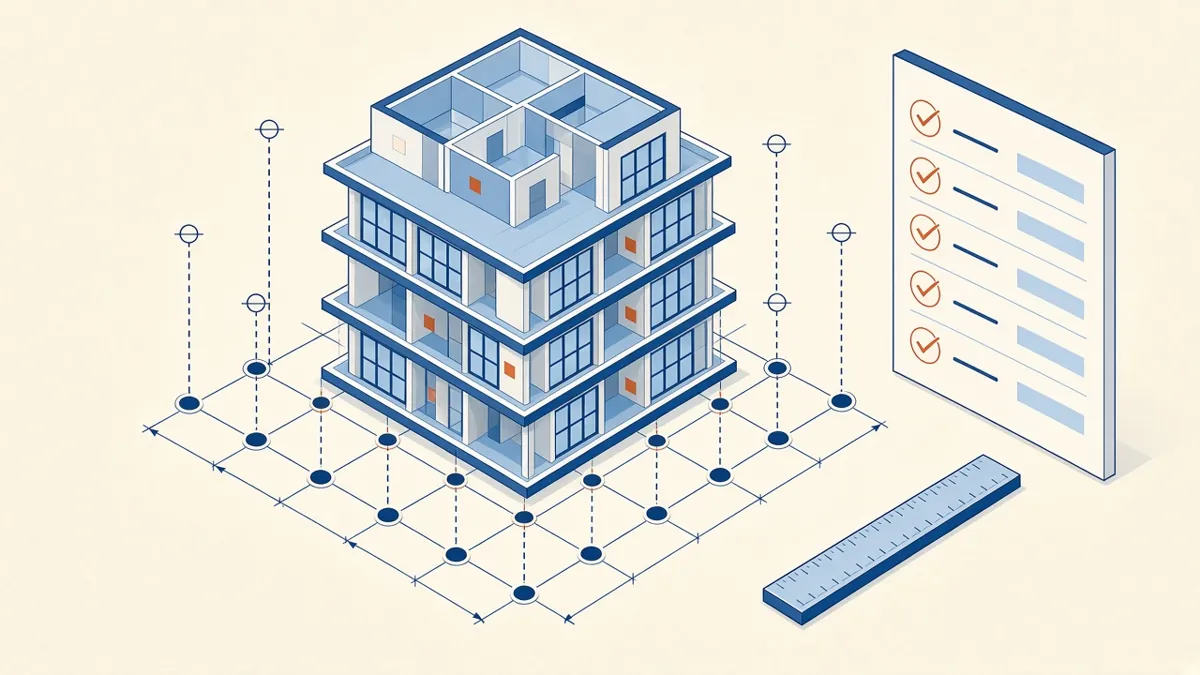
Model Accuracy Checks for Revit and BIM Projects
Practical checks that keep a BIM model accurate, healthy and trustworthy.
Read more →