
COBie and BIM Handover Data Explained
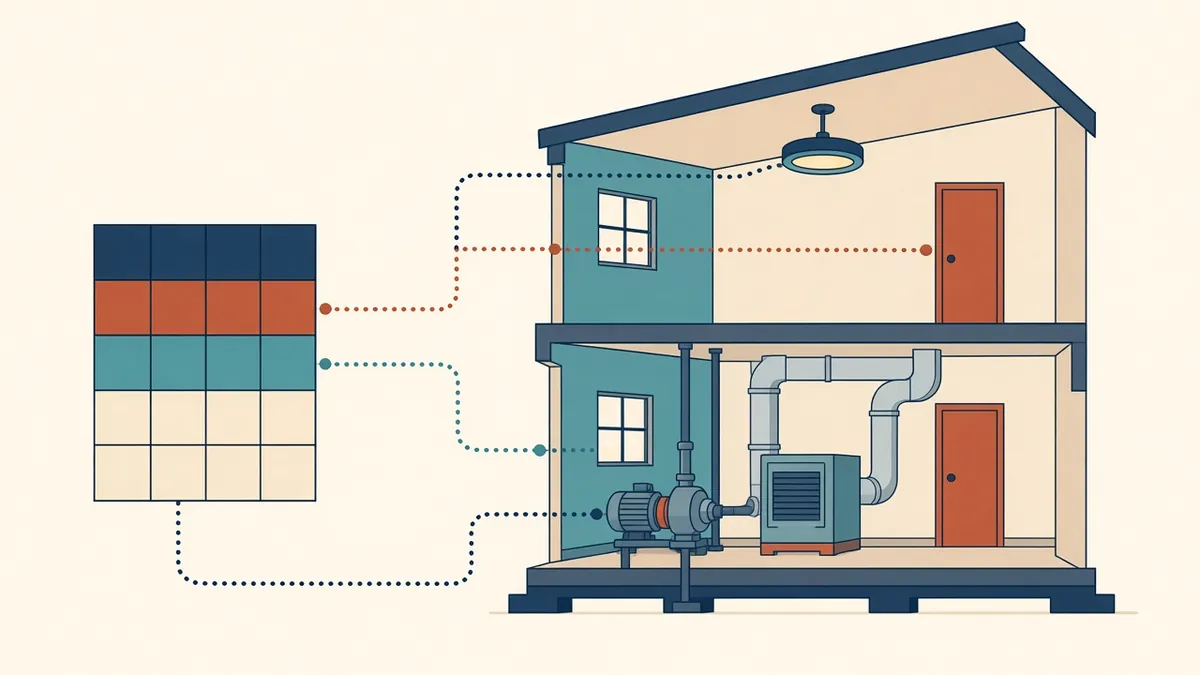
At handover, the building gets the keys. The facilities team needs the data, and COBie is one common way to pass it on.
When a building is handed over, owners and facility managers need information about spaces, systems and equipment. COBie, the Construction Operations Building information exchange, is a widely used format for delivering that information in a structured way.
What COBie is
COBie is a data schema for capturing information about building assets, often delivered as a spreadsheet with linked worksheets. It originated in the US and has been used in the UK and elsewhere, particularly on public projects. COBie data can also be exchanged via IFC.
What it typically includes
- Facility, floors and spaces
- Zones
- Types of equipment and products
- Components, meaning individual instances
- Systems
- Documents, such as manuals and warranties
- Contacts
- Attributes, such as performance data
Who provides what
Design teams usually provide information on spaces, zones and types early. Contractors add product details, serial numbers, warranties and maintenance information during construction. Responsibilities should be set out in the client's information requirements and the BIM execution plan.
Preparing in Revit
- Name and number rooms consistently
- Use correct categories for elements
- Plan parameters for required attributes, often as shared parameters
- Use classification codes if required
- Avoid duplicate or placeholder data
Tools are available that extract COBie data from Revit, including Autodesk's own extension. Test them early.
Plan from the start
COBie is much easier if requirements are known at the start. Adding data at the end of a project is slow and error-prone. Ask the client which assets they need data for, as including every element is rarely necessary.
Checking data
Common problems
- Unclear requirements, leading to too much or too little data
- Inconsistent naming between design and construction information
- Late collection of product data
- Data that doesn't match the built asset
Beyond COBie
Some clients use other formats or connect directly to facility management systems. The principles are the same: structured, consistent asset data delivered at the right time.
Value for the client
Good handover data supports maintenance planning, asset registers and future alterations. It can save the owner time and effort throughout the building's life.
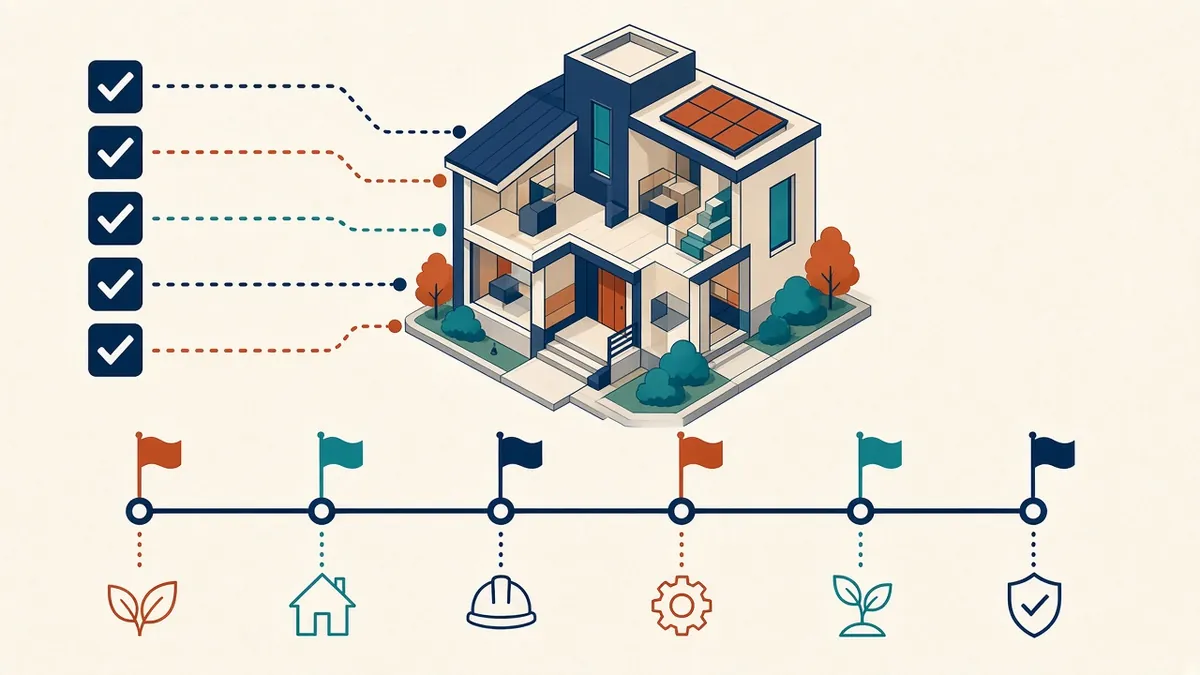
- 01What COBie is
- 02What it typically includes
- 03Who provides what
- 04Preparing in Revit
- 05Plan from the start
- 06Checking data
Start small
If COBie is new to your team, try it on a limited set of assets first, such as rooms and doors, to learn the workflow before tackling full equipment data.
COBie may look like a spreadsheet exercise, but it's really about making sure building information is useful long after the design team has moved on.
If your team needs extra production capacity for work like this, take a look at our Architectural production services, or tell us about your project.
Related articles
Understanding EIRs and Client Information Requirements
What clients ask for in EIRs, and how to respond clearly.
Read more →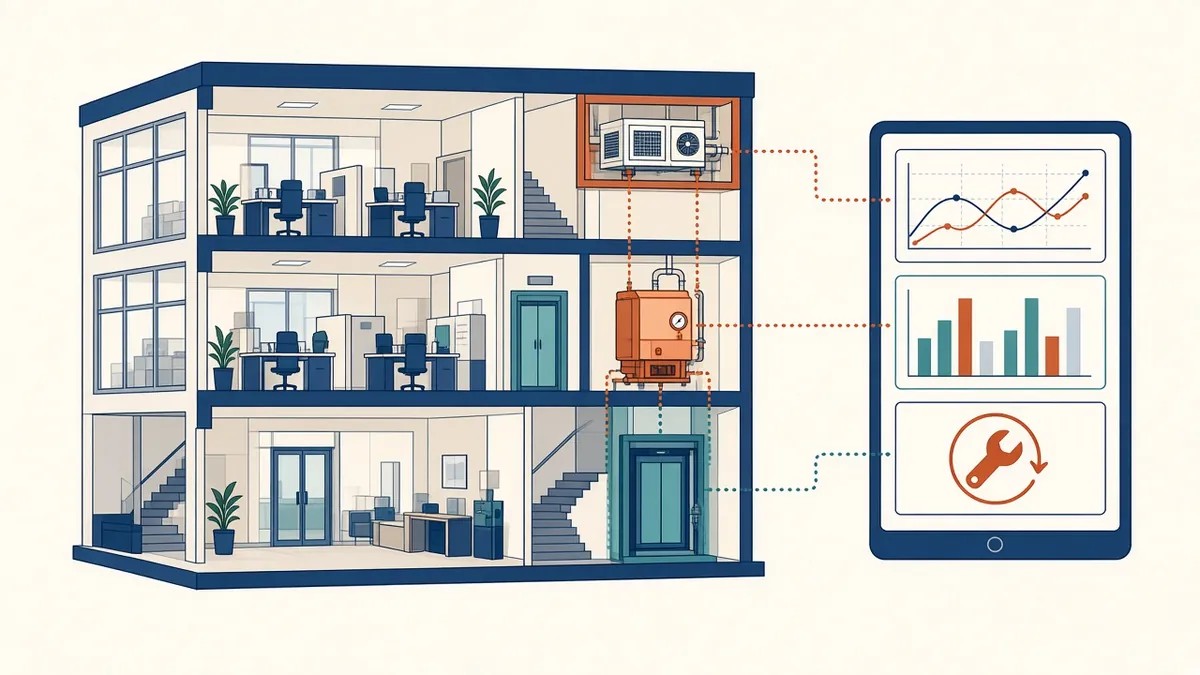
BIM for Facility Management and Operations
Preparing models and data that owners can actually use after handover.
Read more →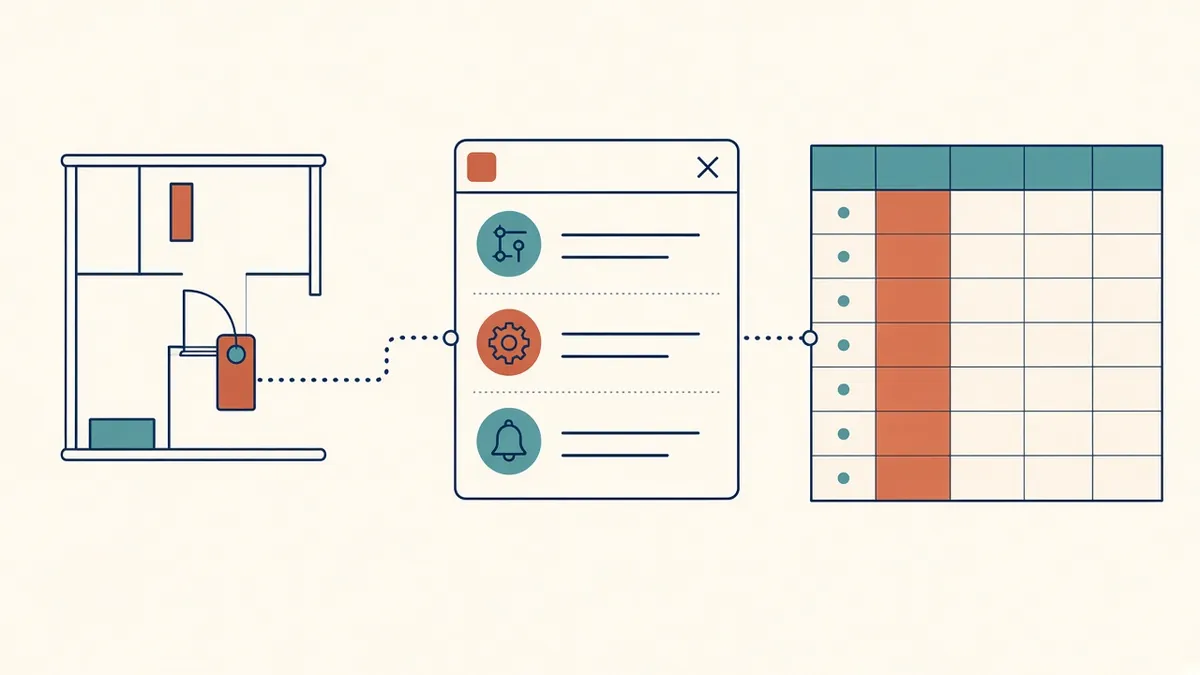
Revit Shared Parameters: When and How to Use Them
Making custom data taggable and schedulable across families and projects.
Read more →