
Setting Up a Revit Project Template
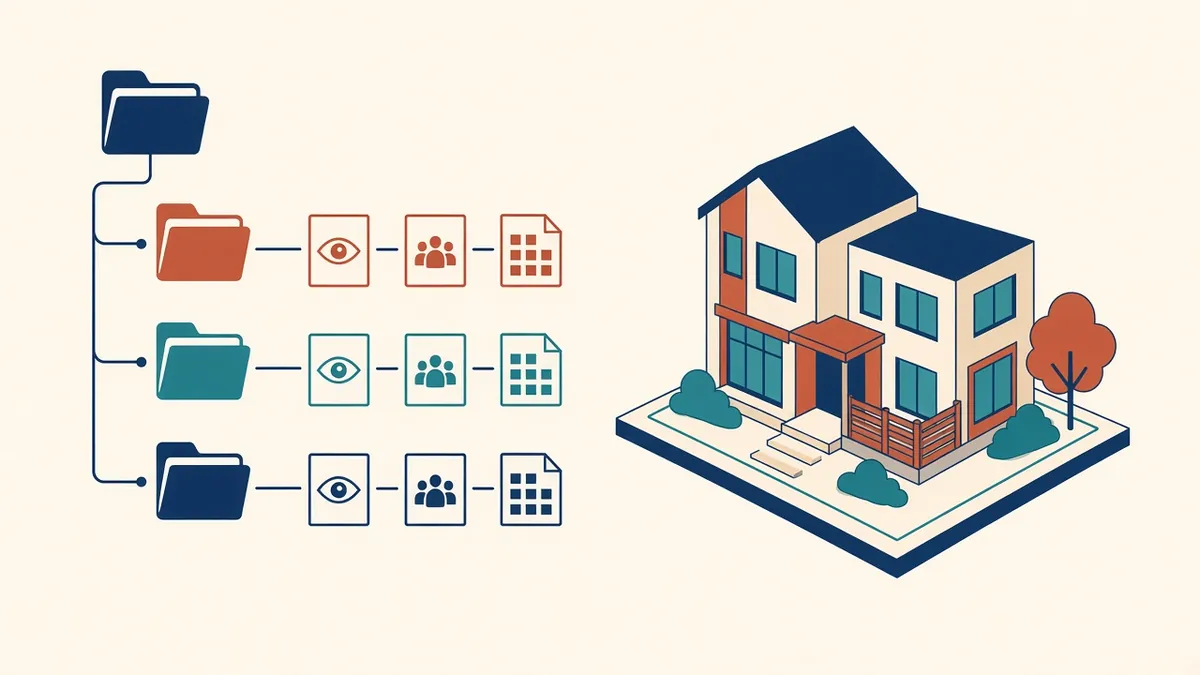
Every new Revit project either starts from a good template or spends its first weeks rebuilding one.
A Revit project template is the starting point for every new project. A good template saves hours on every job, makes drawings look consistent and helps new team members work to office standards from day one. A poor one spreads problems to every project that uses it.
What a template should contain
- Units and settings: project units, dimension styles and text styles
- Object styles and line weights: consistent graphics across categories
- View templates: for plans, RCPs, sections, elevations, details and presentation views
- Title blocks: with parameters for project information and revisions
- Families: a core set of doors, windows, walls, floors, roofs and annotation
- Schedules: door, window, room and sheet list schedules, pre-formatted
- Browser organisation: rules for sorting views and sheets
- Shared parameters: for information used in tags and schedules
- Starter views: levels, typical plans and sheets
Keep it lean
It's tempting to load every family and type into the template. Resist that. Large templates make every project heavy from the start. Include what's used on most projects and keep the rest in a well-organised library.
View templates are the key
View templates control what appears in each view and how it looks. Well-designed view templates make drawings consistent with little effort. Name them clearly, such as "Plan - General Arrangement 1:100", so people choose the right one.
Title blocks
Title blocks should use parameters for project name, number, sheet name, sheet number, revision and issue information. Avoid text that must be edited by hand on each sheet.
Browser organisation
Organise views by type and purpose, such as working views, documentation views and coordination views. A tidy browser helps people find things quickly and reduces mistakes.
Separate templates for different work
Maintain and version it
- Assign an owner responsible for the template
- Collect feedback from projects
- Update on a planned schedule rather than constantly
- Record changes in a simple log
- Upgrade the template when the office moves to a new Revit version
Test changes
Before releasing an updated template, test it on a small sample project. Check that view templates, schedules and title blocks behave correctly.
- 01What a template should contain
- 02Keep it lean
- 03View templates are the key
- 04Title blocks
- 05Browser organisation
- 06Separate templates for different work
Share it with partners
If you work with outsourced production teams, share your template and families. It's the fastest way to get drawings that match your office style.
A well-maintained template is one of the most valuable assets a Revit practice can have. It quietly improves every project that starts from it.
If your team needs extra production capacity for work like this, take a look at our Architectural production services, or tell us about your project.
Related articles
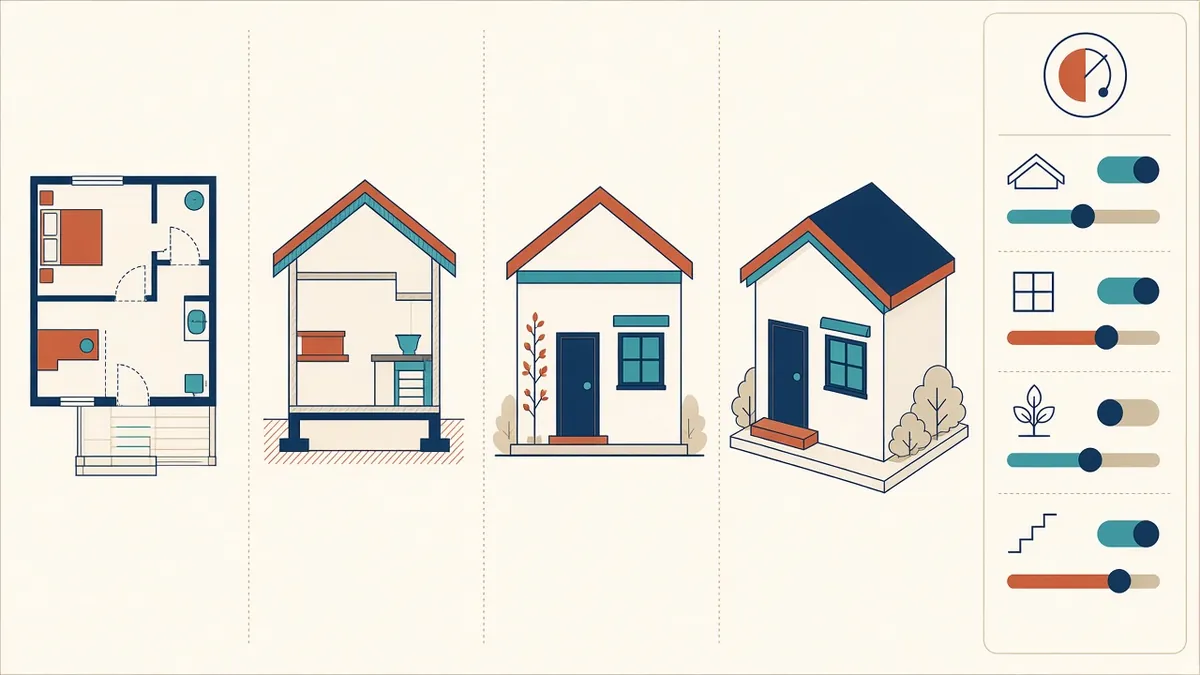
Revit Views and View Templates Explained
Controlling what every view shows, consistently, with view templates.
Read more →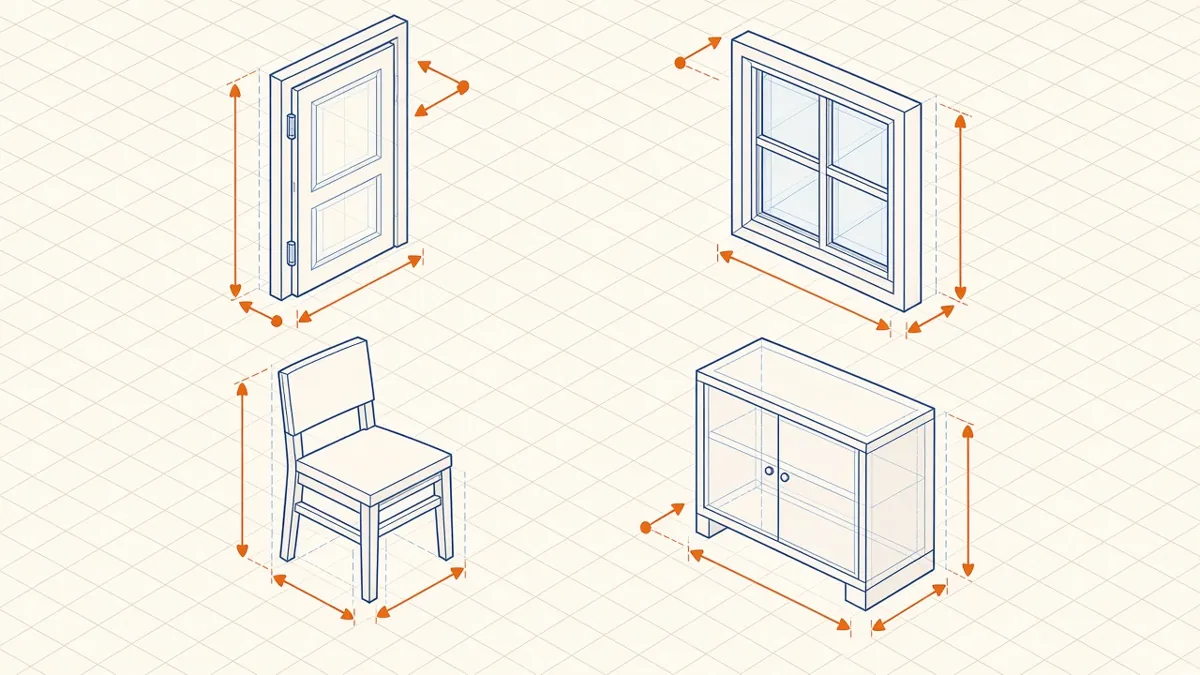
Revit Family Best Practices for Clean, Reliable Models
Building families that flex correctly, schedule cleanly and keep models light.
Read more →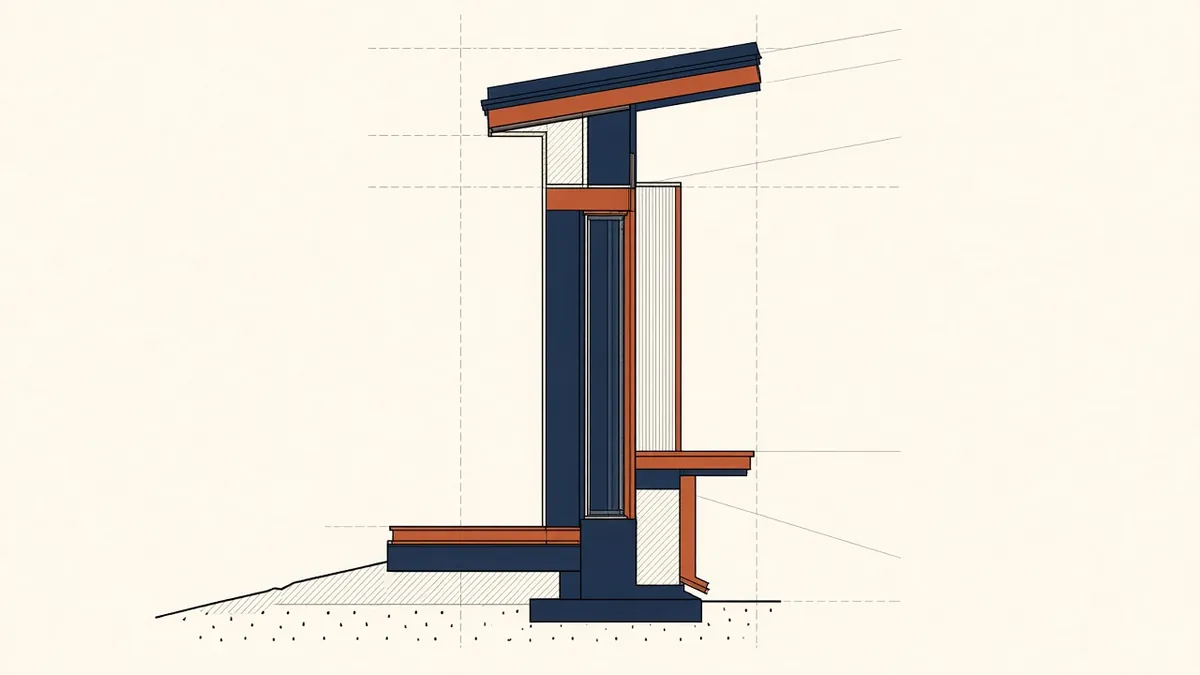
Line Weights and Object Styles in Revit
Setting up graphics so drawings print crisply and consistently.
Read more →