
Outsourcing Workflow and File Exchange for Architecture Firms
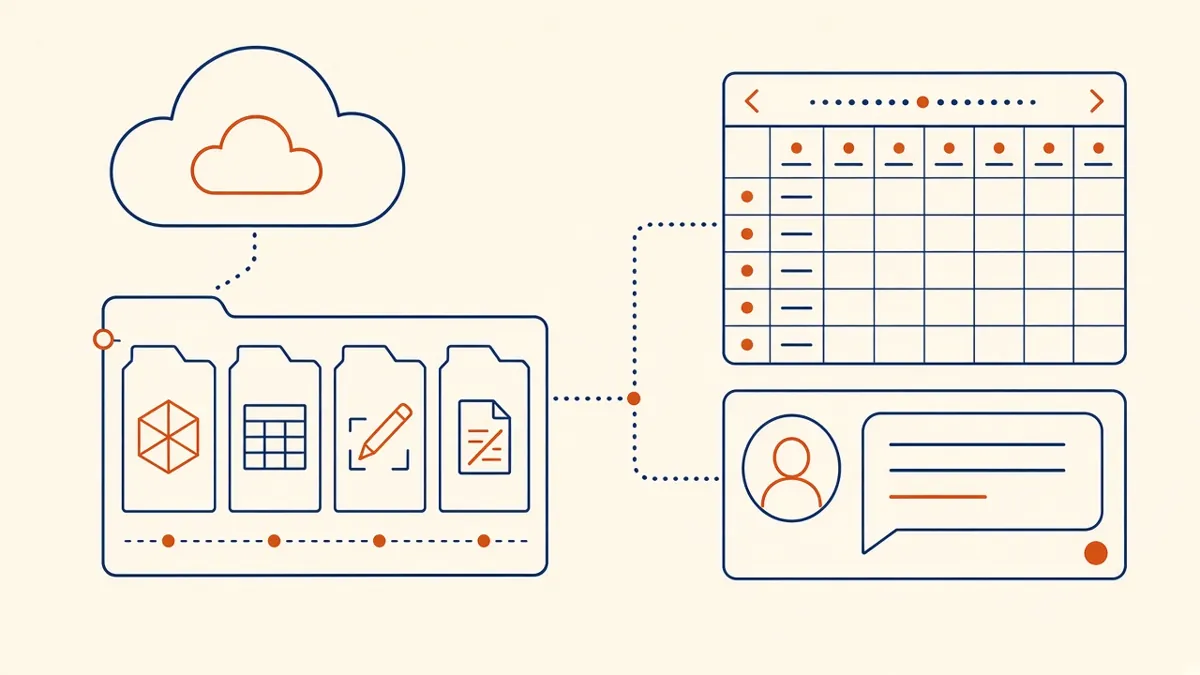
Most outsourcing problems aren't about drawing skill. They're about files, versions and who's working on what.
A remote production team is only as effective as the workflow around it. Most problems in outsourced work aren't about drafting skill. They come from missing files, unclear versions and slow answers. A simple, agreed workflow fixes most of them.
Choose one shared environment
Pick one place where files live, and use it consistently. Common options include:
- Autodesk Construction Cloud or BIM 360, for Revit cloud worksharing and document management
- A shared folder on SharePoint, OneDrive, Google Drive or Dropbox
- The firm's own server, accessed through a secure connection
Working directly in the firm's environment is often the simplest choice. Files never need to be sent back and forth, and the firm keeps full control.
Set up a clear folder structure
A consistent structure saves time on every project. For example:
- 01 Brief and source information
- 02 Consultant files
- 03 Working models
- 04 Markups and comments
- 05 Issued sets
- 06 Archive
Control versions
- Use the project's naming convention for every file
- Never overwrite an issued file; issue a new revision
- Date or number markup sets, so it's clear which comments are current
- Keep superseded files in an archive folder, not mixed with current ones
If there's ever a question about which file is current, the workflow needs tightening.
Exchange Revit models carefully
For Revit projects, agree the Revit version at the start, because files can't be opened in older versions. If you're not using cloud worksharing, agree who holds the model at any time, so two teams don't edit separate copies. Transmit models with their links and families, or use eTransmit for consistency.
Agree a communication rhythm
- A shared issue or question log for technical queries
- A short written update at the end of each working day or at agreed points
- A regular check-in during active production
- One named contact on each side for decisions
Asynchronous communication works well across time zones, as long as everyone knows when questions will be answered.
Use markups consistently
Look after security
- Give access only to the folders each person needs
- Use multi-factor authentication where the platform supports it
- Remove access at the end of the project
- Agree how local copies are deleted after completion
A short written data handling agreement or NDA sets expectations for both sides.
Close out each package
At the end of each task, confirm what's been delivered, which comments are closed and what's still open. Archive the issued set and update the shared log. This makes the next package faster, because nothing is left half-finished.
- 01Choose one shared environment
- 02Set up a clear folder structure
- 03Control versions
- 04Exchange Revit models carefully
- 05Agree a communication rhythm
- 06Use markups consistently
Test the setup on day one
Before production starts, run a quick test: open the model, sync a change, add a markup and upload a file. It takes minutes and catches access, version and permission problems before they cost a working day.
A good workflow feels almost invisible. When it's set up well, the remote team works like an extension of your own office.
If your team needs extra production capacity for work like this, take a look at our Architectural production services, or tell us about your project.
Related articles
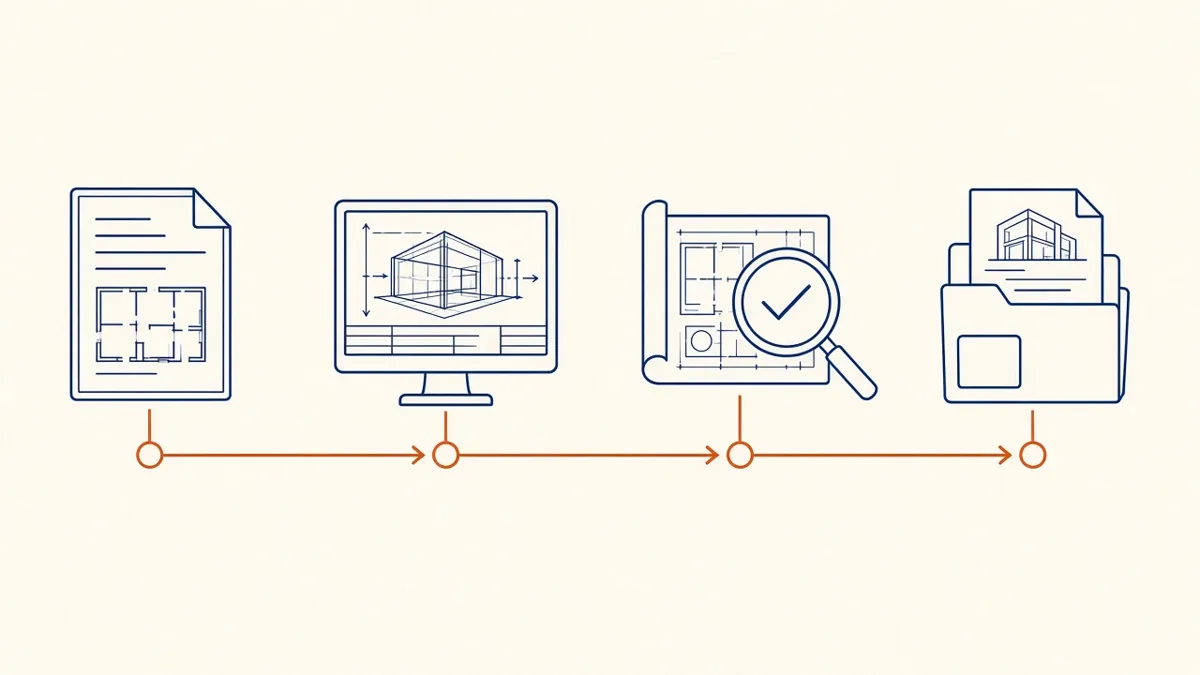
How Architectural Production Outsourcing Works
What's usually outsourced, how engagements start, and where responsibility sits.
Read more →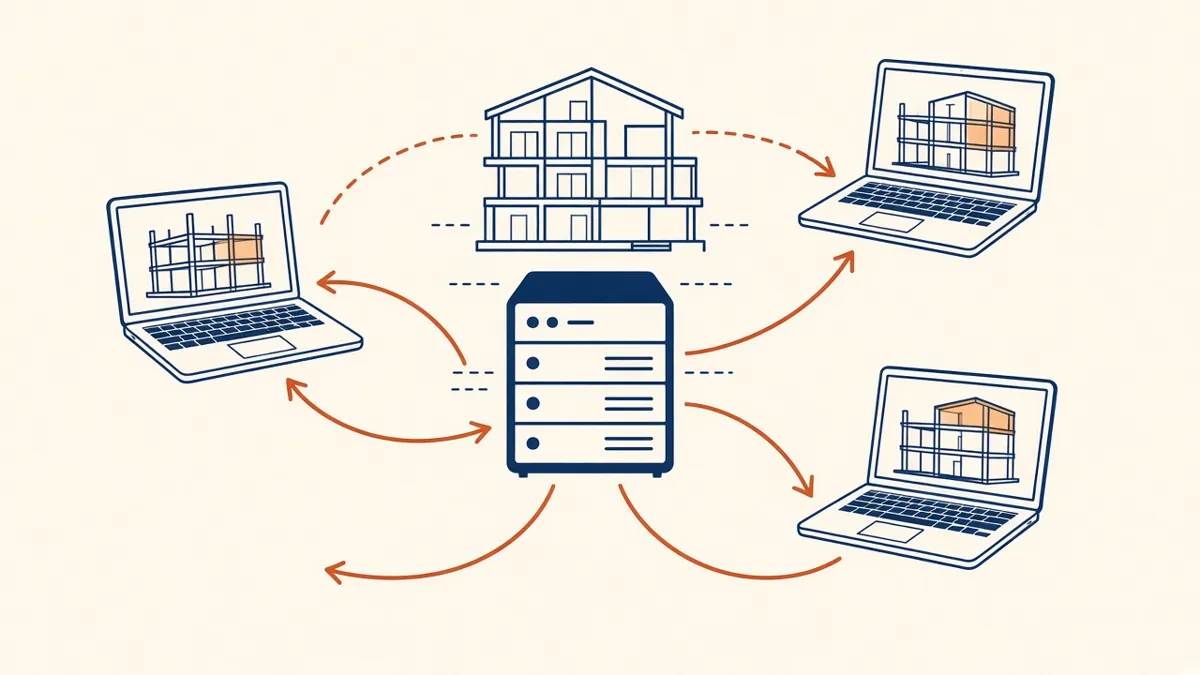
Revit Worksharing Basics: Central Models, Worksets and Syncing
How central models, worksets and syncing work, and the habits that keep shared models stable.
Read more →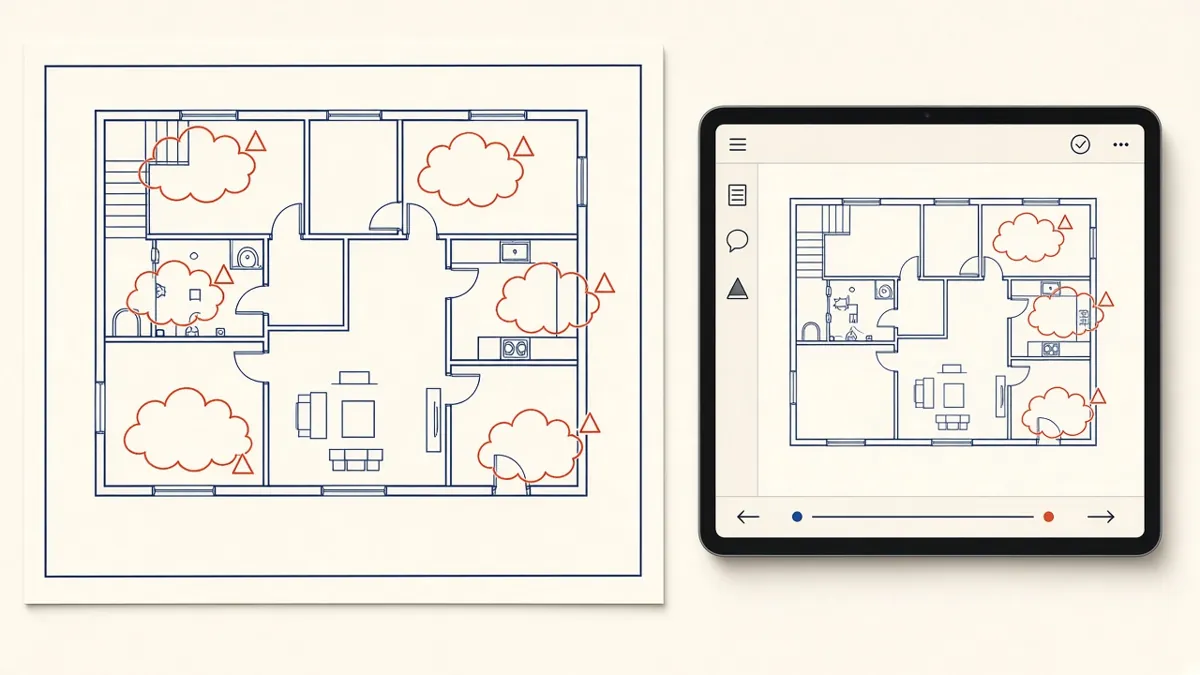
Managing Redlines and Revisions in Construction Drawings
How to turn markups into clean revisions without losing comments or creating new errors.
Read more →