
Reviewing Revit Models From Outsourcing Partners
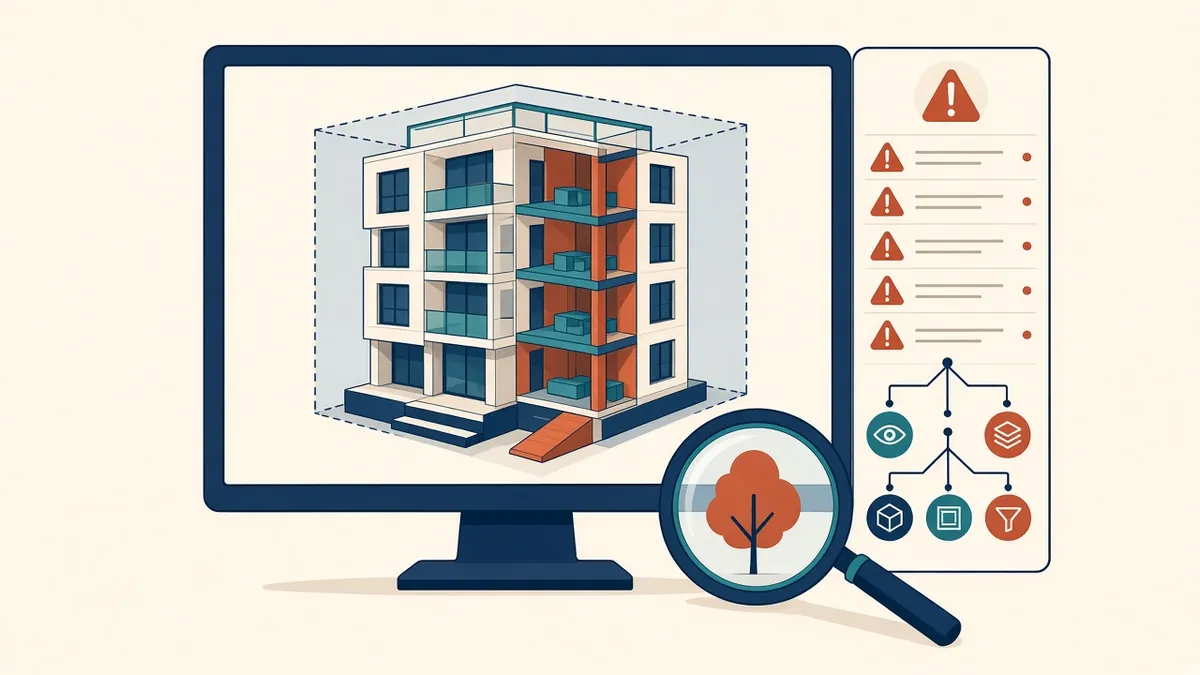
A Revit model can look fine on the sheets and still hide problems underneath. Reviewing the model itself catches them.
Reviewing a Revit model is different from reviewing a drawing set. Models contain information that may not appear on sheets, and problems inside the model can cause issues later. A structured review helps make sure models received from partners are accurate and usable.
Check the setup
- Correct Revit version
- Correct template and project settings
- Shared coordinates and project base point set as agreed
- Levels and grids matching the agreed setup
- Linked models loaded correctly
Check model health
- Number and type of warnings
- File size compared with similar projects
- Unused families and views
- Imported CAD files, which should be limited
- In-place families, which should be used sparingly
Revit's warnings list and Purge Unused tool help with these checks.
Check element accuracy
- Walls, floors and roofs at correct levels and positions
- Correct wall and floor types
- Doors and windows matching design
- Rooms placed and bounded correctly
- Areas matching expectations
Check families
- Families from the agreed library
- Correct categories and parameters
- Reasonable file sizes and detail levels
Check views and sheets
- View templates applied
- Views organised in the browser as agreed
- Sheets matching the drawing list
- Annotation consistent with standards
Check data
- Shared parameters used correctly
- Schedules showing complete information
- Naming conventions followed
Check coordination readiness
If the model will be used for coordination, check that elements are modelled to the agreed level of development, and that it exports correctly to formats such as IFC or NWC if needed.
Use 3D views
A quick look in 3D, with section boxes, often reveals issues that plans miss, such as walls not reaching floors or elements at the wrong level.
Automate checks
Tools such as Dynamo scripts or model checking add-ins can automate some checks, such as naming or parameter completeness.
Give clear feedback
Agree acceptance criteria
Write down what a model needs to pass review. Clear criteria make reviews faster and expectations clear.
Review early and often
Review models at early milestones rather than only at the end. Early reviews catch setup problems, such as wrong coordinates or templates, before they affect the whole model.
- 01Check the setup
- 02Check model health
- 03Check element accuracy
- 04Check families
- 05Check views and sheets
- 06Check data
Keep a review record
Record the date, model version and findings of each review, so progress can be tracked.
Thorough model reviews protect the project from hidden problems and help partners deliver models that work for the whole team.
If your team needs extra production capacity for work like this, take a look at our Architectural production services, or tell us about your project.
Related articles
Keeping Revit Models Healthy and Fast
Routine maintenance that keeps models fast, stable and reliable.
Read more →
Sharing Revit Templates and Families With Partners
Packaging templates, families and parameters for a partner's Revit work.
Read more →
Model Accuracy Checks for Revit and BIM Projects
Practical checks that keep a BIM model accurate, healthy and trustworthy.
Read more →