
A Model Auditing Checklist for Accuracy

A regular model audit is like a health check. It finds small problems before they become expensive ones.
Model audits check whether a BIM model is accurate and fit for its purpose. They're useful before coordination milestones, design issues and handover, and when receiving models from others. A consistent checklist makes audits faster and more reliable.
Setup checks
- Correct software version
- Correct template and settings
- Coordinates and base points as agreed
- Levels and grids matching the agreed setup
- Linked models loaded and positioned correctly
Geometry checks
- Walls, floors and roofs at the right levels
- Elements joined correctly
- No duplicate elements
- No elements far from the building
- Openings and penetrations modelled as required
Accuracy checks
- Key dimensions checked against surveys or design
- Model compared with point clouds for existing buildings
- Areas compared with expected values
Standards checks
- Naming conventions followed
- Correct families and types
- Worksets used correctly
- View templates applied
Data checks
- Required parameters filled in
- Room names and numbers complete
- Classification codes added where required
- Consistent units
Model health checks
- Warnings reviewed
- File size reasonable
- Unused content purged
- Imported CAD limited
- In-place families limited
Output checks
- Views and sheets organised
- Schedules accurate
- Exports, such as IFC, working correctly
Coordination readiness
- Elements modelled to the agreed level
- Clash tests run where needed
- Issues tracked
Record the audit
Record findings, actions and dates. Share them with the model's authors.
Automating checks
Some checks can be automated with model checking tools, Dynamo scripts or add-ins. Automation is useful for repetitive checks, such as naming and parameters.
Frequency
Audit at key milestones and more often during busy coordination periods.
Responding to findings
Prioritise findings that affect accuracy, coordination or deliverables. Minor standards issues can be grouped and fixed together.
A simple checklist
- Confirm the file opens without errors and links resolve.
- Check project coordinates and shared positioning.
- Review levels and grids for naming and alignment.
- Check for duplicate or overlapping elements.
- Review warnings and resolve critical ones.
- Check naming against the agreed standard.
- Confirm required parameters are filled in.
- Remove unused views, families and imports.
- Check worksets or layers are used correctly.
- Record the audit date, the reviewer and outstanding issues.
How often to audit
Audit before each formal model exchange and at key project stages. Short, regular audits catch problems before they spread.
- 01Setup checks
- 02Geometry checks
- 03Accuracy checks
- 04Standards checks
- 05Data checks
- 06Model health checks
Share results
A consistent audit checklist helps models stay accurate and reliable through the project.
If your team needs extra production capacity for work like this, take a look at our Architectural production services, or tell us about your project.
Related articles
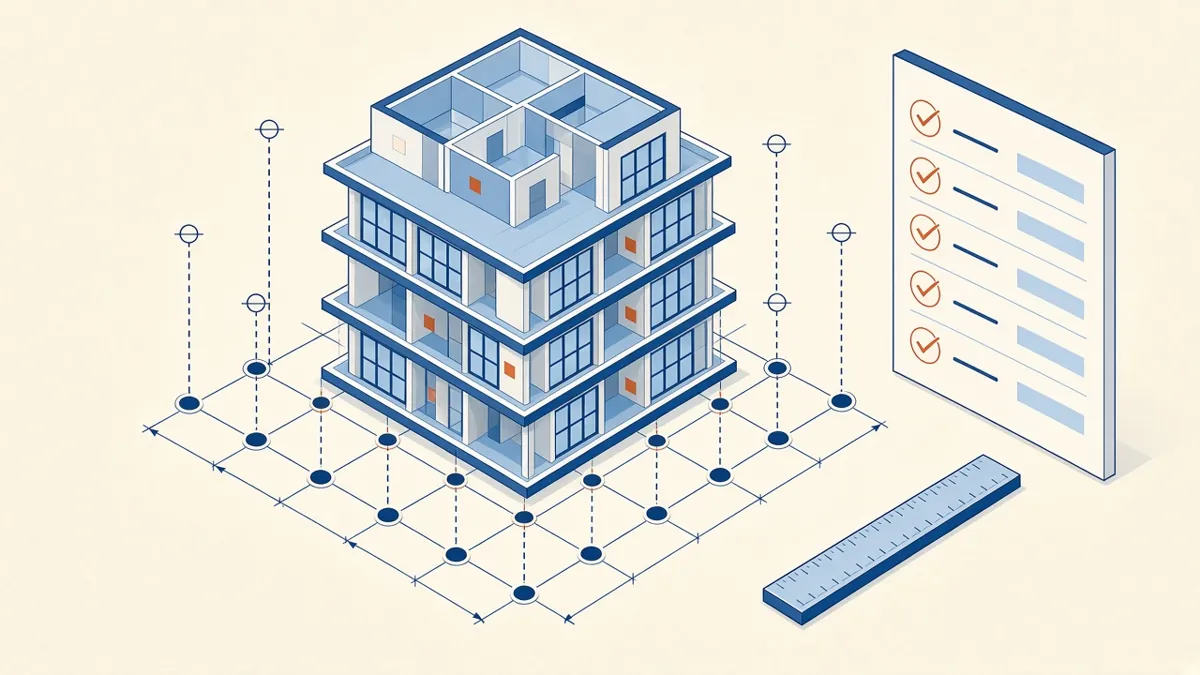
Model Accuracy Checks for Revit and BIM Projects
Practical checks that keep a BIM model accurate, healthy and trustworthy.
Read more →
Keeping Revit Models Healthy and Fast
Routine maintenance that keeps models fast, stable and reliable.
Read more →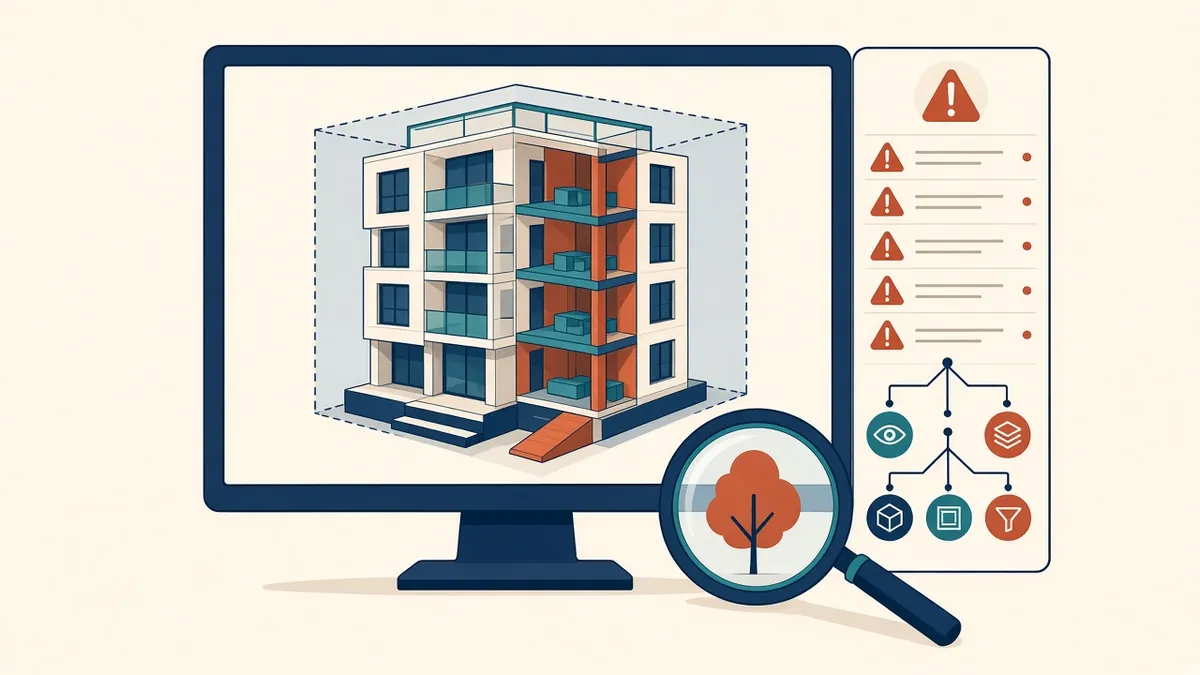
Reviewing Revit Models From Outsourcing Partners
What to check in a partner's Revit model before it joins your project.
Read more →