
Modelling Curtain Walls in Revit

Curtain walls are one of Revit's most flexible tools, and one of the easiest to tie in knots.
Curtain walls in Revit are a special wall type made of grids, mullions and panels. They're flexible and quick to adjust, but they need some care to model accurately and document clearly.
Components
- Curtain grids: lines dividing the wall into panels, horizontal and vertical
- Mullions: profiles placed along grid lines
- Panels: infill elements, such as glazing, solid panels or doors
Curtain wall types
Types can define grid spacing, mullion types and default panels. Common approaches include:
- Fixed distance spacing, for regular grids
- Maximum spacing, which adjusts to fit
- Manual grids, placed individually for irregular layouts
Create types for typical systems, such as storefront and stick curtain wall, so they're consistent across the project.
Mullion profiles
Mullions use profile families. Simple profiles keep models light. Use more detailed profiles only where needed, such as large-scale details.
Panels
Panels can be swapped for different families, such as glazing, spandrel panels, louvres or doors. Curtain wall door families fit into panels and adjust to the grid size.
Embedding curtain walls
A curtain wall can be embedded into a basic wall, creating an opening automatically. This works well for storefronts within masonry or rendered walls.
Corners and junctions
Corner mullions handle corners where curtain walls meet. Check junctions with floors, roofs and other walls, and adjust profiles or join conditions as needed.
Documentation
- Tag panels and mullions where helpful
- Use elevation views to show the grid layout
- Schedule panels for counts and sizes
- Keep detailed junctions in 2D details or callouts
Design intent versus specialist design
Performance
Large curtain walls with many panels and detailed mullions can slow models. Simplify where possible, and use appropriate detail levels.
Common problems
- Grid spacing changing unexpectedly when walls are resized
- Panels pinned by type rules that prevent changes
- Mullions overlapping at corners
- Curtain walls not hosting correctly in other walls
Facade analysis
Curtain wall models can support visual studies, daylight analysis and quantity estimates. Their accuracy depends on how closely the model reflects the intended system.
- 01Components
- 02Curtain wall types
- 03Mullion profiles
- 04Panels
- 05Embedding curtain walls
- 06Corners and junctions
Coordinate with structure
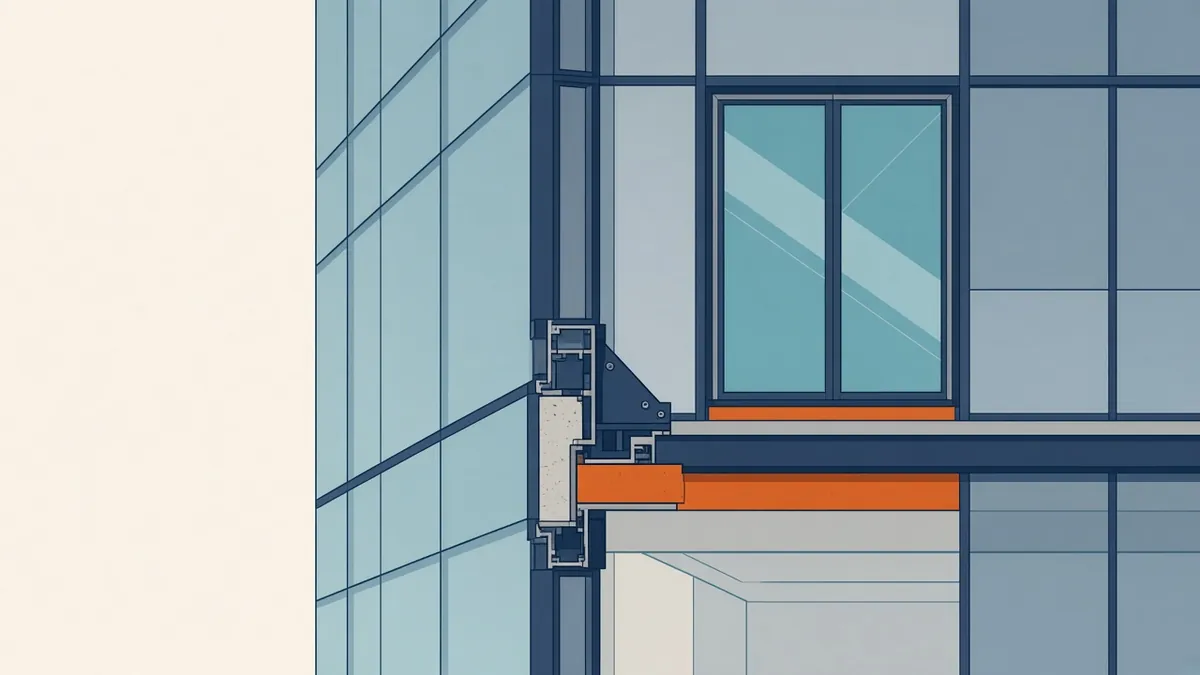
Curtain walls attach to slab edges and structural members. Check that the model shows realistic zones for brackets and fixings, and that slab edges align with the curtain wall line. These zones affect floor areas, fire stopping and interior finishes, so they're worth confirming early.
Revit's curtain wall tools are powerful once their logic is understood. With well-made types and clear documentation, they represent facades efficiently and accurately.
If your team needs extra production capacity for work like this, take a look at our Architectural production services, or tell us about your project.
Related articles
Facade and Curtain Wall Details: The Architect's Role
Design intent, performance and interfaces for facades designed by specialists.
Read more →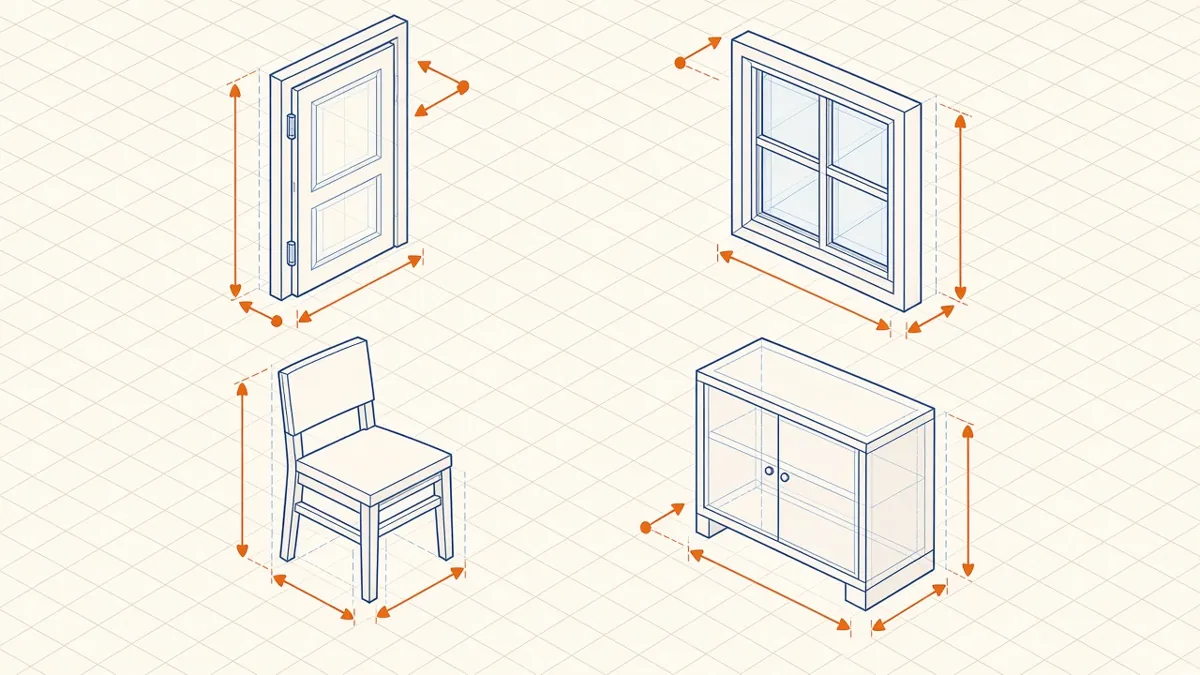
Revit Family Best Practices for Clean, Reliable Models
Building families that flex correctly, schedule cleanly and keep models light.
Read more →
Visualisation from Revit Models
Getting good images from the model without rebuilding it elsewhere.
Read more →