
BIM Data Quality: Parameters, Naming and Classification
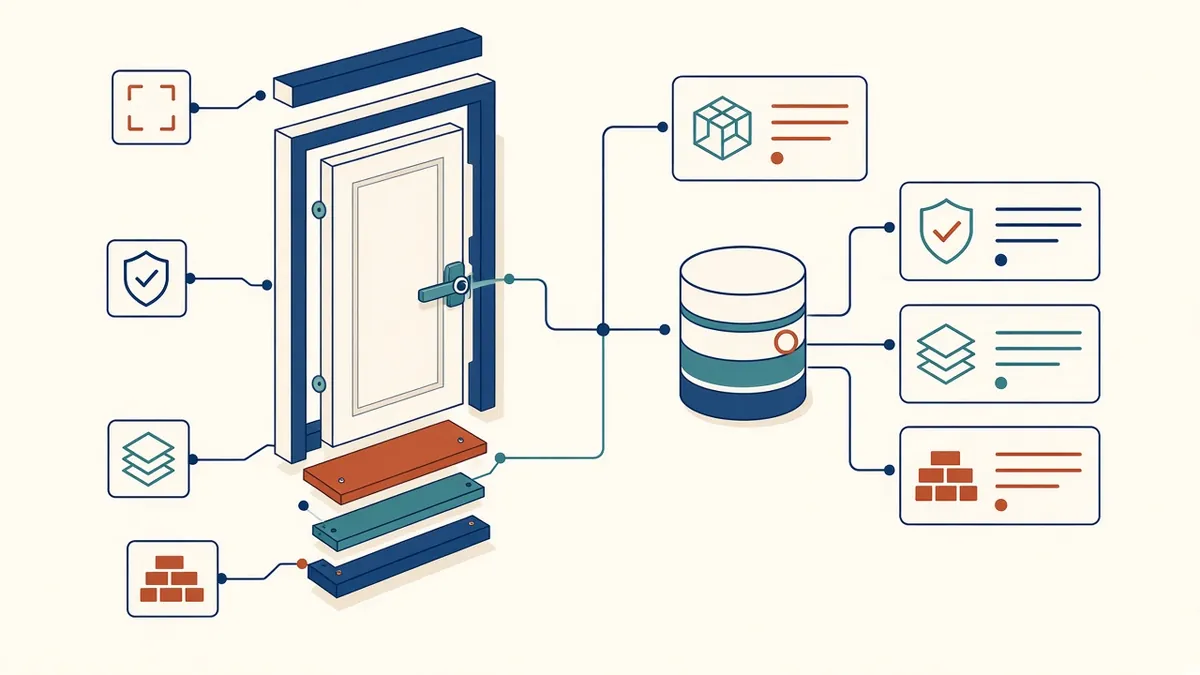
A model's geometry can be perfect while its data is a mess. Both matter.
BIM models contain information as well as geometry. Room names, door fire ratings, material specifications and asset data all live in the model. If the data is wrong or inconsistent, schedules, specifications and handover information will be wrong too.
Why data quality matters
- Schedules and tags pull information from the model
- Clients may use data for facility management
- Data supports cost, energy and compliance analysis
- Poor data undermines trust in the model
Define what's needed
Agree which data is required, by whom and when. Information requirements, such as those defined under ISO 19650, set out what the client needs. The BIM execution plan explains how the team will deliver it.
Parameters
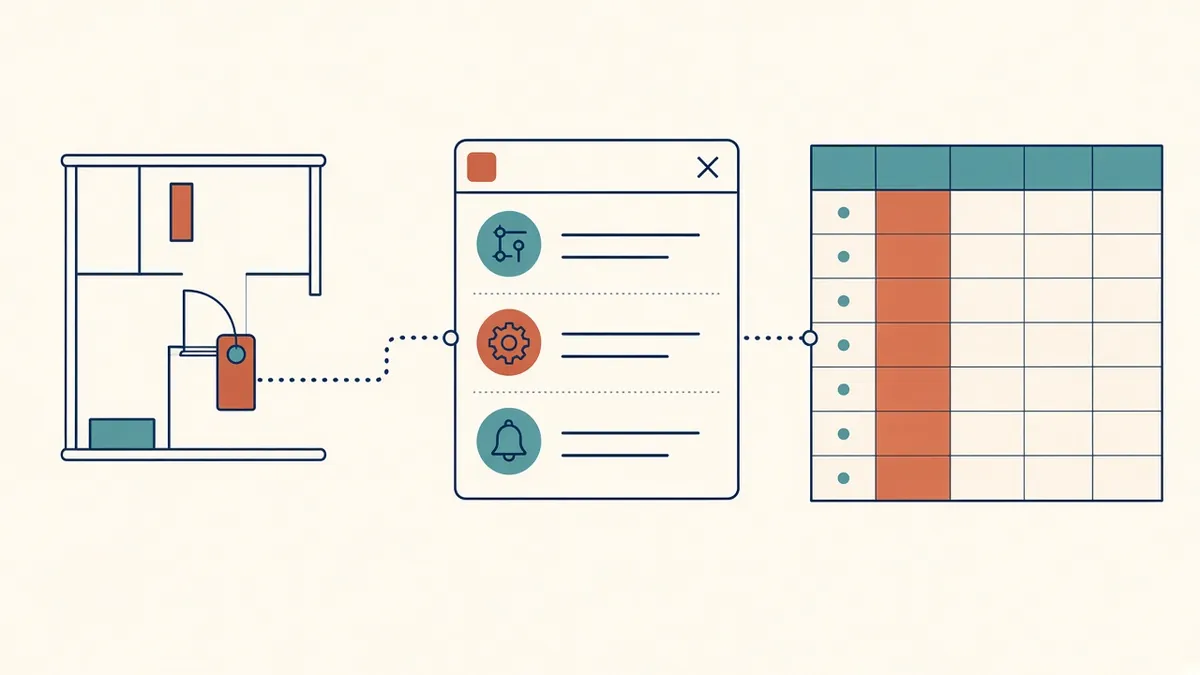
Use consistent parameters across projects. Shared parameters in Revit help schedules and tags work consistently. Avoid creating duplicate parameters with similar names.
Naming conventions
Consistent naming of families, types, views and sheets makes models easier to use and data easier to process. Document naming rules in the office standards.
Classification systems
Classification systems give elements standard codes:
- Uniclass: widely used in the UK
- OmniClass and UniFormat: commonly used in the US
Classification helps link models with specifications, cost plans and asset registers.
Units and formats
Data entry
Data entered manually is prone to errors. Options to improve quality include:
- Drop-down lists or type parameters
- Default values in families
- Schedules for bulk editing
- Scripts or tools for automated filling
Checking data
- Schedules showing missing values
- Filters highlighting incomplete elements
- Model checking tools that test rules
- Exports checked in spreadsheets
Data for handover
Handover data, such as COBie, needs to be complete and correct. Start collecting it early, rather than at the end.
Ownership
Assign responsibility for data in each model. Contractors and manufacturers often add data later in the project.
Keep data current
- 01Why data quality matters
- 02Define what's needed
- 03Parameters
- 04Naming conventions
- 05Classification systems
- 06Units and formats
Make data easy to check
Schedules and filters make it simple to spot blank or inconsistent values. Reviewing a few key schedules before each issue is a quick way to keep data quality up.
Good data quality makes BIM models genuinely useful beyond drawings, for the whole team and the building's owner.
If your team needs extra production capacity for work like this, take a look at our Architectural production services, or tell us about your project.
Related articles
Revit Shared Parameters: When and How to Use Them
Making custom data taggable and schedulable across families and projects.
Read more →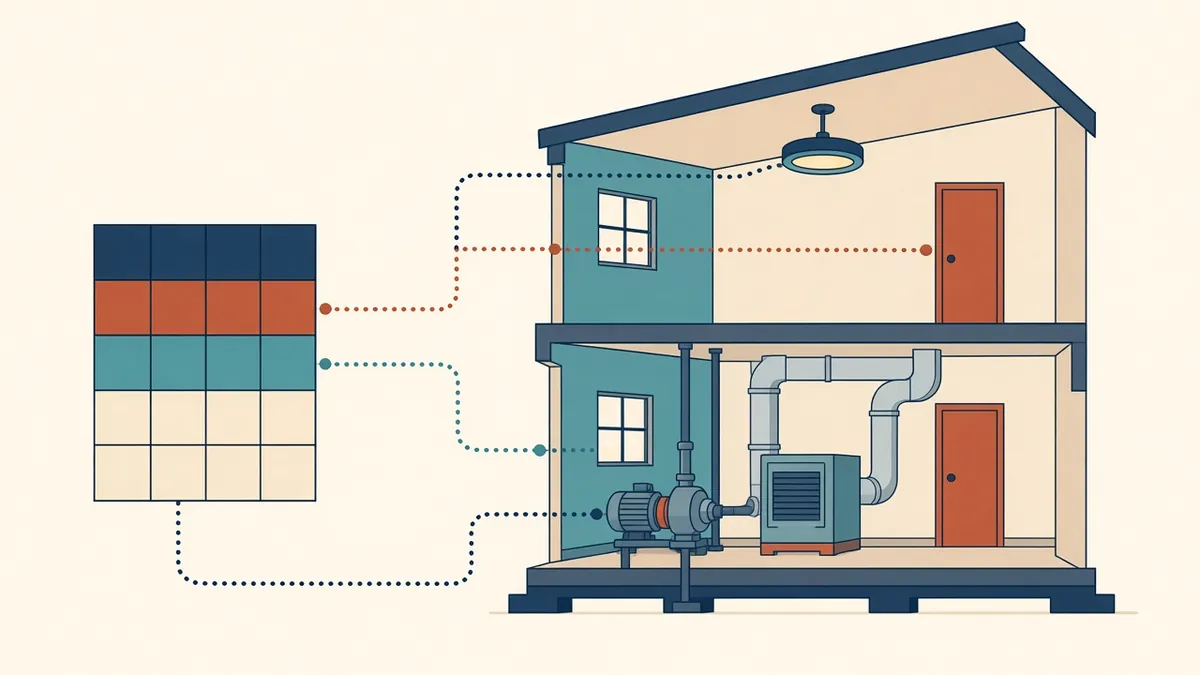
COBie and BIM Handover Data Explained
Structured handover data for facility managers, and how to prepare it.
Read more →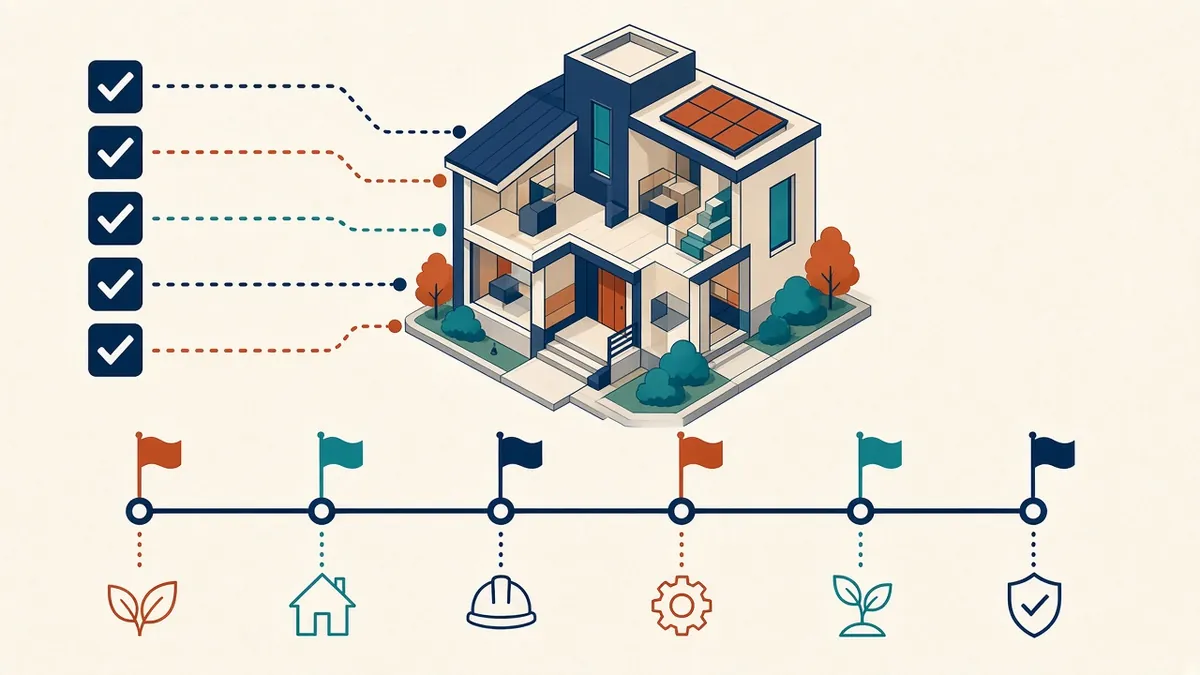
Understanding EIRs and Client Information Requirements
What clients ask for in EIRs, and how to respond clearly.
Read more →