
Building Sections and Elevations in Construction Sets
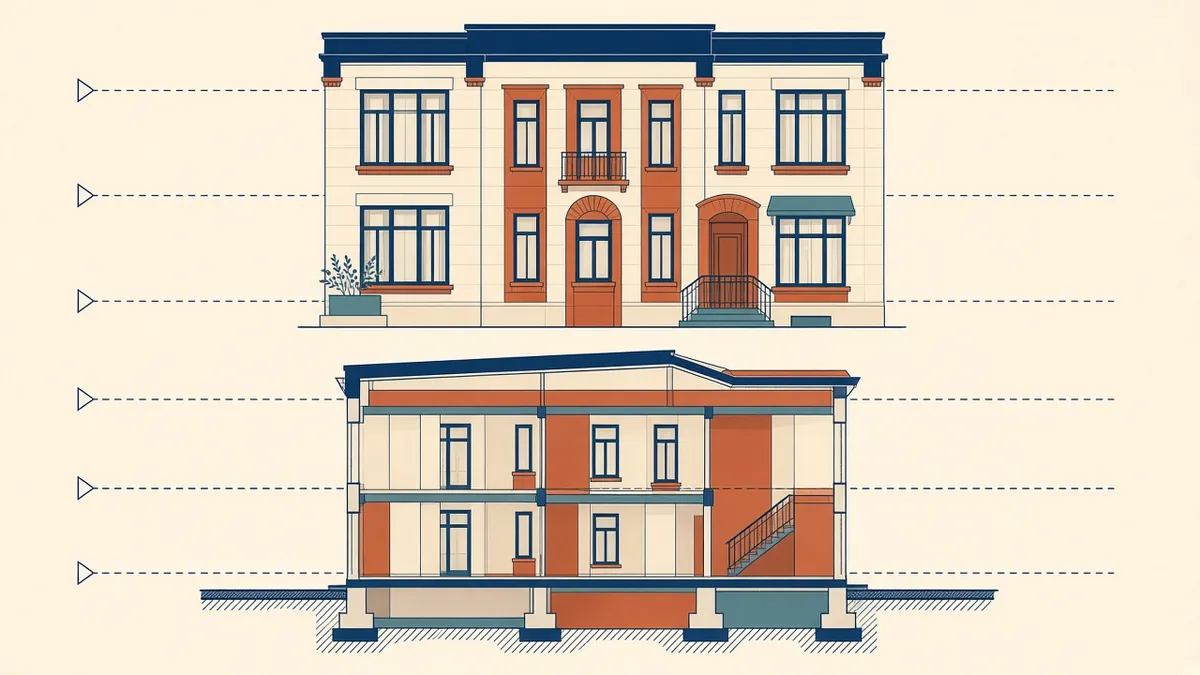
Plans tell you where things are. Sections and elevations tell you how high, how deep and how it all stacks up.
Building sections and elevations explain the vertical story of a building: heights, levels, materials and how the parts fit together. They're the drawings reviewers and contractors use to understand the building in three dimensions, so they need to agree perfectly with the plans.
Elevations
Exterior elevations typically show:
- Overall building form and roof profile
- Floor levels and key heights, related to a datum
- Openings, with window and door tags
- Materials and finishes, with clear hatching or notes
- Grid lines for reference
- Rainwater goods, louvres, signage zones and other visible elements
- Existing ground and finished ground levels
Draw every face of the building, including courtyards and returns that are easy to forget.
Building sections
Building sections cut through the whole building to show:
- Floor-to-floor heights and ceiling heights
- Structure, such as slabs, beams and foundations, in outline
- Roof build-up and parapets
- Vertical circulation, such as stairs and lifts
- Changes in level
Choosing where to cut
Cut sections where they tell the most:
- Through stairs, lifts and shafts
- Through double-height spaces and atria
- Through changes in level or roof form
- Through typical bays, to show the standard condition
Usually at least two sections at right angles are needed, and complex buildings need more. Label each one clearly on the plans.
Levels and datums
Use one datum system throughout the set, such as a site datum or relative levels from ground floor. UK and UAE projects commonly show levels in metres relative to a datum, while US projects often use elevations relative to a project zero or to sea level. Whatever the system, state it in the general notes.
Coordinate with plans and details
- Wall positions in sections must match the plans
- Window positions in elevations must match plan openings
- Floor levels must match structural drawings
- Callouts to wall sections and details must point to the right views
Working from a coordinated model helps, because sections and elevations are generated from the same geometry as the plans. But annotation still needs checking, as text and tags don't update themselves when design intent changes.
Graphic clarity
Quick checks
- Every section mark on a plan has a matching section view
- Levels agree across sections, elevations and structural drawings
- Materials are described consistently
- 01Elevations
- 02Building sections
- 03Choosing where to cut
- 04Levels and datums
- 05Coordinate with plans and details
- 06Graphic clarity
Existing and proposed
On alteration projects, show clearly what's existing, what's removed and what's new, using a consistent graphic convention and a legend.
Clear sections and elevations reduce questions about heights and materials, which are among the most expensive things to get wrong on site.
If your team needs extra production capacity for work like this, take a look at our Architectural production services, or tell us about your project.
Related articles
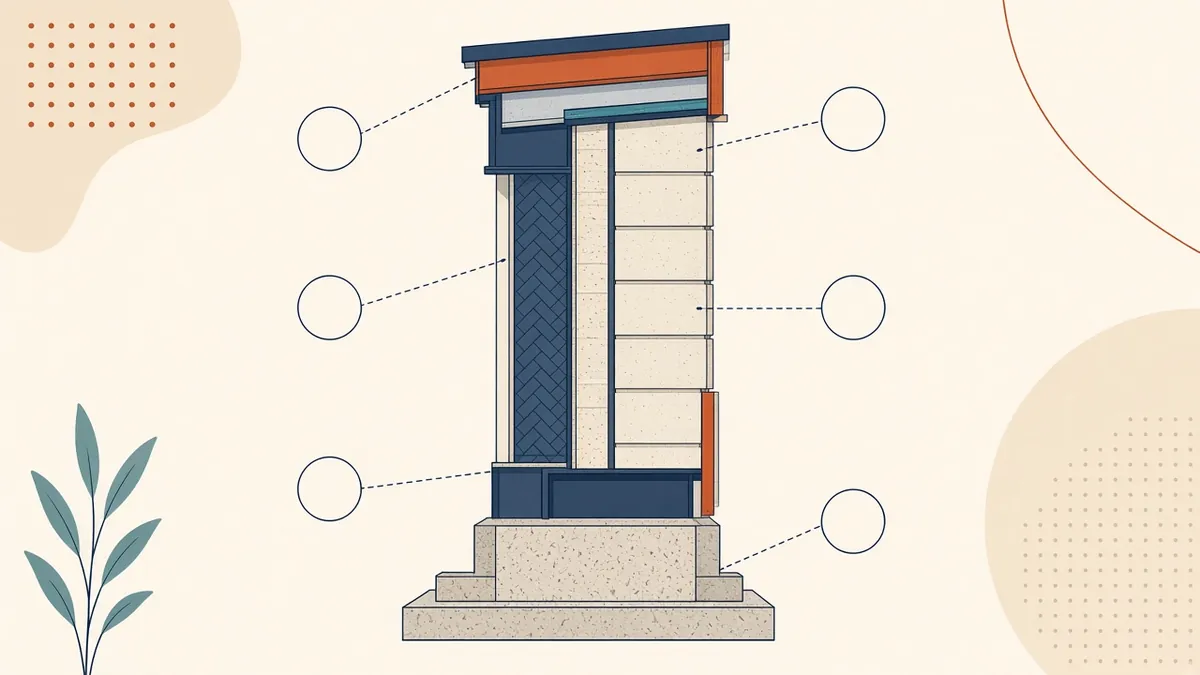
Wall Sections Explained: What to Show and Why
The drawing that ties plans, elevations and details together.
Read more →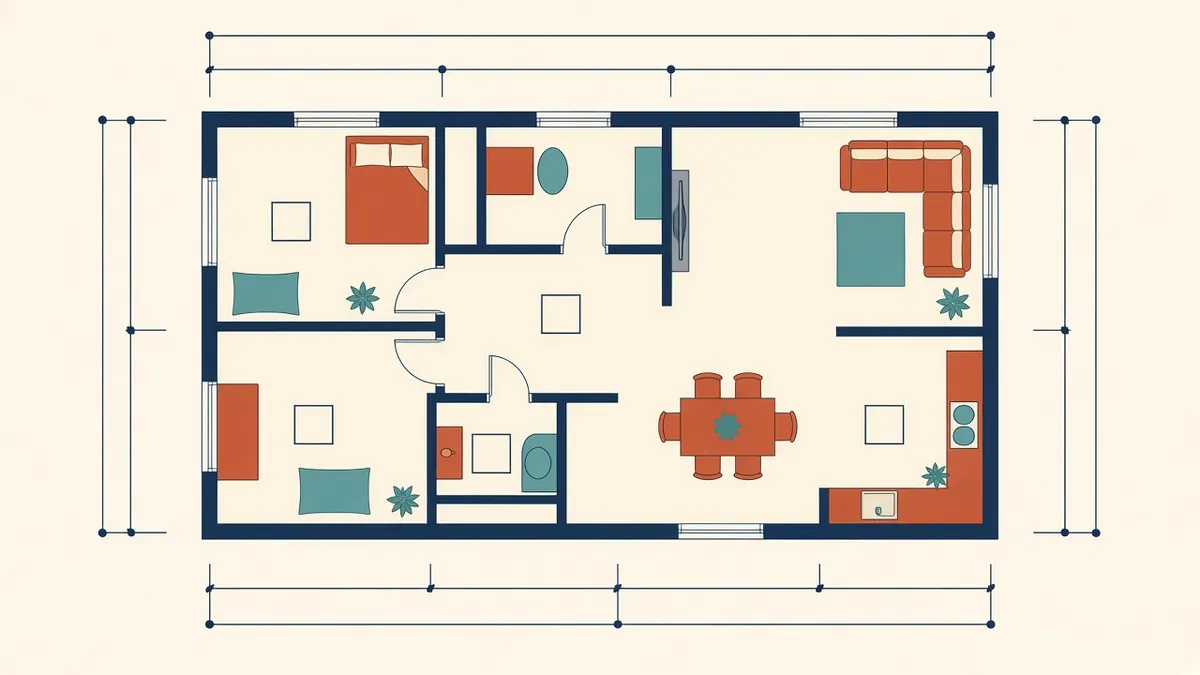
Annotating Architectural Floor Plans Clearly
Dimensions, tags and notes that make plans readable instead of crowded.
Read more →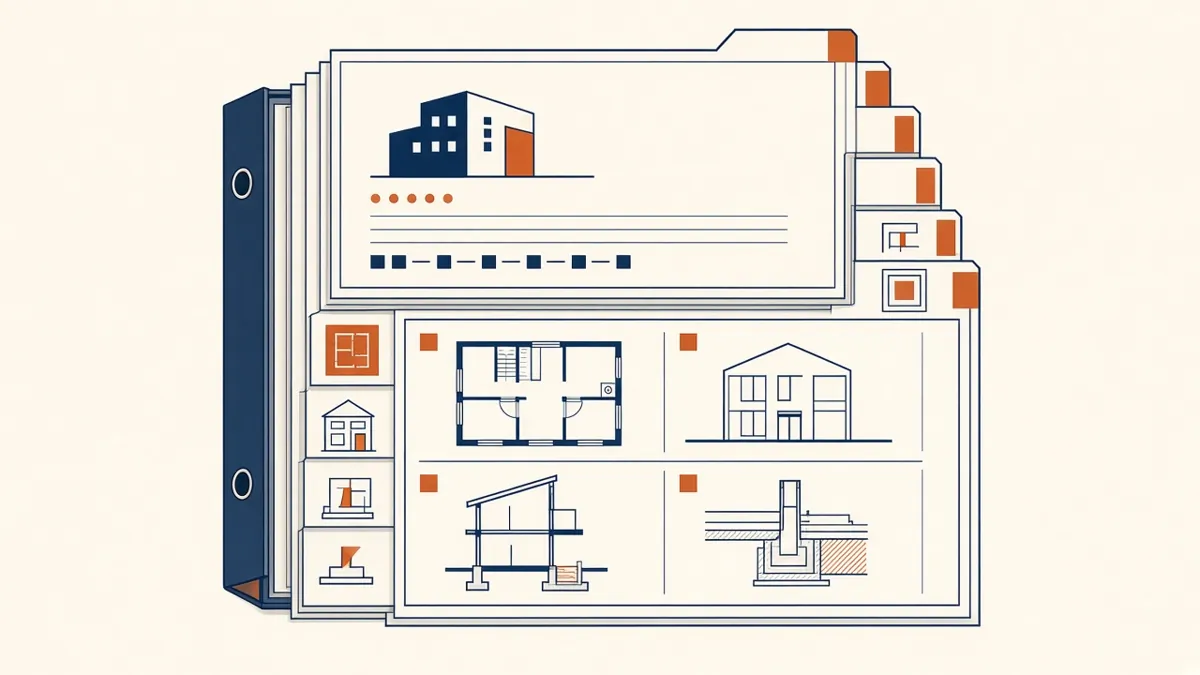
How to Structure a Construction Document Set
The order, content and logic of a well-built CD set, and why structure saves time on site.
Read more →