
Common BIM Modelling Errors and How to Avoid Them
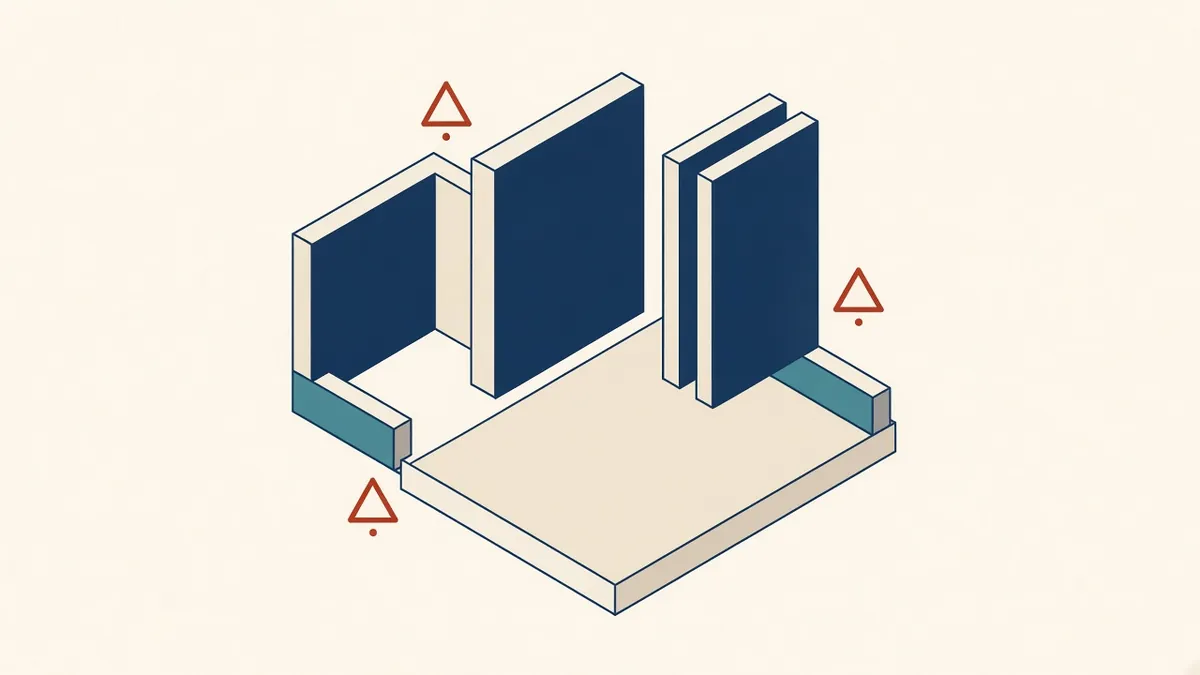
Most BIM errors aren't dramatic. They're small habits that add up across a model.
Small modelling errors can cause big problems. They affect drawings, schedules, quantities and coordination. Most errors are preventable with good habits and regular checks.
Wrong levels and offsets
Elements hosted on the wrong level, or with unexpected offsets, appear correct in some views but cause problems in schedules and sections. Check base and top constraints, especially for walls and floors.
Walls not attached
Walls that don't reach floors or roofs leave gaps in sections and 3D views. Use constraints or attach walls to roofs and floors where appropriate.
Duplicate elements
Elements copied on top of each other inflate quantities and clash results. Revit warns about some duplicates, and clash tools can detect them.
Wrong element categories
Modelling elements with the wrong category, such as using a wall to represent a column, affects schedules, visibility and exports. Use the correct category or family.
Inaccurate dimensions
Elements drawn by eye rather than by dimension cause small inaccuracies that build up. Use snaps, dimensions and alignment tools.
Overlapping rooms or missing boundaries
Elements far from the building
Stray elements placed far away can affect performance and model extents. Look at the model from a distance to spot them.
Unmanaged CAD imports
Exploded or imported CAD files add clutter, layers and line styles. Link CAD files rather than importing them, and avoid exploding them.
Inconsistent types
Similar elements with slightly different types, such as several near-identical wall types, cause confusion. Standardise types.
Missing data
Elements without required parameters, such as fire ratings or room numbers, cause schedule and handover problems.
Prevention habits
- Use templates with standard types
- Set constraints carefully
- Review 3D views regularly
- Check warnings often
- Use naming conventions
- Run audits at milestones
Learning from errors
When errors are found, explain them to the team and update standards or templates to prevent repeats.
Peer review
A colleague reviewing your model often spots errors you've missed.
- 01Wrong levels and offsets
- 02Walls not attached
- 03Duplicate elements
- 04Wrong element categories
- 05Inaccurate dimensions
- 06Overlapping rooms or missing boundaries
Build checks into the workflow
Short peer reviews before issuing drawings, and regular model audits, catch many errors early. Checking is far cheaper than fixing problems once they're on site.
Preventing modelling errors saves time, improves accuracy and keeps models reliable for everyone who uses them.
If your team needs extra production capacity for work like this, take a look at our Architectural production services, or tell us about your project.
Related articles
A Model Auditing Checklist for Accuracy
A step-by-step audit to confirm a model is fit for purpose.
Read more →
Keeping Revit Models Healthy and Fast
Routine maintenance that keeps models fast, stable and reliable.
Read more →
Model Accuracy Checks for Revit and BIM Projects
Practical checks that keep a BIM model accurate, healthy and trustworthy.
Read more →