
Sharing Revit Templates and Families With Partners

A partner working from your template and families produces drawings that look like yours. Without them, they won't.
When an outsourcing partner works in Revit, their models need to match your office standards. That depends on sharing the right templates, families and settings, and agreeing how they'll be used. Getting this right early avoids rework and keeps models consistent across teams.
What to share
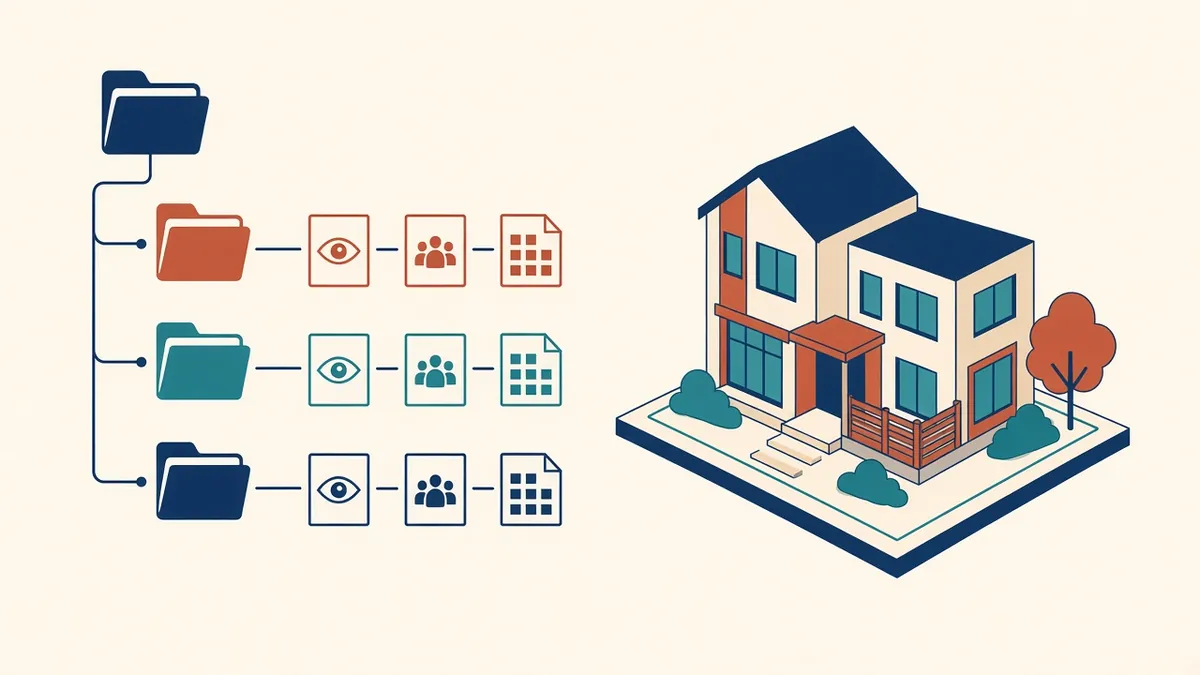
- Project templates (RTE files): with view templates, object styles, line weights, annotation styles and browser organisation
- Family library: doors, windows, furniture, annotation tags and title blocks
- Shared parameter file: so parameters match across projects and schedules work correctly
- Keynote and assembly code files: if your office uses them
- BIM standards document: naming, worksets and modelling rules
- Example projects: showing how standards are applied
Revit versions
Revit files saved in a newer version can't be opened in an older version. Agree which version each project uses and make sure the partner has it. Upgrading project versions should be a planned decision.
Shared parameters
Shared parameters must come from the same file to work consistently in schedules and tags. If the partner creates new parameters, agree a process for adding them to the office file.
Family standards
Explain family naming, categories, subcategories and parameters. If the partner creates new families, share your family creation standards so they fit the library.
Worksharing setup
For workshared projects, agree:
- Whether the partner works on a central model, through a cloud platform or on separate linked models
- Workset structure
- Element borrowing rules
- When to synchronise
Linked models
Some arrangements work best when the partner works in a separate model linked into the main project. This simplifies ownership but needs clear coordination.
Cloud collaboration
Cloud platforms, such as Autodesk Construction Cloud, can let teams work on the same model from different locations. Check licensing, permissions and data location requirements.
Check early models
- Correct template and settings
- Family use
- Naming conventions
- View and sheet organisation
- Model health, such as warnings and file size
Keep libraries updated
When office families or templates change, share updates and note changes. A versioned library avoids confusion.
Avoid uncontrolled downloads
Families downloaded from manufacturers or online libraries vary in quality. Agree whether the partner can use them and how they're checked.
- 01What to share
- 02Revit versions
- 03Shared parameters
- 04Family standards
- 05Worksharing setup
- 06Linked models
Explain the reasoning
Short notes explaining why standards exist, such as why certain view templates or worksets are used, help partners apply them correctly in situations the standards don't cover.
Consistent templates and families help outsourced Revit work fit seamlessly into your projects and reduce time spent fixing models.
If your team needs extra production capacity for work like this, take a look at our Architectural production services, or tell us about your project.
Related articles
Setting Up a Revit Project Template
What belongs in a template, and how to keep it useful as standards evolve.
Read more →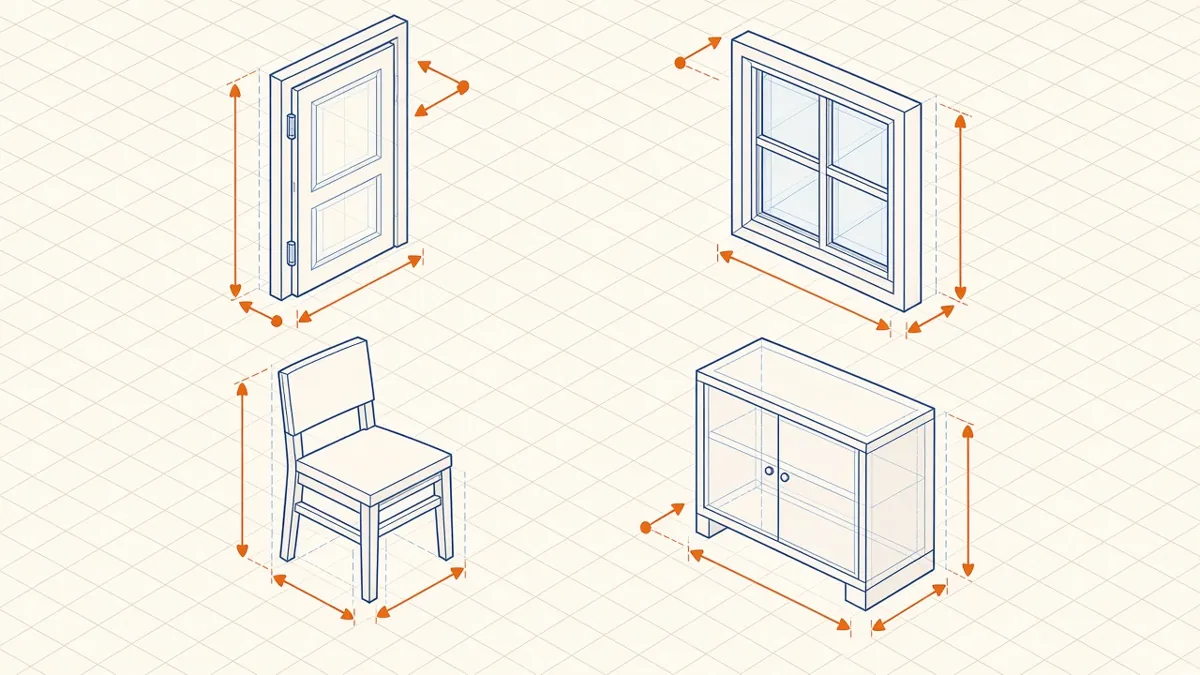
Revit Family Best Practices for Clean, Reliable Models
Building families that flex correctly, schedule cleanly and keep models light.
Read more →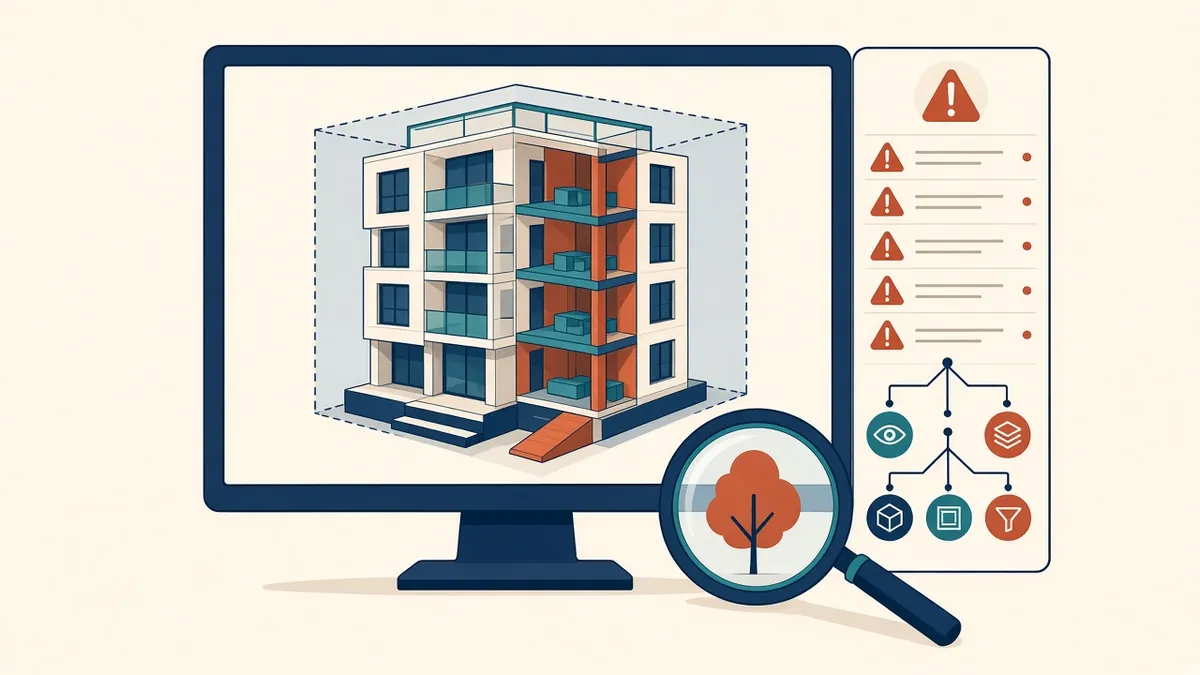
Reviewing Revit Models From Outsourcing Partners
What to check in a partner's Revit model before it joins your project.
Read more →