
Point Cloud Formats and Registration Basics
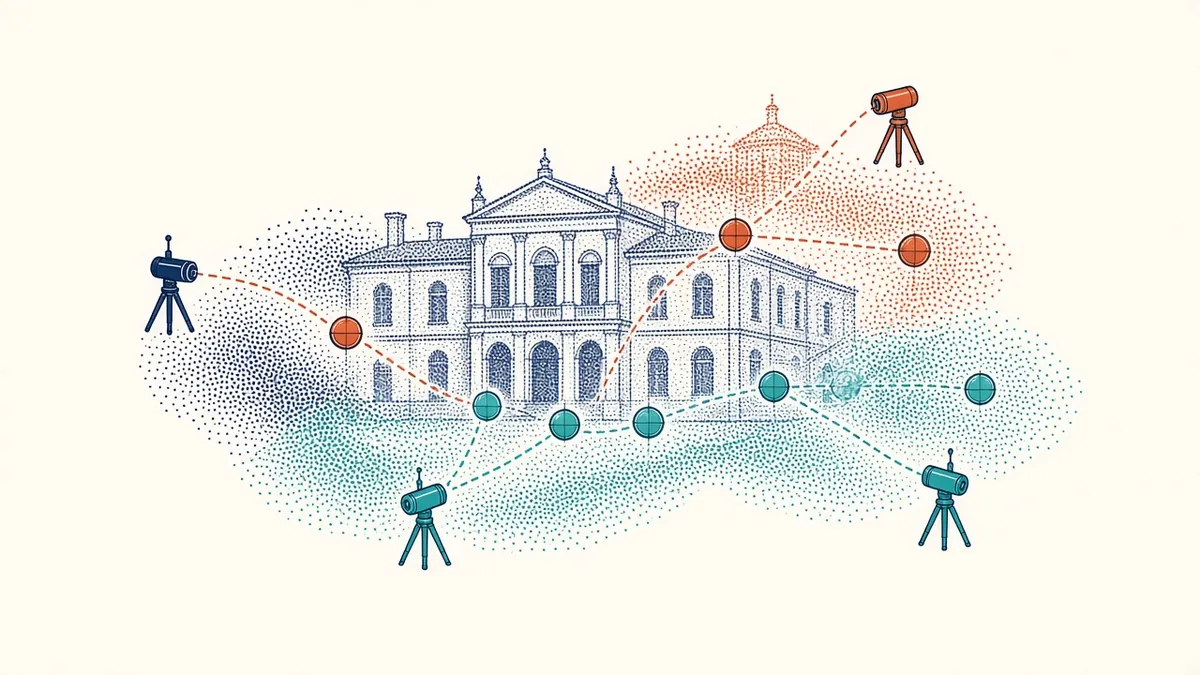
A laser scan arrives as millions of points across many files. Registration turns them into one usable picture.
Point clouds are the main output of laser scanning. They're collections of millions or billions of points, each with a position and often colour or intensity. Understanding how they're processed and shared helps Architects use them effectively.
Registration
A laser scanner captures data from many positions, called scan stations. Registration aligns these scans into one combined point cloud. It can use:
- Targets placed in the building
- Cloud-to-cloud matching of overlapping data
- Survey control points
Registration quality affects accuracy. Ask for registration reports that show alignment errors.
Georeferencing
Point clouds can be aligned to site coordinates and level datums using survey control. This makes them consistent with other site data.
- 01Agree scope and accuracy
- 02Scan on site
- 03Register the scans
- 04Clean and segment the cloud
- 05Model from the cloud
- 06Check the model against the cloud
Common formats
- E57: an open, vendor-neutral format from ASTM, widely used for exchange
- LAS and LAZ: common in aerial and terrain data, LAZ being compressed
- RCP and RCS: Autodesk ReCap project and scan files, used to bring point clouds into Revit and other Autodesk tools
- Proprietary formats: from scanner manufacturers and processing software
Agree formats before scanning starts.
File sizes
Point clouds can be very large. Consider:
- Storage and sharing
- Computer performance
- Decimating, or thinning, data where full density isn't needed
- Splitting clouds by area or level
Using point clouds in Revit
Revit can link point clouds in ReCap formats. Point clouds can be shown in plans, sections and 3D views, helping to model walls, floors and other elements accurately. Section boxes and view ranges help manage visibility.
Cleaning data
Raw point clouds may include noise, people, reflections or furniture. Cleaning removes unwanted data, making modelling easier.
Classification
Some software can classify points, such as floors, walls or vegetation. This helps with modelling and analysis.
Combining data
Point clouds can be combined with photographs, 360-degree images and other survey data for richer records.
Accuracy considerations
Point density, scanner accuracy and registration all affect overall accuracy. Specify requirements, and check deliverables against them.
Archiving
Checking registration quality
Registration reports usually show how closely scans match at shared targets or overlapping surfaces. Ask for this report and spot-check the cloud yourself, for example by slicing through walls to see whether surfaces from different scans line up cleanly.
Understanding point cloud formats and registration helps Architects use scan data confidently and accurately.
If your team needs extra production capacity for work like this, take a look at our Architectural production services, or tell us about your project.
Related articles
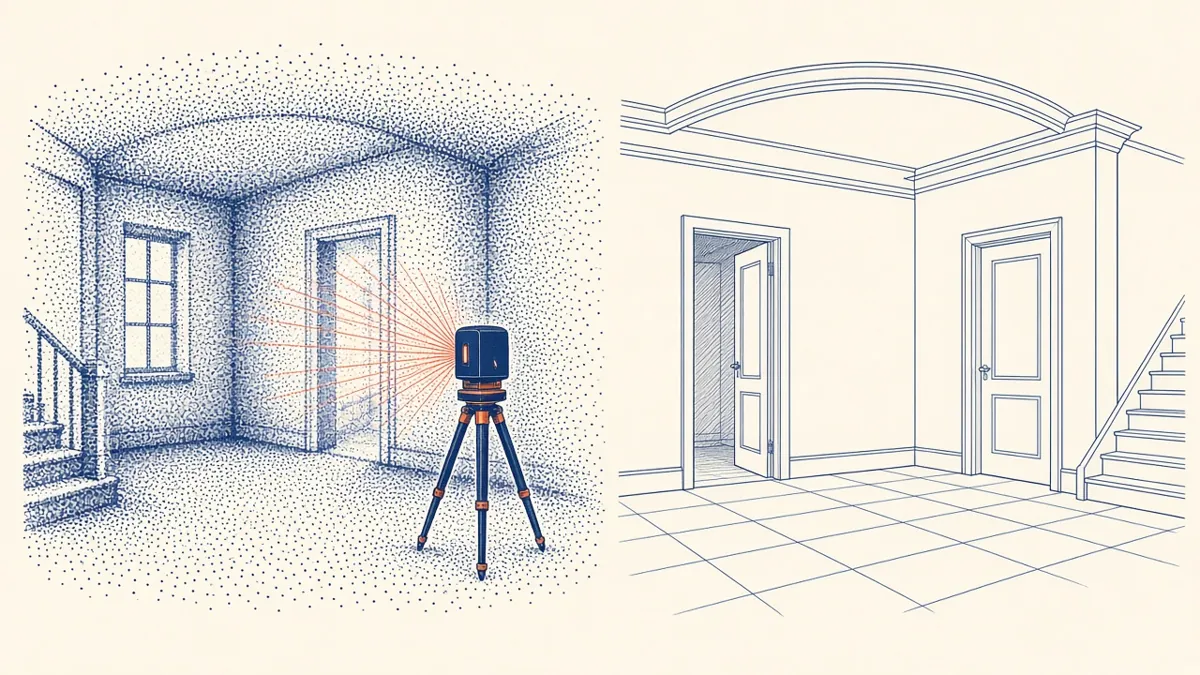
Scan to BIM for Existing Buildings
Turning laser scans of existing buildings into reliable BIM models.
Read more →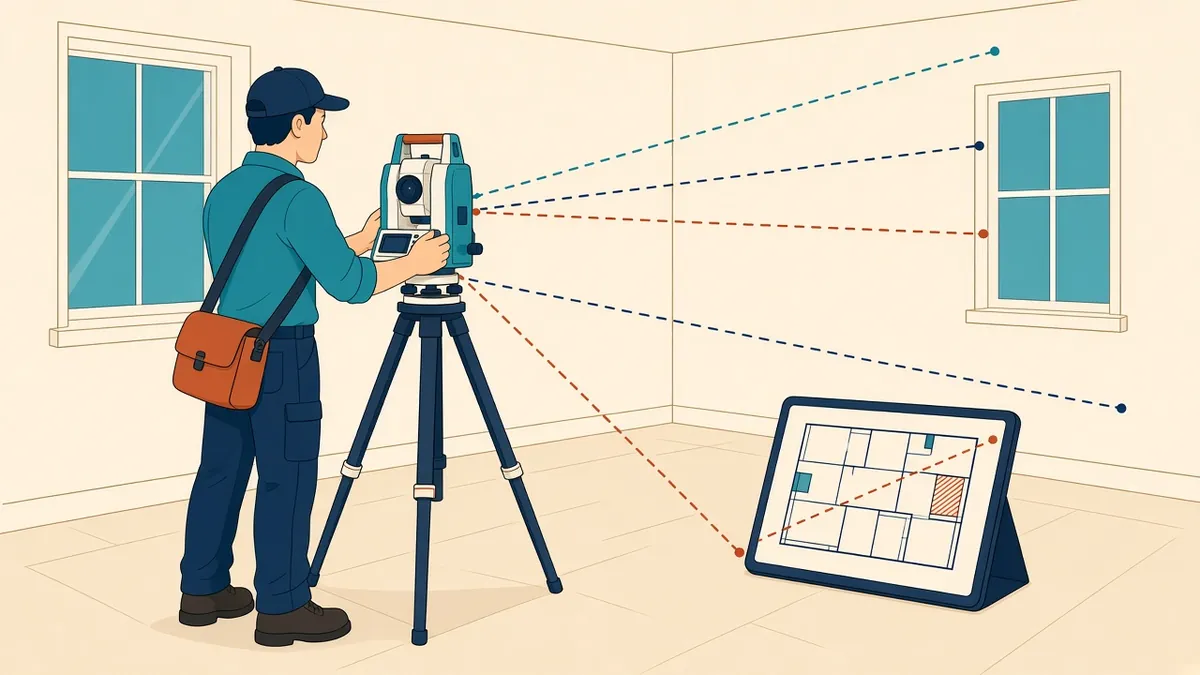
Measured Building Surveys Explained
Survey methods, deliverables and how to specify what you need.
Read more →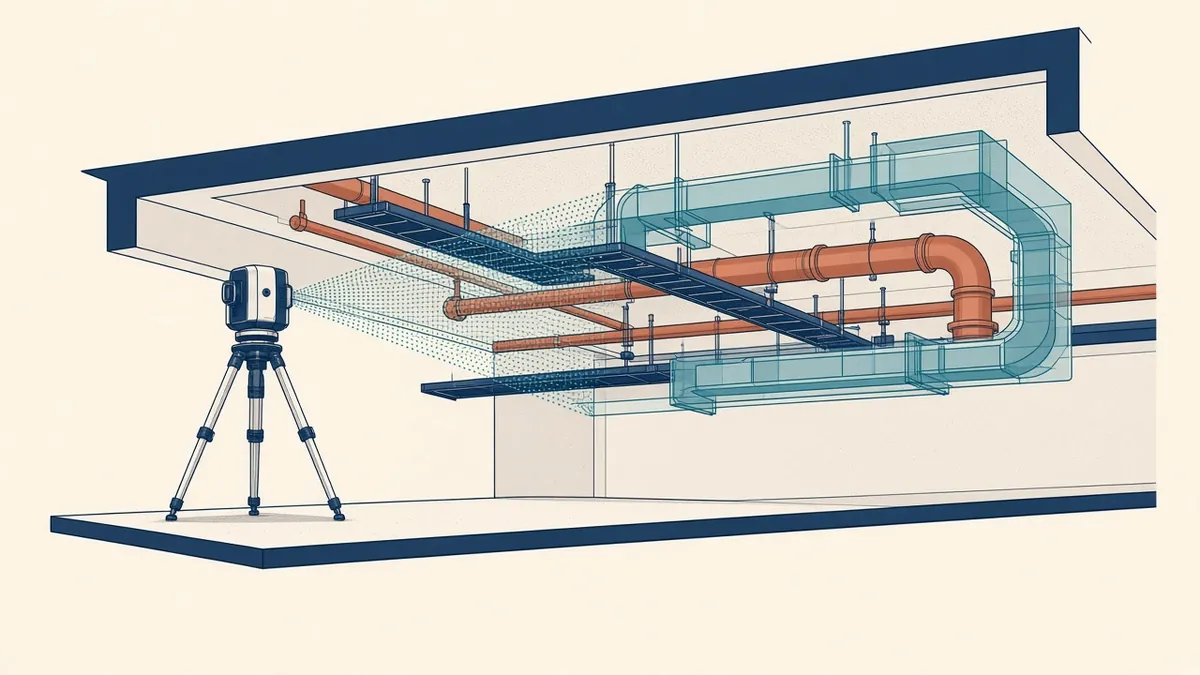
Laser Scanning to Verify MEP Installations
Comparing installed services with the model using point clouds.
Read more →