As-Built Model Handover to Owners

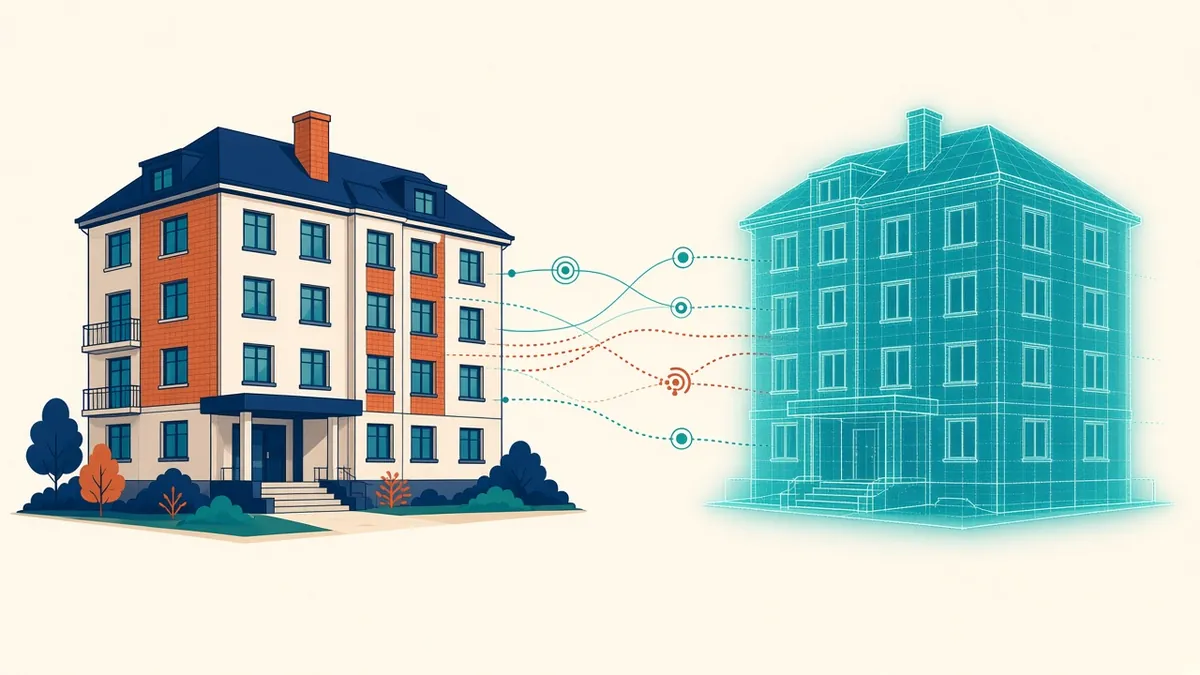
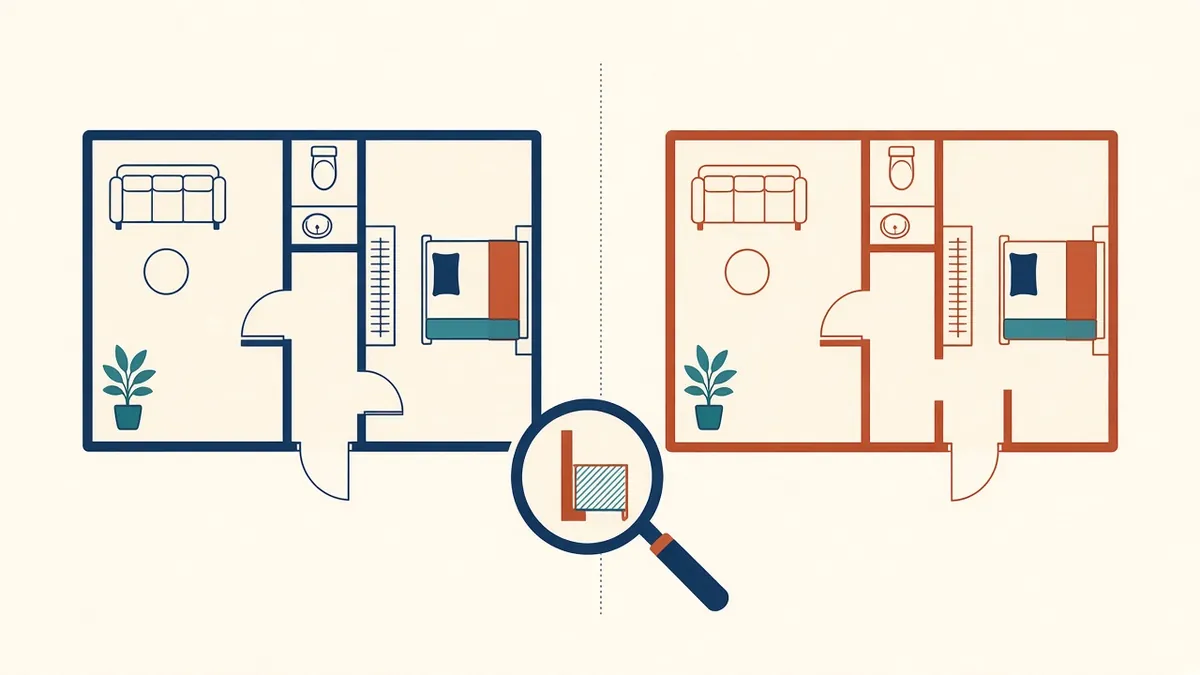
At handover, the model should describe the building that was actually built, not the one that was first designed.
At the end of a project, owners receive information to operate and maintain the building. As-built models can be part of this handover. To be useful, they must reflect what was built and include the information owners need.
Record vs as-built
Terms vary. "Record" models are often updated from contractor information, while "verified as-built" models may be checked against the building, such as by survey. Clarify what's being delivered and how it's verified.
Owner requirements
Owners should define what they need, ideally early in the project:
- Asset information
- Formats
- Level of detail
- Naming and classification
- Integration with their systems
ISO 19650 uses Asset Information Requirements (AIR) for this.
Asset data
Operators often care most about data, such as:
- Equipment types and locations
- Manufacturers and models
- Warranties
- Maintenance needs
COBie
COBie is a structured format for exchanging asset data, often delivered as a spreadsheet. It's used on some public and large projects, especially in the UK and US.
Formats
- Native model files
- IFC for open exchange
- PDF drawings
- Asset data spreadsheets
Verification
Check models against site information, such as contractor markups or surveys. Note areas not verified.
Cleaning models
Remove temporary elements, design options and working views before handover. Keep models organised.
Documentation
Provide guidance on model structure, naming, coordinates and known limitations.
Responsibilities
Contracts should define who updates models to as-built status. Often contractors provide information, and the design team or a specialist updates models.
Ongoing use
Owners need resources to maintain models. Without updates, models become outdated.
Link to digital twins
Handover models can form the basis for digital twins or facilities management systems.
Plan early
Handover goes best when requirements are agreed at the start. Leaving it to the end often means missing data and rushed models.
Test the handover
Training
A short walkthrough of the model and data helps the owner's team use them.
- 01Record vs as-built
- 02Owner requirements
- 03Asset data
- 04COBie
- 05Formats
- 06Verification
Keeping files usable
Handover files should open in software the owner actually uses. Agree versions and formats early, and avoid relying on plugins the owner won't have.
A well-prepared handover gives owners reliable information for the life of the building.
If your team needs extra production capacity for work like this, take a look at our Architectural production services, or tell us about your project.