
Revit Sheets, Title Blocks and Revisions
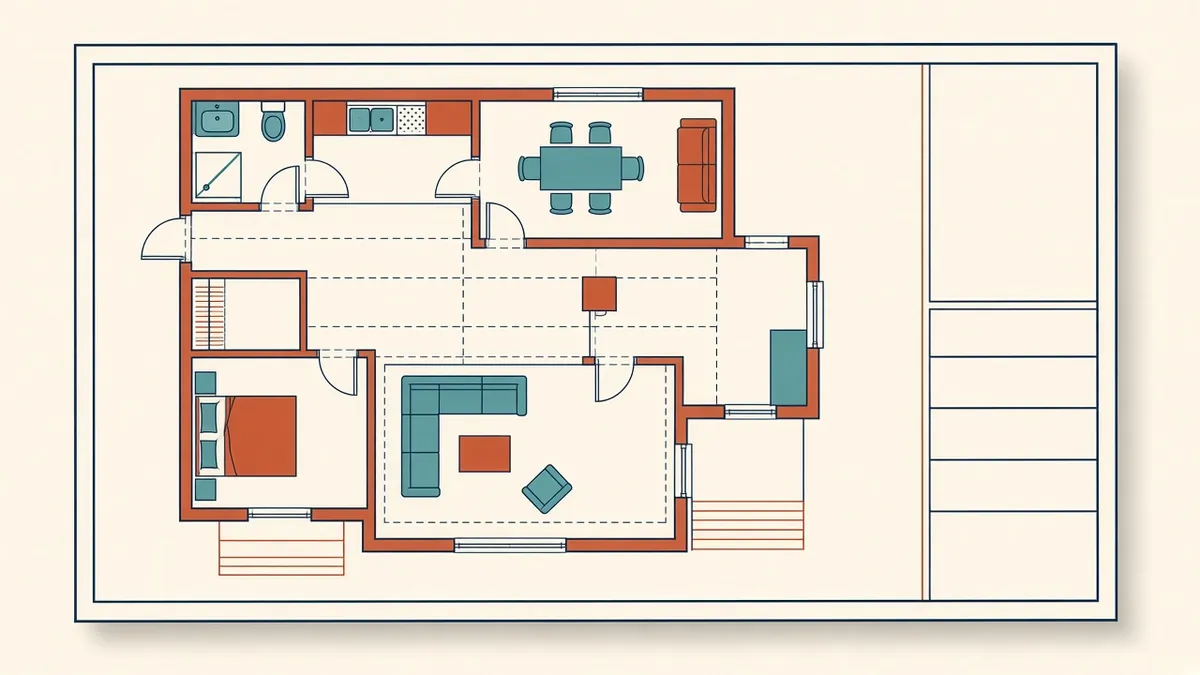
Sheets are what actually get issued. If title blocks and revisions aren't set up well, every issue becomes manual work.
Sheets are where the model becomes a drawing set. Revit's sheet tools, title blocks and revision features can make issuing drawings efficient and accurate, as long as they're set up well.
Title block families
Title blocks are families with labels linked to parameters. Common parameters include:
- Project name, number and address, from project information
- Sheet name and number
- Drawn by, checked by and approved by
- Issue date and status
- Revision schedule
- Scale, which can be automatic for single-view sheets
Project information
Project-wide values, such as client and address, should come from project information so they're entered once. Additional project parameters can be added for extra fields.
Sheet parameters
Use sheet parameters for values that vary by sheet, such as discipline, sheet series or issue purpose. These can drive sorting in the browser and sheet list schedules.
Placing views
Each view can be placed on one sheet only, except legends and schedules. Align views using guide grids so plans line up across sheets. View titles should show the correct name and scale.
Revisions
Revit's revision tools manage revision clouds, tags and schedules:
- Revisions are created in the sheet issues and revisions dialog
- Clouds drawn on views or sheets are assigned to a revision
- Sheets show revisions in their revision schedule automatically when clouds are present
- Revisions can also be added manually to sheets without clouds
Set the numbering scheme to match office standards, such as letters or numbers, and per project or per sheet.
Issuing
Mark revisions as issued once a set goes out, which locks them from further changes. Use sheet sets and printing settings for consistent PDF output.
Sheet list schedules
A sheet list schedule on the cover sheet lists all sheets, with revisions and issue information. Filter out working or placeholder sheets using a parameter.
Common problems
- Clouds assigned to the wrong revision
- Revisions not marked as issued
- Manual text in title blocks becoming outdated
- Views placed on sheets but cropped incorrectly
Exporting
- 01Title block families
- 02Project information
- 03Sheet parameters
- 04Placing views
- 05Revisions
- 06Issuing
Sheet organisation in the browser
Use browser organisation rules to group sheets by discipline, series or issue status. When a set has hundreds of sheets, a well-organised browser saves time every day and reduces the risk of editing the wrong sheet. Placeholder sheets can also be used to plan the set before views exist, so the sheet list is complete from the start of documentation.
Well-configured sheets and title blocks make issuing drawings routine rather than stressful, and they keep revision records accurate.
If your team needs extra production capacity for work like this, take a look at our Architectural production services, or tell us about your project.
Related articles
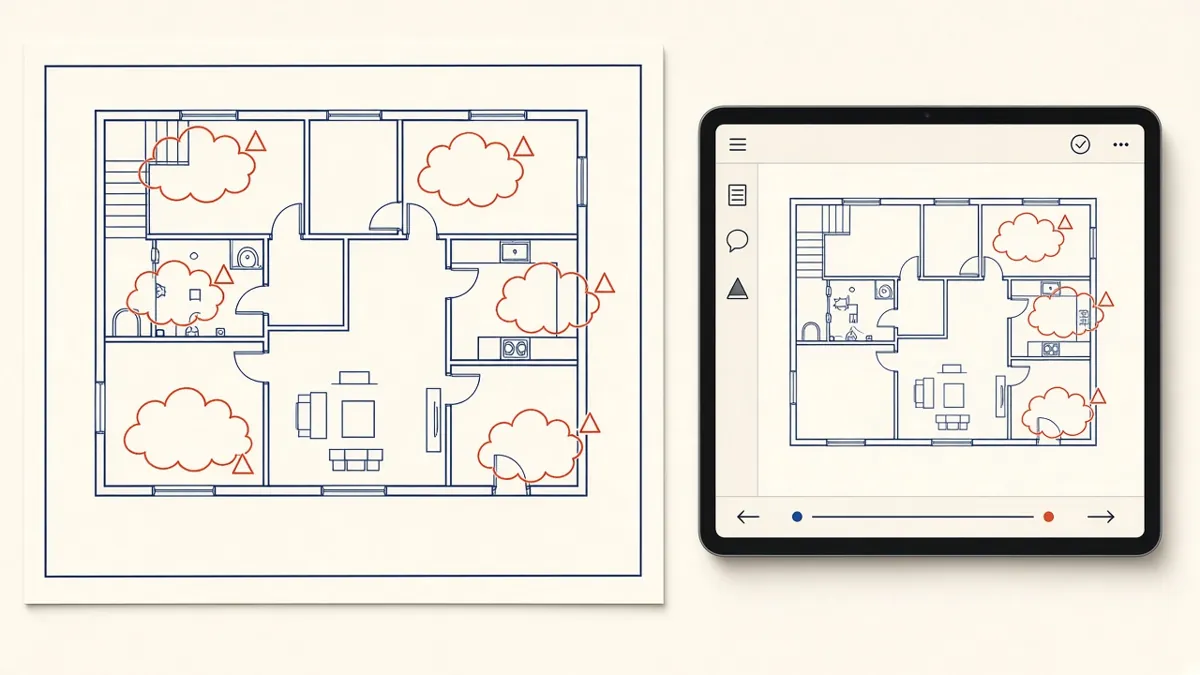
Managing Redlines and Revisions in Construction Drawings
How to turn markups into clean revisions without losing comments or creating new errors.
Read more →
Cover Sheets and Drawing Indexes for Construction Sets
What a cover sheet should carry, and how to keep the sheet index honest.
Read more →
Setting Up a Revit Project Template
What belongs in a template, and how to keep it useful as standards evolve.
Read more →