
Interior Elevations: When You Need Them and What to Show
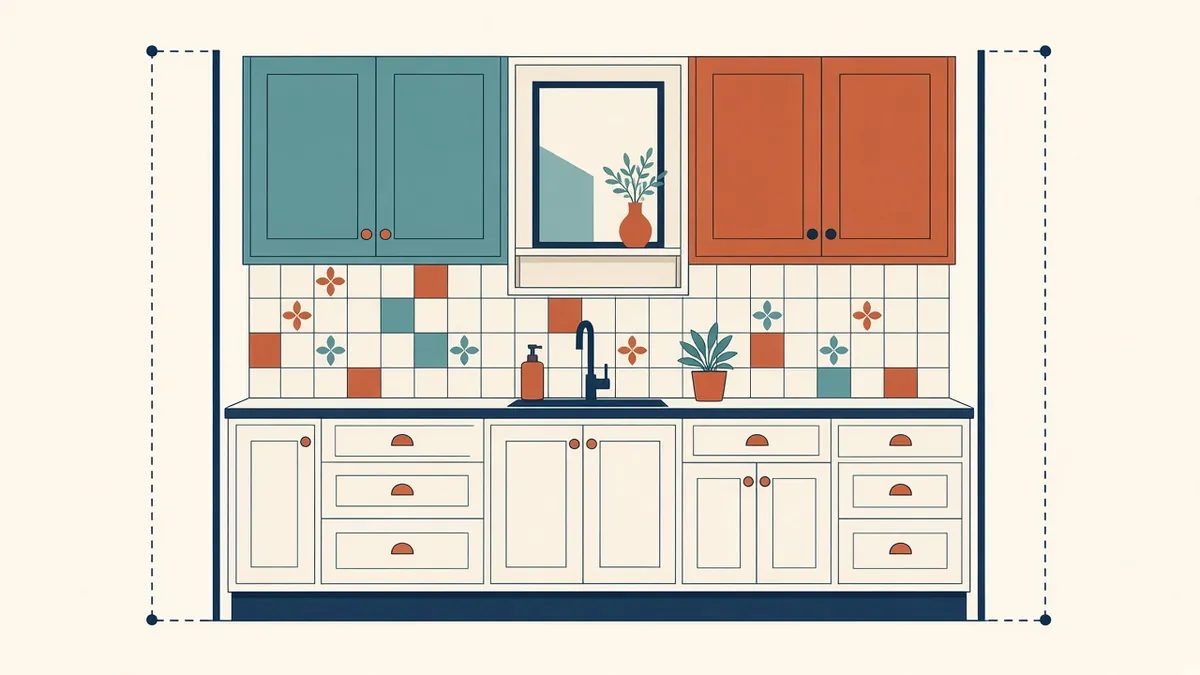
Some walls carry a lot of information: joinery, fixtures, outlets and finishes. A plan alone can't show any of it properly.
Plans show where things go horizontally. Interior elevations show what happens on the walls: mounting heights, finishes, joinery and fixtures. They're essential in rooms where vertical information matters.
Where interior elevations are needed
- Toilets and washrooms
- Kitchens and pantries
- Reception and feature walls
- Rooms with built-in joinery
- Accessible facilities
- Rooms with wall-mounted equipment, such as hospital or laboratory spaces
What to show
- Wall finishes, with finish codes
- Joinery and casework outlines, with references to joinery details
- Fixtures and accessories, with mounting heights
- Electrical outlets, switches and data points, where coordinated with electrical layouts
- Doors and windows in the wall
- Ceiling line and floor line
- Tile setting out, where it matters
Mounting heights
Mounting heights are one of the main reasons for interior elevations. Show heights for mirrors, basins, grab rails, switches and accessories. For accessible facilities, heights are set by the applicable accessibility standard, so check them carefully against the code adopted for the project.
Referencing
Each interior elevation should be called out from the plan or enlarged plan, using elevation marks that show which wall is drawn. Number elevations consistently so they're easy to find.
Scale
Interior elevations are often drawn at 1:20 or 1:50, or 1/4" or 1/2" = 1'-0". Choose a scale that shows fixtures and dimensions clearly.
Coordinate with other trades
Electrical, plumbing and mechanical items often appear on the same walls. Coordinate positions with MEP layouts so outlets don't clash with joinery or tiles, and so services fit within wall depths.
Joinery
For built-in joinery, interior elevations show the overall layout, with details covering construction, materials and hardware. Specialist joinery contractors often prepare shop drawings based on these elevations.
Keep it focused
In Revit
Interior elevations can be generated from the model, showing modelled fixtures and casework. Add 2D detail where modelling isn't worthwhile, and use view templates for consistent graphics.
Quick checks
- Every elevation mark has a matching view
- Mounting heights agree with schedules and specifications
- Accessible facilities meet the applicable standard
- 01Where interior elevations are needed
- 02What to show
- 03Mounting heights
- 04Referencing
- 05Scale
- 06Coordinate with other trades
Use elevations for coordination reviews
Interior elevations are useful for checking coordination before issue. Overlaying electrical and plumbing layouts on elevations reveals switches behind doors, sockets in splashbacks and pipes in tiled feature walls. Catching these on paper is far easier than moving outlets after tiling, and it gives a cleaner result in finished rooms.
Interior elevations remove guesswork from the walls, which is where finishes and fixtures are most visible to building users.
If your team needs extra production capacity for work like this, take a look at our Architectural production services, or tell us about your project.
Related articles
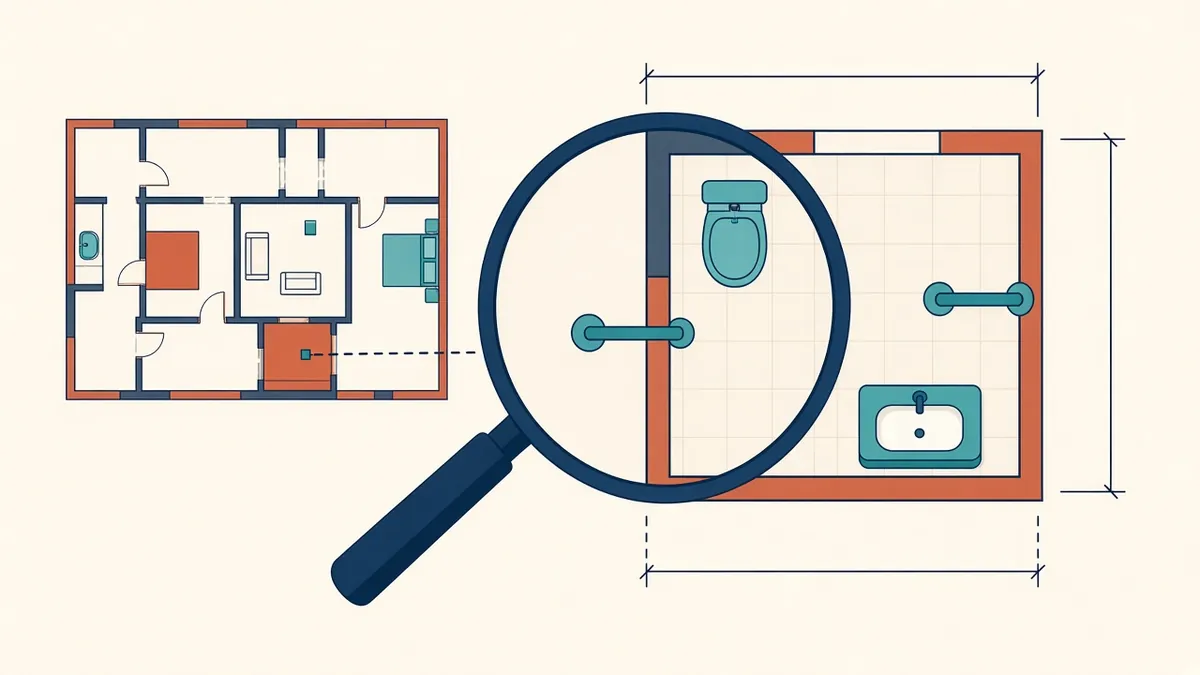
Enlarged Plans for Toilets, Kitchens and Stairs
Where general plans run out of room, and how enlarged plans fill the gap.
Read more →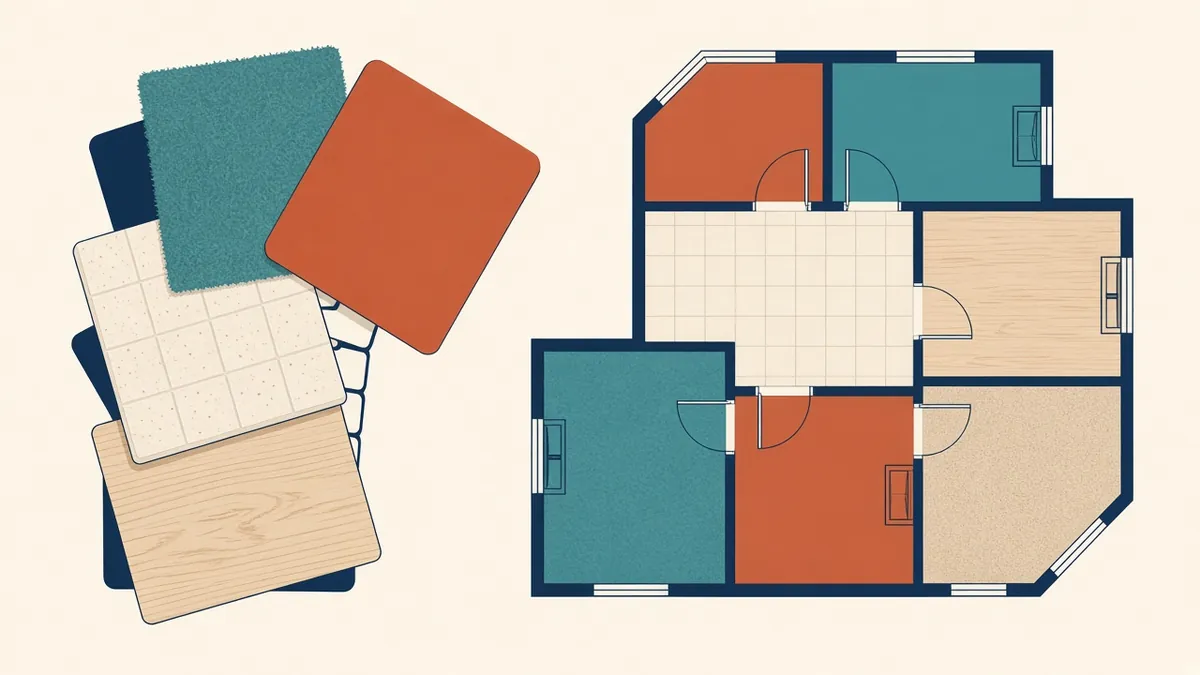
Room Finish Schedules and Finish Plans
Choosing between schedules and finish plans, and keeping finish codes consistent.
Read more →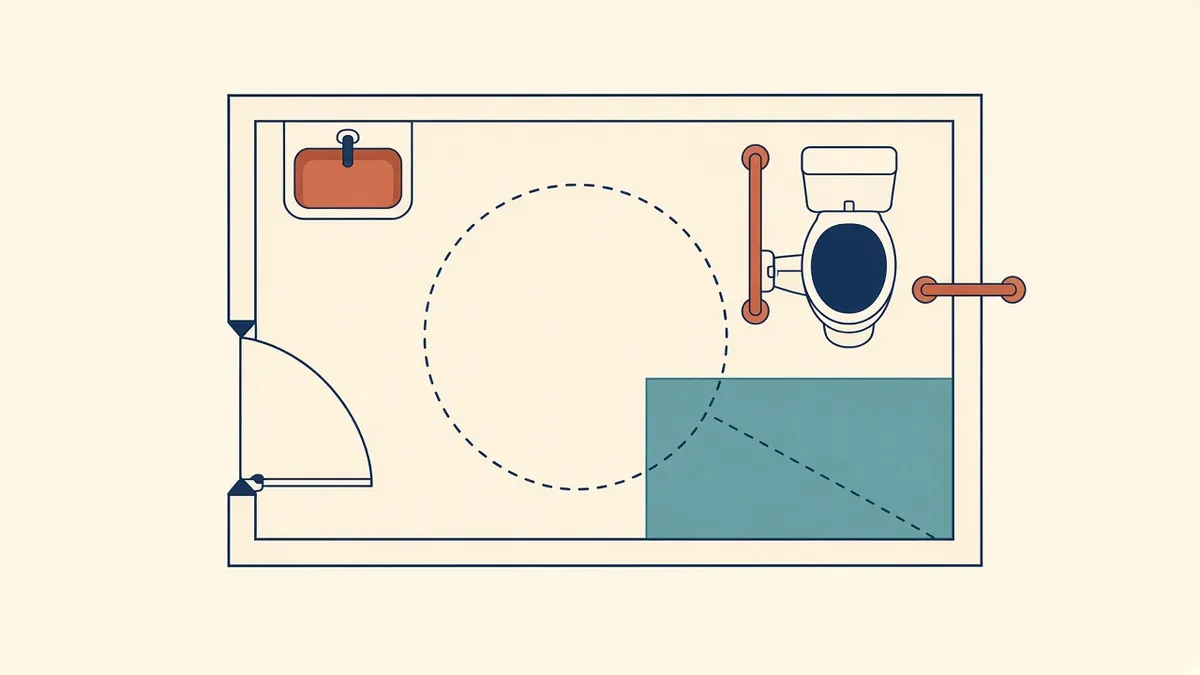
Detailing Accessible Toilets and Washrooms
Clearances, fixture positions and the standards that govern them.
Read more →