
Revit Shared Parameters: When and How to Use Them
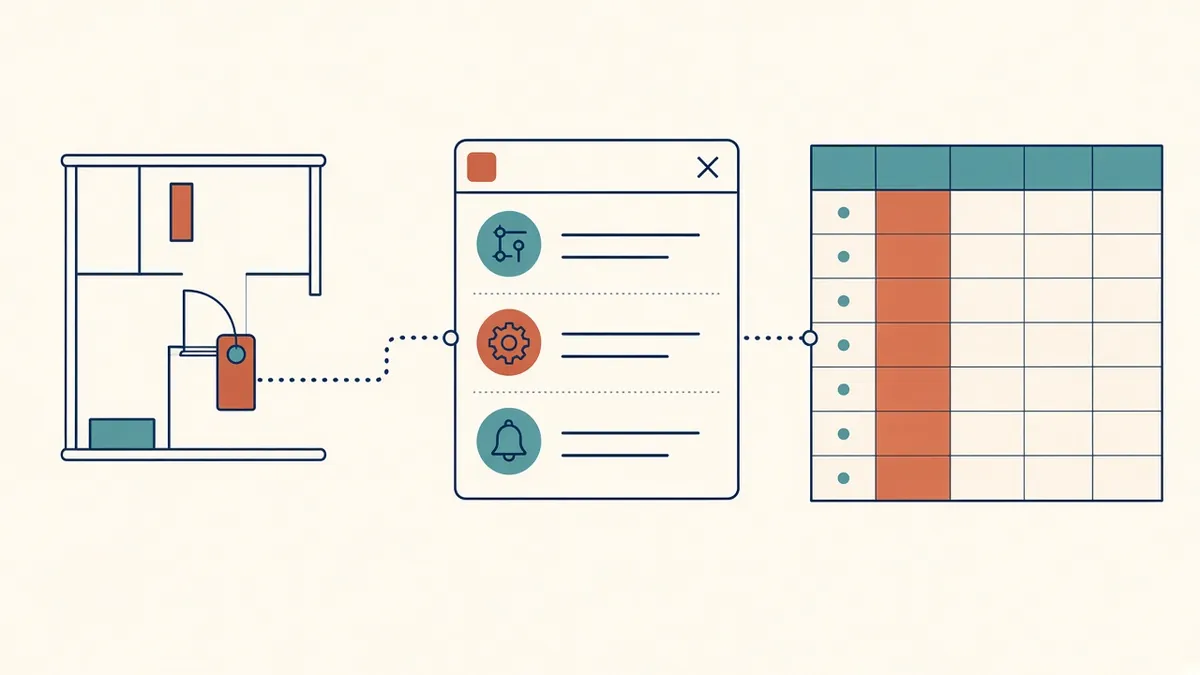
Shared parameters are what let a piece of data travel from a family to a schedule to a tag without being retyped.
Revit parameters store information about elements. When you need custom information to appear in tags and schedules across families and projects, shared parameters are usually the right tool. Managing them well prevents duplicate, conflicting data.
Types of parameters
- Family parameters: exist only within a family; can't be scheduled or tagged
- Project parameters: added to categories in a project; can be scheduled but not tagged
- Shared parameters: defined in an external file and used in families and projects; can be both scheduled and tagged
- Global parameters: project-wide values used to drive dimensions and relationships
Why shared parameters matter
If you want a door tag to show a fire rating, the parameter must be a shared parameter loaded into the door family or added as a shared project parameter. Using the same shared parameter everywhere means the tag, schedule and family all refer to the same data.
The shared parameter file
Shared parameters are stored in a text file with unique identifiers. Each parameter has a name, data type and group. Once used in a family or project, the identifier travels with it. If two people create parameters with the same name from different files, Revit treats them as different parameters, which causes confusion.
Managing the file
- Keep one office shared parameter file in a controlled location
- Assign an owner who adds new parameters
- Never edit identifiers manually
- Organise parameters into clear groups
- Document what each parameter is for
Naming
Use clear, consistent names, such as Door_FireRating or Room_FinishFloor. Some firms add a prefix to identify office parameters. Avoid names that clash with built-in parameters.
Type or instance
Decide whether a parameter is type or instance. Fire rating may be a type parameter for door types, while a door's location note may be instance-based. Getting this right avoids repetitive data entry.
Using shared parameters in families
Classification and handover
Projects with classification or handover requirements, such as Uniclass codes or COBie data, often rely on shared parameters. Plan these parameters early, ideally in the template.
Common problems
- Duplicate parameters with similar names
- Parameters created from different files with the same name
- Families missing parameters needed for tags
- Information typed into the wrong parameter
- 01Types of parameters
- 02Why shared parameters matter
- 03The shared parameter file
- 04Managing the file
- 05Naming
- 06Type or instance
Review regularly
Audit projects for duplicate or unused parameters and keep the shared parameter file tidy. Small problems multiply quickly across a family library.
Well-managed shared parameters make tags and schedules reliable, and they're the backbone of good information in Revit models.
If your team needs extra production capacity for work like this, take a look at our Architectural production services, or tell us about your project.
Related articles
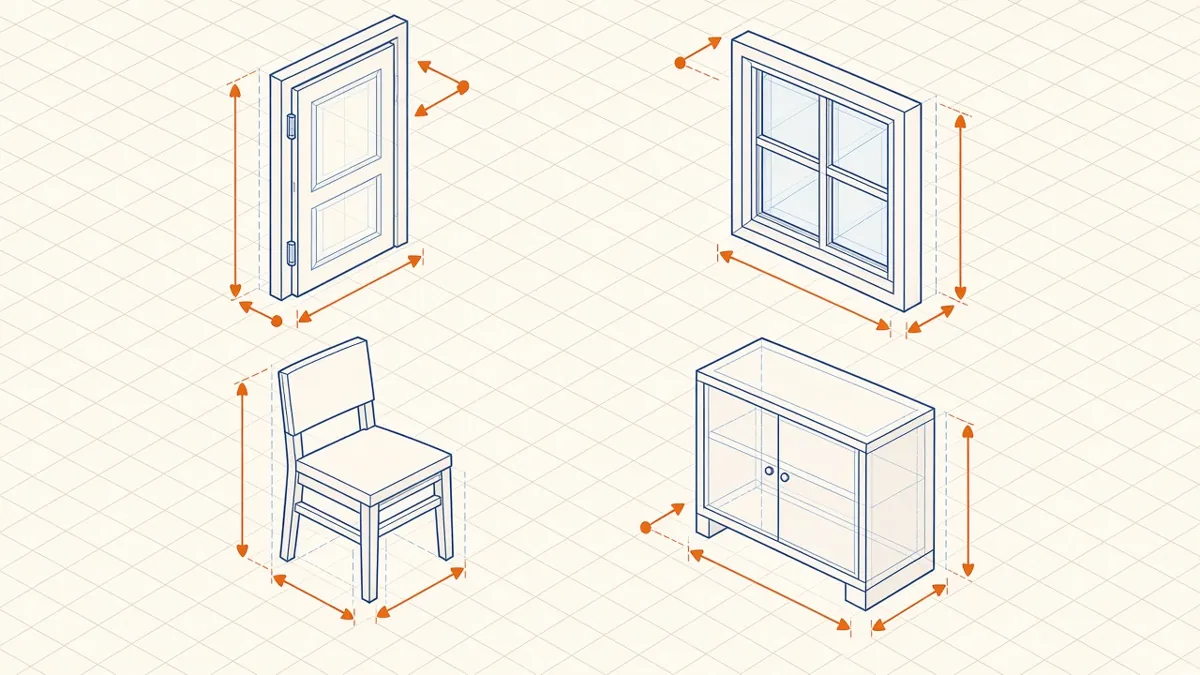
Revit Family Best Practices for Clean, Reliable Models
Building families that flex correctly, schedule cleanly and keep models light.
Read more →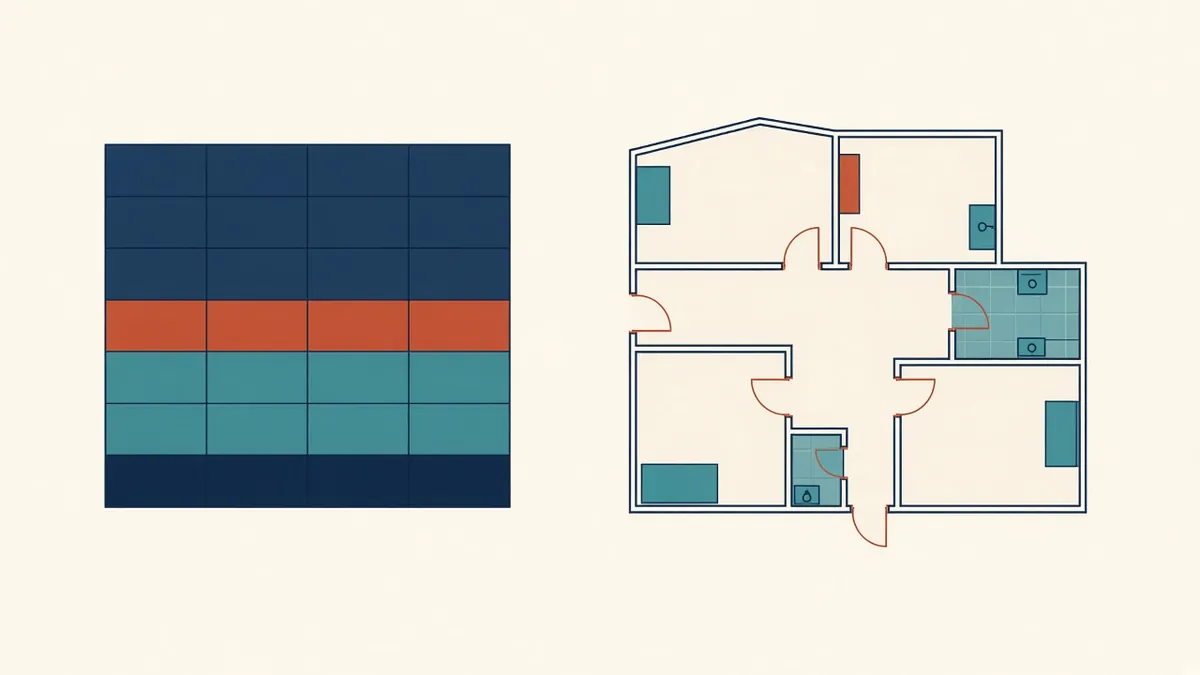
Building Reliable Schedules in Revit
Doors, rooms, materials and quantities scheduled straight from the model.
Read more →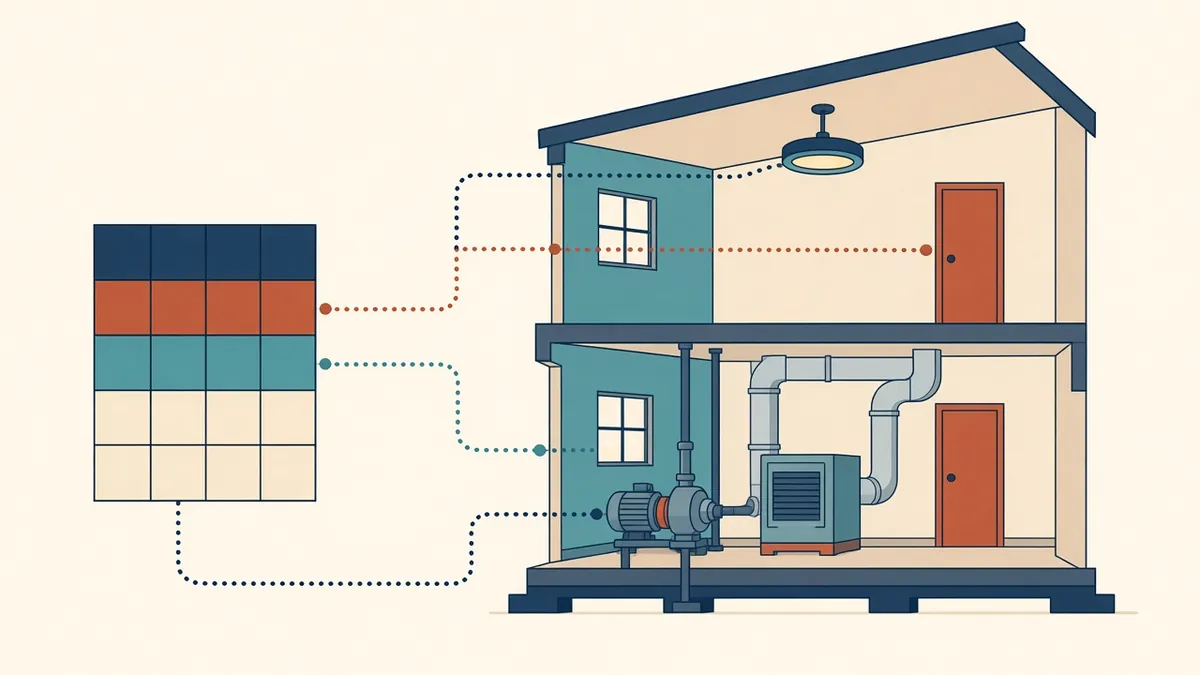
COBie and BIM Handover Data Explained
Structured handover data for facility managers, and how to prepare it.
Read more →