
Handing Over CAD Standards to an Outsourcing Team

Your CAD standards live partly in documents and partly in people's heads. A partner needs both.
CAD drawings produced by an outsourcing team should look and behave like your own. That depends on handing over CAD standards clearly. A well-organised standards pack helps the team produce consistent drawings from the first task.
What to include
- Drawing templates: DWT files with layers, text styles, dimension styles and units set up
- Layer standards: naming, colours, line types and line weights
- Plot styles: CTB or STB files that control printed line weights
- Blocks: standard symbols, annotations, title blocks and details
- Xref structure: how drawings reference each other
- Sheet setup: layouts, viewports and scales
- File naming: drawing and sheet naming conventions
Plot styles matter
Drawings can look right on screen but print incorrectly if plot styles aren't shared. Include the plot style files and explain whether the office uses colour-dependent or named plot styles.
Explain the xref structure
Many offices use a base drawing for each floor, with sheets referencing it. Explain:
- Which files are base drawings
- How sheets reference them
- Whether paths are relative or absolute
- How consultant drawings are referenced
Use eTransmit for packages
When sending drawings, tools such as AutoCAD's eTransmit can package drawings with their references, fonts and plot styles. This helps avoid missing files.
Fonts and shapes
Custom fonts or SHX files need to be shared, or text may display differently. List any non-standard fonts.
Software versions
Provide example drawings
A sample set showing typical plans, sections and details helps the team see how standards are applied in practice. Point out conventions that aren't obvious from the standards documents.
Check early output
Review the first drawings closely for:
- Layer use
- Line weights in print
- Text and dimension styles
- Block use
- Xref setup
Fix issues early before they spread.
Use audit tools
Tools such as AutoCAD's Standards checker, using DWS files, can compare drawings against standards. Sharing the DWS file lets the team check their own work.
Keep standards current
If standards change, share updates and note what's changed. Version the standards pack so everyone uses the same one.
- 01What to include
- 02Plot styles matter
- 03Explain the xref structure
- 04Use eTransmit for packages
- 05Fonts and shapes
- 06Software versions
Package everything together
Keep templates, plot styles, blocks, fonts and example drawings in one versioned folder. Sharing a single package is easier than sending files separately, and it makes updates simpler.
Clear CAD standards help outsourced drawings fit seamlessly into your sets, saving review time and keeping output consistent.
If your team needs extra production capacity for work like this, take a look at our Architectural production services, or tell us about your project.
Related articles

Onboarding a New Outsourcing Partner
The first weeks with a new partner, step by step.
Read more →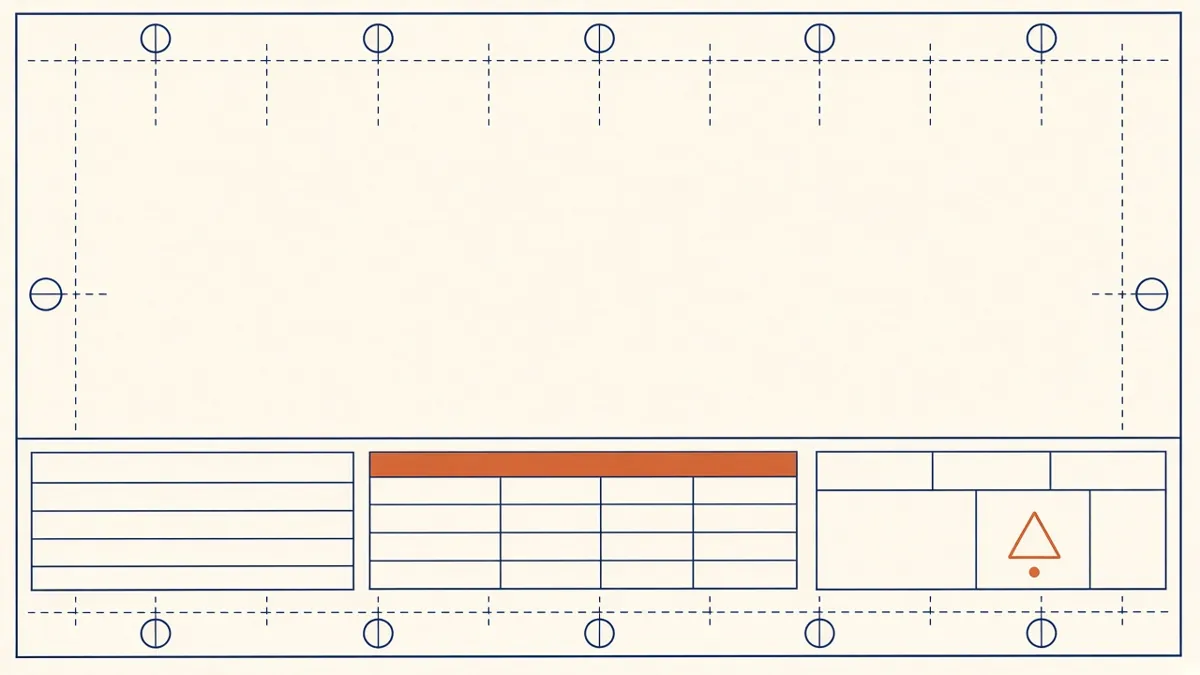
Drawing Sheet Standards: Numbering, Title Blocks and Naming
Sheet numbering, title blocks and naming conventions that keep large drawing sets readable.
Read more →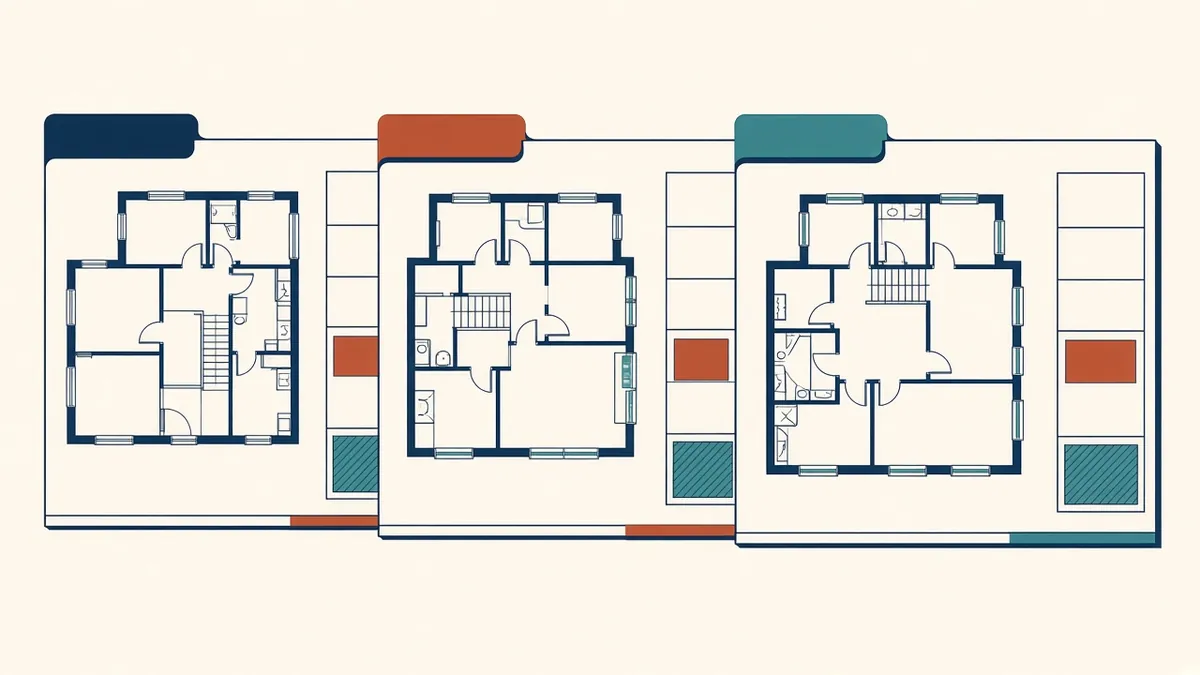
Keeping Drawing Sets Consistent Across Teams
Making drawings from several teams read as one set.
Read more →