
Managing Redlines and Revisions in Construction Drawings
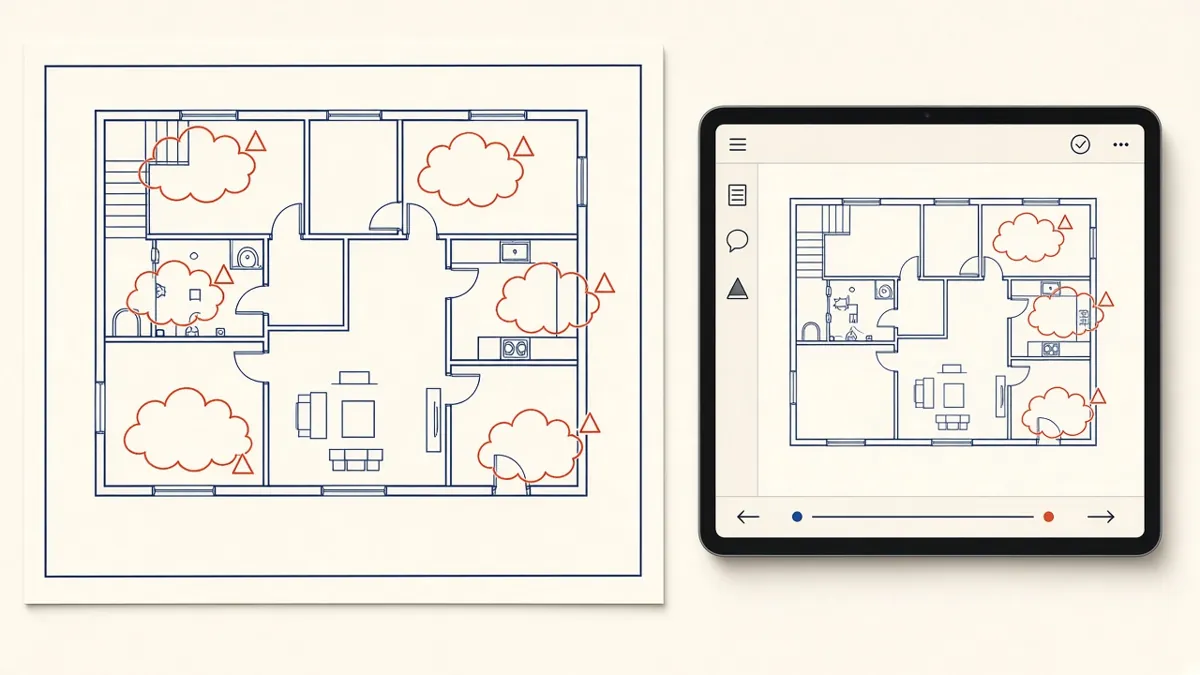
Every Architect has seen it: a redline that got picked up on one sheet but not the other three it touched. Revision control is how you stop that happening.
Every drawing set goes through rounds of markups: from the design team, the client, consultants, reviewers and contractors. The work isn't hard, but it's easy to miss a comment or introduce a new error while fixing an old one. A simple, repeatable process keeps revisions clean and traceable.
Collect markups in one place
Comments arrive as marked-up PDFs, emails, review portal entries and meeting notes. Before anyone starts drafting, consolidate them into one marked-up set or one comment log. Tools such as Bluebeam, Autodesk Construction Cloud and similar platforms make this easier, but a well-kept spreadsheet works too. The point is that there's one list of what needs to change.
Log every comment
For each comment, record:
- A reference number
- The sheet and location
- Who raised it
- What's required
- Status: open, done, query or not accepted
- Notes on how it was resolved
This log becomes your audit trail. When someone asks why a change was made, or why it wasn't, the answer is already written down.
- Issue drawings
- Mark up comments
- Revise the set
- Back-check every comment
- Close out and log
Use a colour status system
A simple visual system works well on marked-up PDFs. For example, the original comment in red, picked up in the model in yellow, and checked by a reviewer in green. Anyone looking at the set can see progress at a glance, and nothing is marked complete until it's been checked.
Make changes in the model first
In a Revit workflow, change the model, not just the sheet. A door moved on a plan should update the schedule, the elevation and the enlarged plan automatically. Editing only what's visible on one sheet is how plans and schedules end up disagreeing.
Cloud and tag every revision
- Draw a revision cloud around each changed area
- Tag it with the revision number or letter
- Make sure the revision appears in the title block or revision schedule
- Remove clouds from earlier revisions when your project standard says so
Check the ripple effects
A single change often touches several sheets. Moving a wall can affect the plan, the RCP, interior elevations, door schedules and details. Before issue, ask what else the change touches, and check those sheets too.
Issue with a transmittal
Each issue should go out with a transmittal or issue sheet listing the sheets, their revisions and the purpose of issue. On ISO 19650 projects, use the agreed status and revision codes. A clear transmittal prevents people building from superseded drawings.
Respond to every comment
Not every comment should be accepted. Some conflict with other requirements or with the design intent. When that happens, record the reason in the log and let the reviewer know. A comment that's quietly ignored tends to come back in the next round.
- 01Collect markups in one place
- 02Log every comment
- 03Use a colour status system
- 04Make changes in the model first
- 05Cloud and tag every revision
- 06Check the ripple effects
Keep revisions moving
Long gaps between markups and revisions let comments pile up and context fade. Turning markups around in a steady, predictable rhythm keeps the project moving and makes each round smaller.
A disciplined revision process doesn't slow a project down. It's what stops the same comment appearing three rounds in a row.
If your team needs extra production capacity for work like this, take a look at our Architectural production services, or tell us about your project.
Related articles
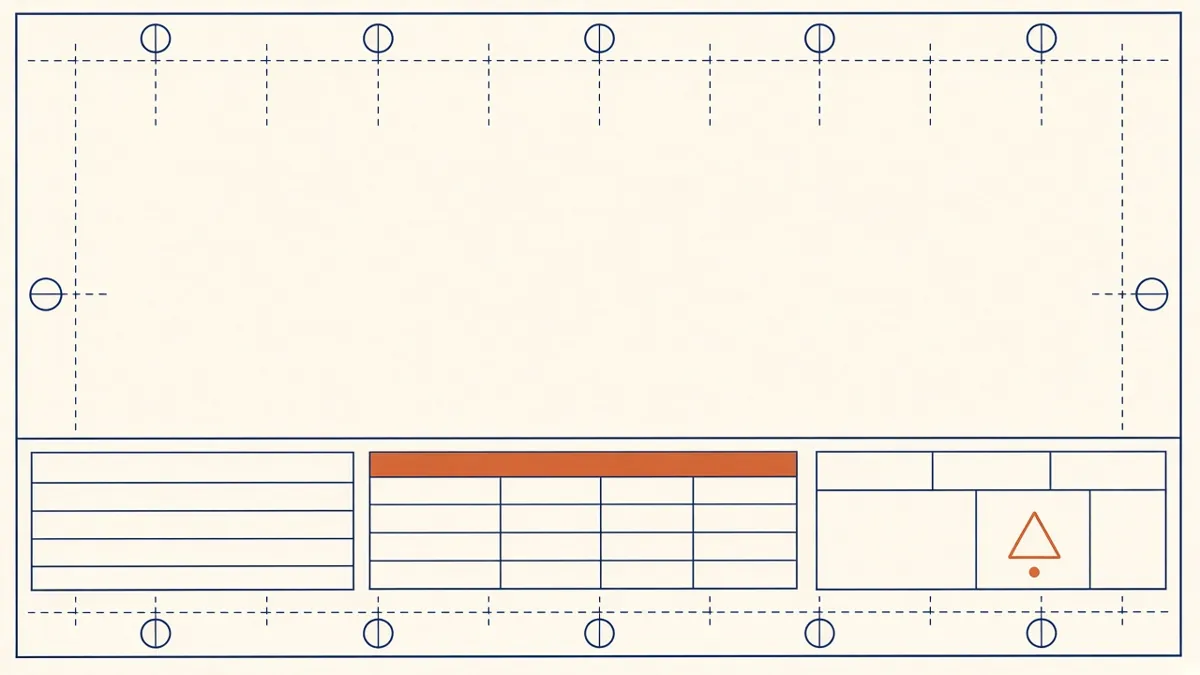
Drawing Sheet Standards: Numbering, Title Blocks and Naming
Sheet numbering, title blocks and naming conventions that keep large drawing sets readable.
Read more →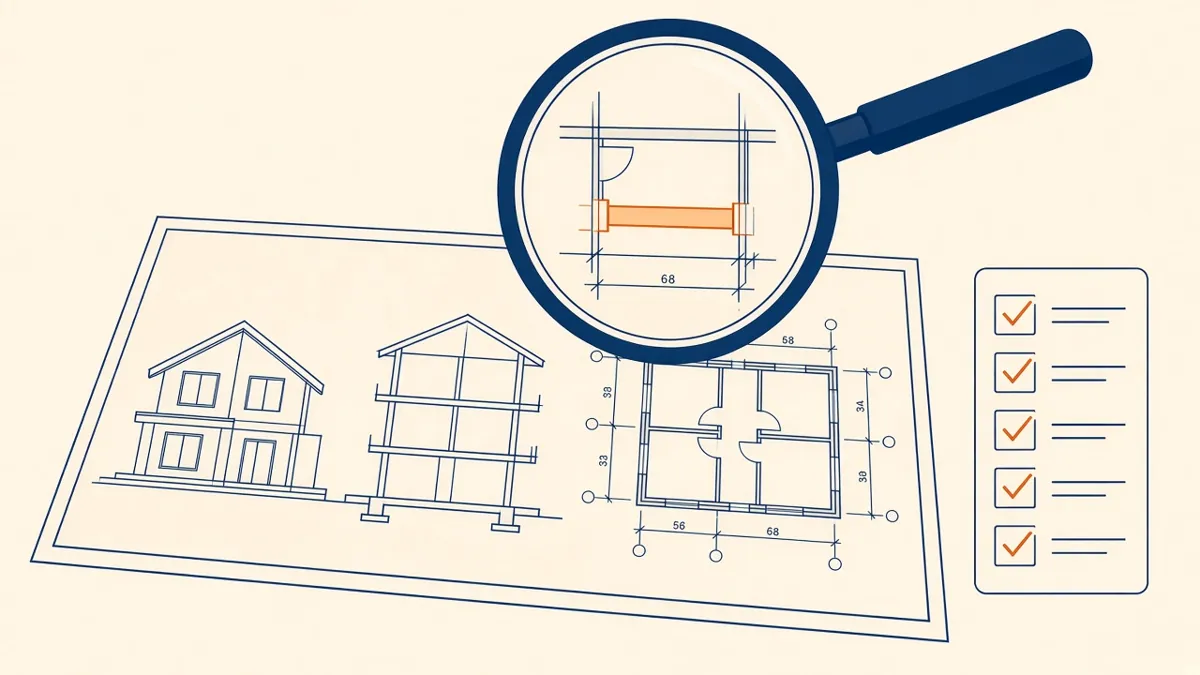
Quality Control for Outsourced Architectural Drawings
Checklists and review steps that catch errors before drawings reach your desk.
Read more →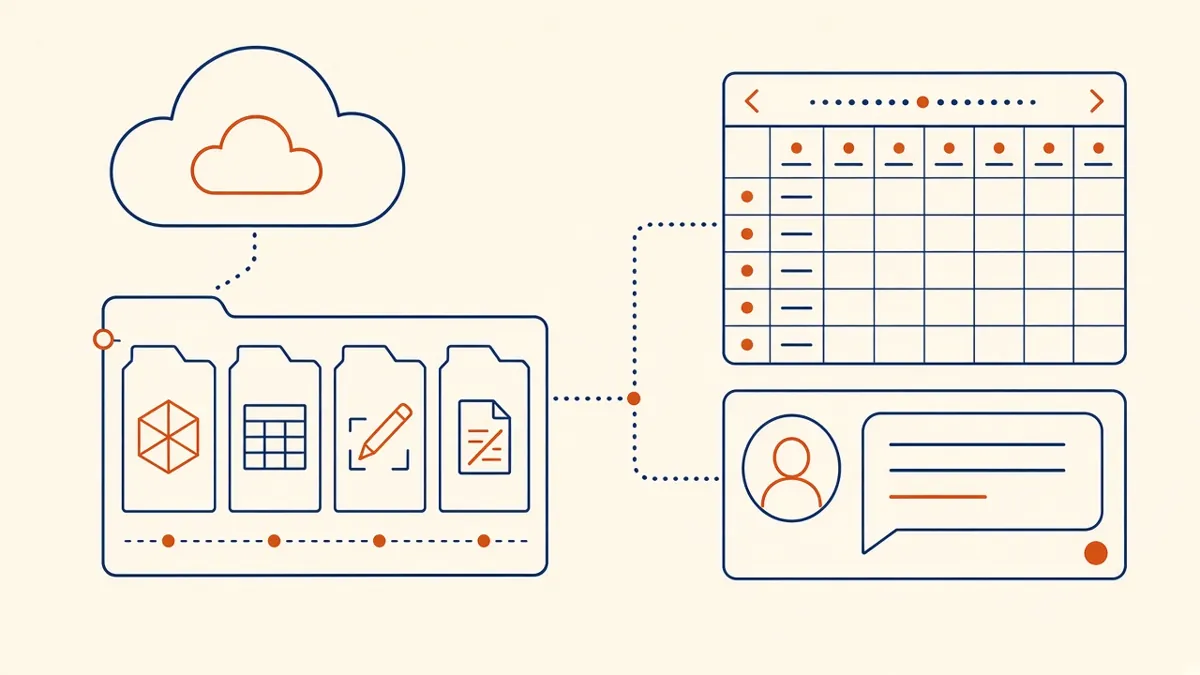
Outsourcing Workflow and File Exchange for Architecture Firms
Folder structures, version control and communication habits that keep remote production smooth.
Read more →