
Getting Accurate Areas and Quantities From BIM
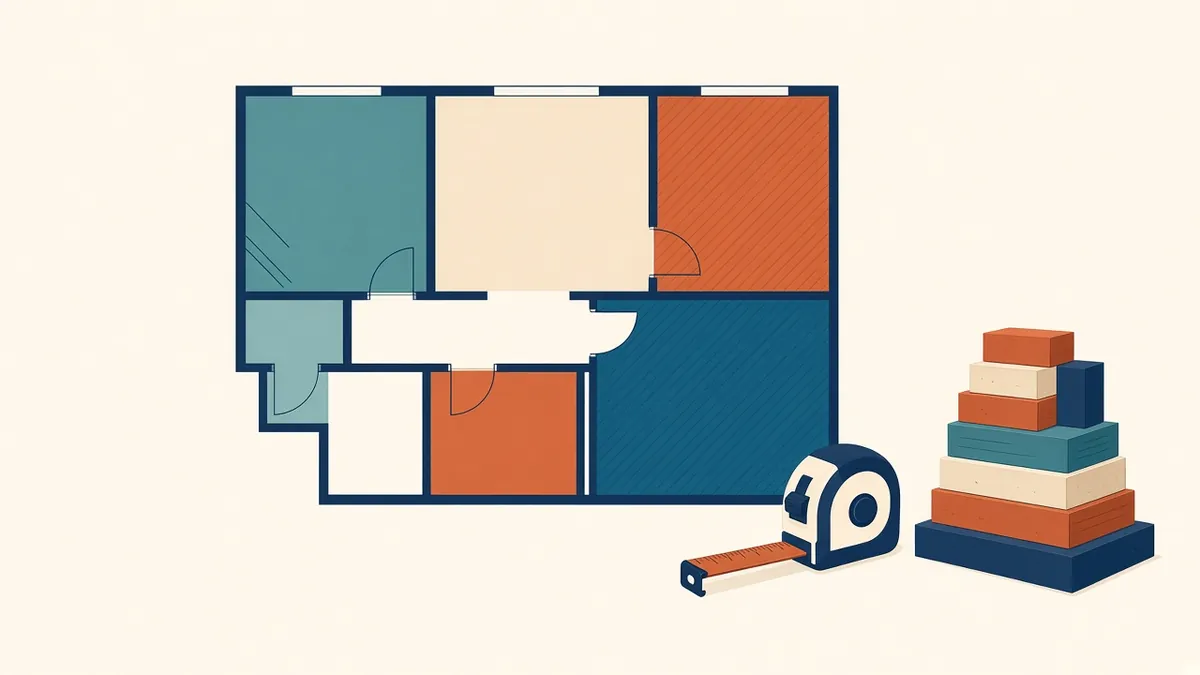
Areas and quantities from a model are only as good as the way it was modelled.
BIM models can produce areas and quantities automatically. They're only accurate if the model is built correctly and settings match the measurement standard being used. Understanding how areas and quantities are calculated helps teams trust the numbers.
Measurement standards
Different uses need different measurement rules:
- IPMS: International Property Measurement Standards, used internationally
- RICS Code of Measuring Practice and RICS Property Measurement: commonly used in the UK
- BOMA standards: commonly used for office buildings in the US
- Local authority rules: for planning and permit calculations
Agree which standard applies before setting up the model.
Room and area settings
In Revit, room area calculation can be set to measure at wall finish, wall centre, wall core or core centre. Area plans use their own boundary rules. Choose settings that match the measurement standard.
Area plans
Revit area plans let you create separate area schemes, such as gross area or rentable area. Area boundaries can follow walls or be drawn manually.
Modelling for quantities
Quantities depend on how elements are modelled:
- Walls split at levels or joined across them affect wall quantities
- Floors modelled as single slabs or layers affect volumes
- Openings affect net areas
Agree modelling conventions with the cost consultant if quantities are being used.
Checking areas
- Compare with hand calculations for sample rooms
- Check for missing or overlapping rooms
- Check room heights and upper limits for volumes
- Compare with previous issues to spot unexpected changes
Quantities for cost estimating
Cost consultants may use model quantities, but they often check or supplement them. Explain how the model is built and its level of development.
Schedules
Schedules list areas and quantities. Check filters, grouping and formulas, as errors in schedules can give misleading totals.
Data exports
Areas and quantities can be exported to spreadsheets or other tools. Check units and rounding.
Documentation
Regional differences
Area definitions vary by region and use. A gross area in one context may be calculated differently from another. Always state the definition used.
- 01Measurement standards
- 02Room and area settings
- 03Area plans
- 04Modelling for quantities
- 05Checking areas
- 06Quantities for cost estimating
State the measurement basis
Always say how areas were measured, for example to internal faces or to the centreline of walls, and which standard was used. Different bases can give noticeably different figures for the same building.
Reliable areas and quantities come from clear standards, correct settings and careful checking.
If your team needs extra production capacity for work like this, take a look at our Architectural production services, or tell us about your project.
Related articles
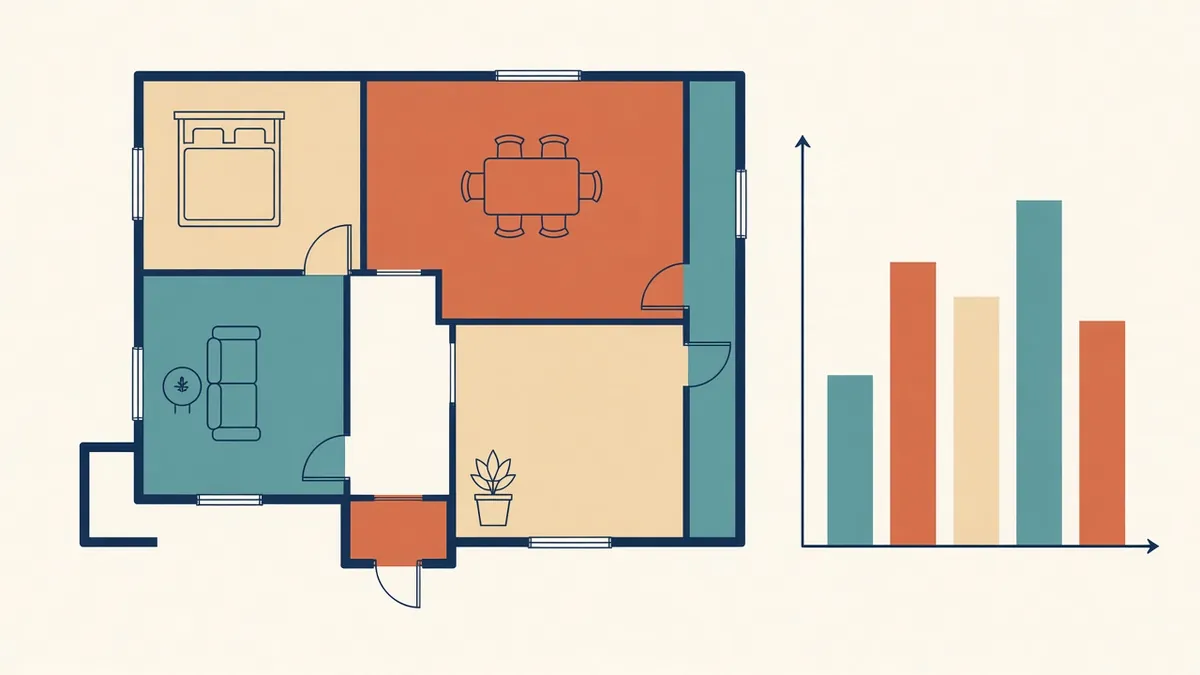
Area Plans and Area Calculations in Revit
Area schemes, boundaries and measurement standards for reliable area figures.
Read more →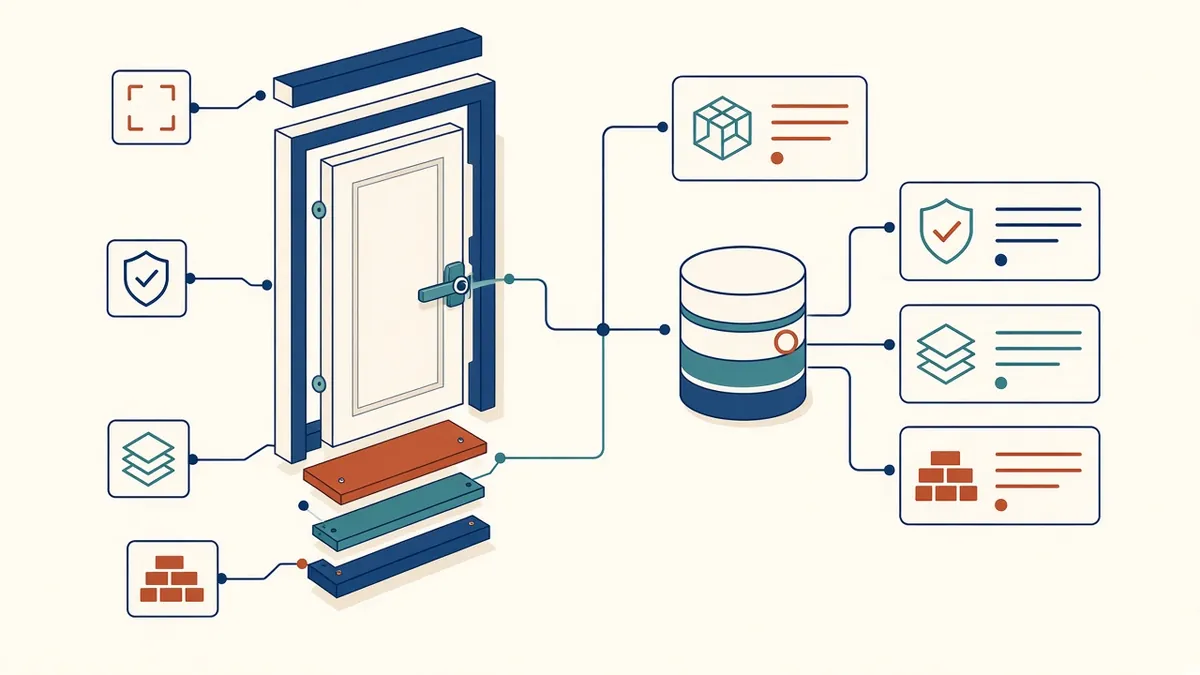
BIM Data Quality: Parameters, Naming and Classification
Keeping the information in models as reliable as the geometry.
Read more →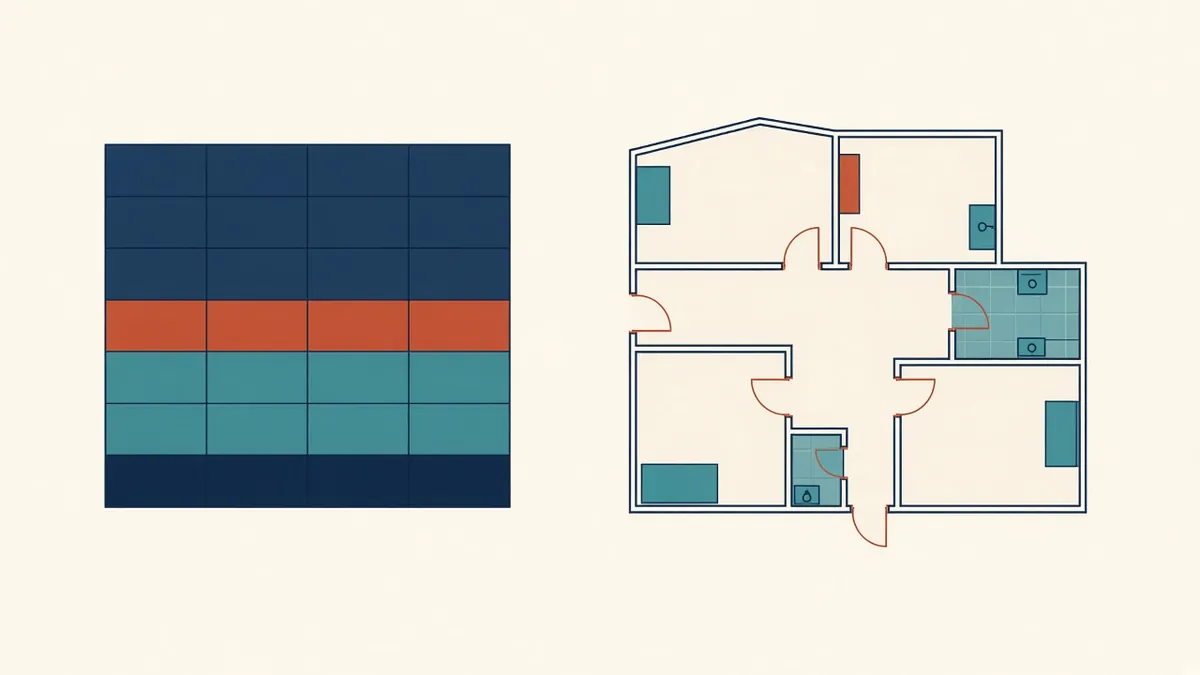
Building Reliable Schedules in Revit
Doors, rooms, materials and quantities scheduled straight from the model.
Read more →