
A Practical BIM Coordination Workflow for Design Teams
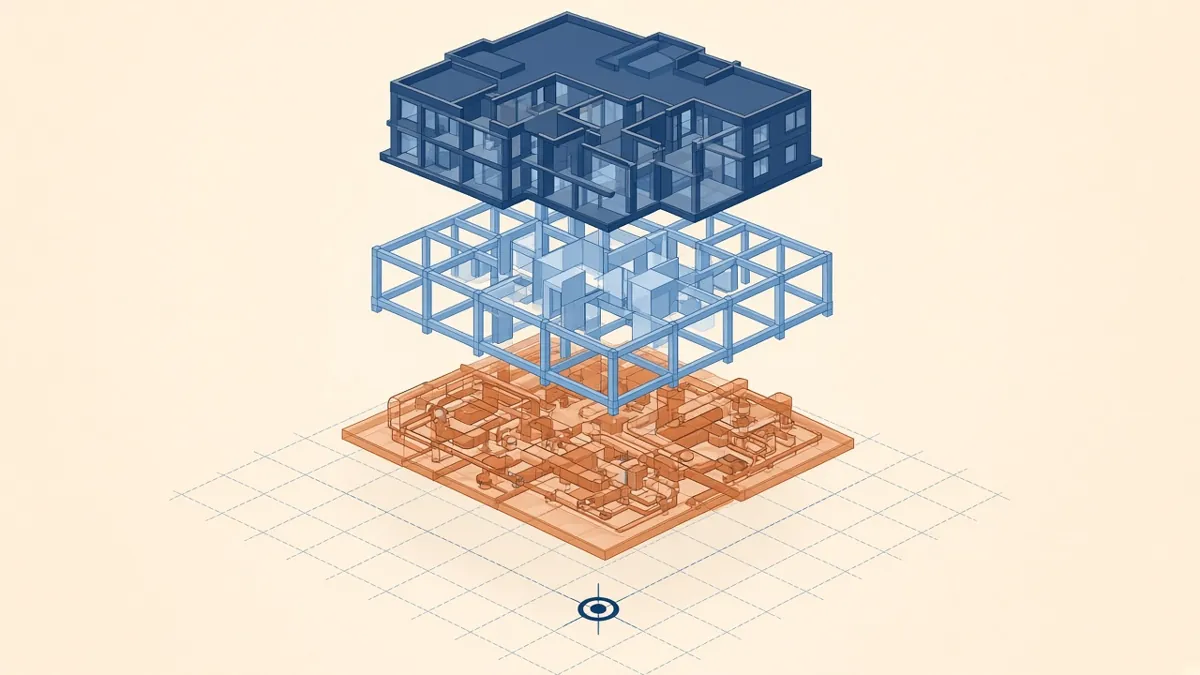
Clash reports with thousands of items don't coordinate a building. A steady, repeatable workflow does.
BIM coordination is the process of making sure every discipline's model fits together before anyone builds anything. It's not a single clash test. It's a repeating cycle of sharing, checking, resolving and re-issuing. Here's a workflow that keeps it organised.
Agree the basics in a BIM execution plan
Before modelling starts, agree:
- Software versions and file formats, such as Revit and IFC
- Shared coordinates, project base point and survey point
- Grids and levels, and who owns them
- Model breakdown, such as by building, zone or discipline
- Exchange frequency and naming
- How issues will be tracked and closed
On ISO 19650 projects these sit within the BIM execution plan and the information delivery plans. On US projects they're usually in a BIM execution plan agreed with the design team and contractor.
Get coordinates right first
Most coordination problems start with models that don't line up. Agree a single origin, shared coordinates and true north at the start. Use the same grids and levels across disciplines, ideally copied or monitored from one source. Test alignment with a quick federated model before real production starts.
Federate, don't merge
Each discipline should own and edit its own model. Link the others for reference, and combine everything in a federated model for review, using tools such as Navisworks, Autodesk Construction Cloud or an IFC viewer. Nobody edits someone else's elements.
Run coordination in cycles
A practical cycle looks like this:
- Each discipline publishes its model on an agreed day
- The coordinator federates the models and runs checks
- Issues are grouped, assigned and discussed in a coordination meeting
- Disciplines resolve their issues in their own models
- The next cycle confirms the fixes
Weekly or fortnightly cycles are common during design development and construction documents. The rhythm matters more than the exact interval.
Prioritise issues, not clash counts
A raw clash report can list thousands of clashes, many of them duplicates or irrelevant. Group them by location and system, ignore tolerance-level overlaps that don't matter, and focus on issues that affect design decisions, such as ceiling heights, shafts and structural zones.
Track issues to closure
Coordinate on drawings too
Not every problem shows up as a clash. Check that ceiling heights match the RCPs, that shafts and risers line up floor to floor, and that openings in walls and slabs are shown consistently on Architectural and structural drawings.
Keep models healthy
Large, slow models make coordination harder. Purge unused content, manage warnings, keep linked files tidy and archive superseded versions. A healthy model is easier for everyone to open and check.
Record decisions
When the team agrees a solution, such as lowering a ceiling or moving a duct route, record it in the issue log and in meeting notes. That record saves time when the same question comes back later.
Good coordination isn't about finding clashes. It's about agreeing solutions early enough that they're cheap to make.
If your team needs extra production capacity for work like this, take a look at our Architectural production services, or tell us about your project.
Related articles
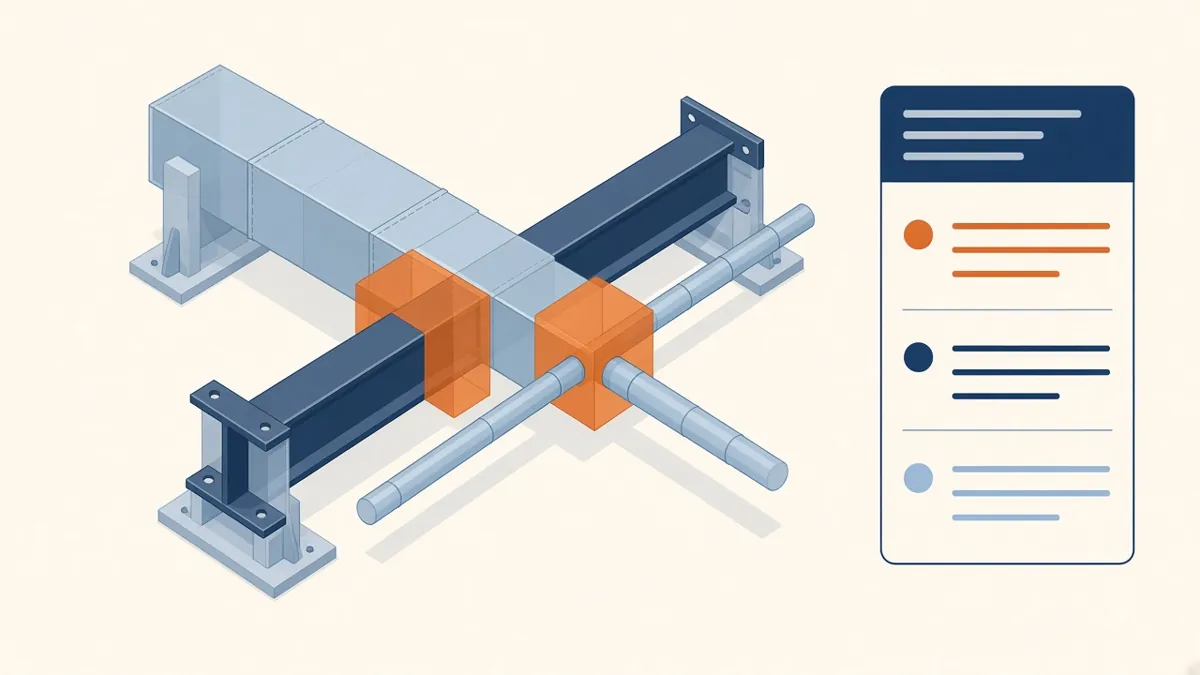
Clash Detection Explained for Architecture Teams
Hard clashes, clearance clashes and how to turn clash reports into decisions.
Read more →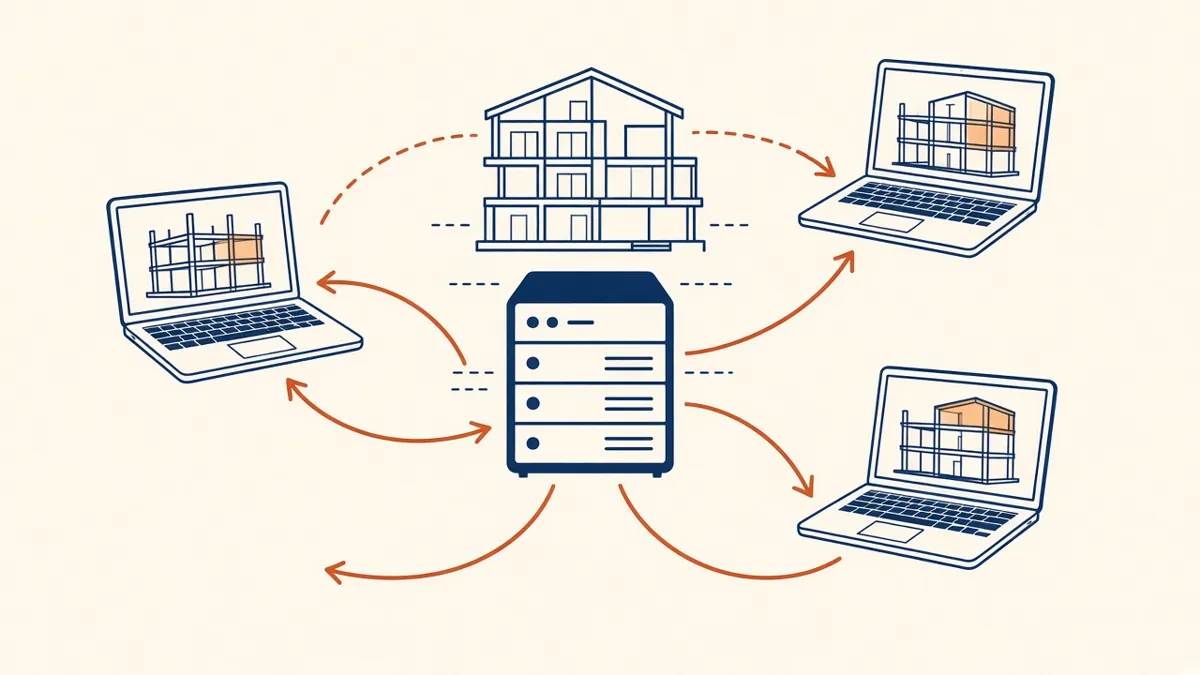
Revit Worksharing Basics: Central Models, Worksets and Syncing
How central models, worksets and syncing work, and the habits that keep shared models stable.
Read more →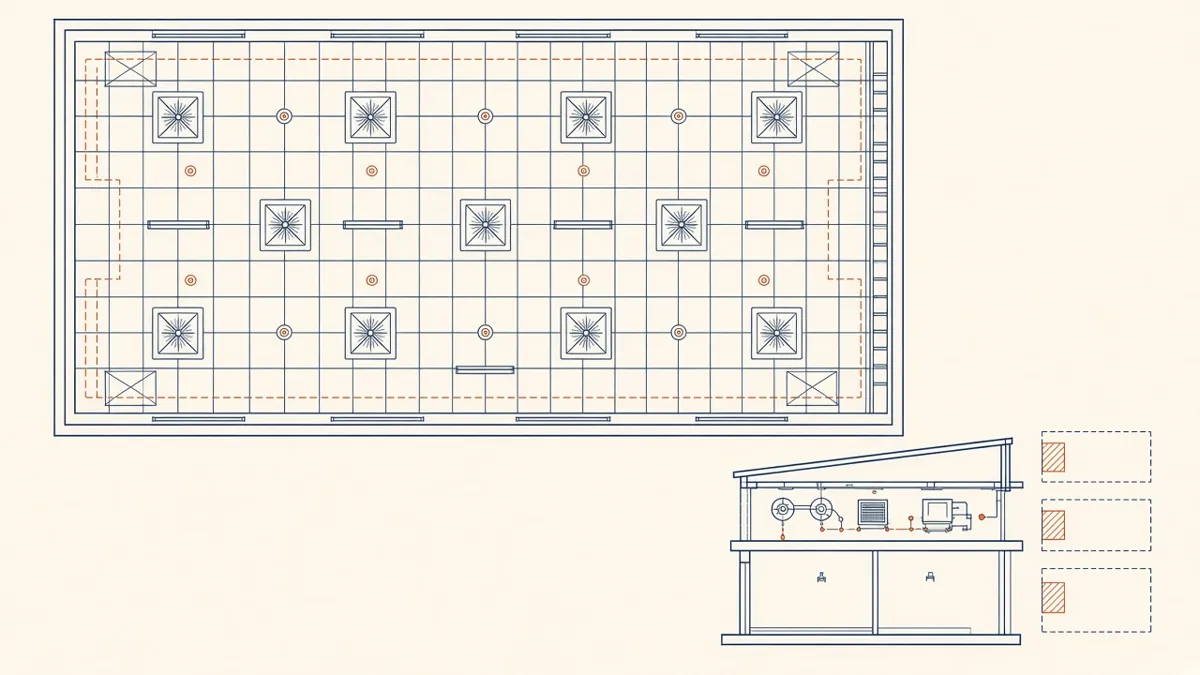
Coordinated Services Layouts and Ceiling Coordination
Ceiling zones, routing priorities and coordinated drawings that work on site.
Read more →