
Clash Detection Explained for Architecture Teams
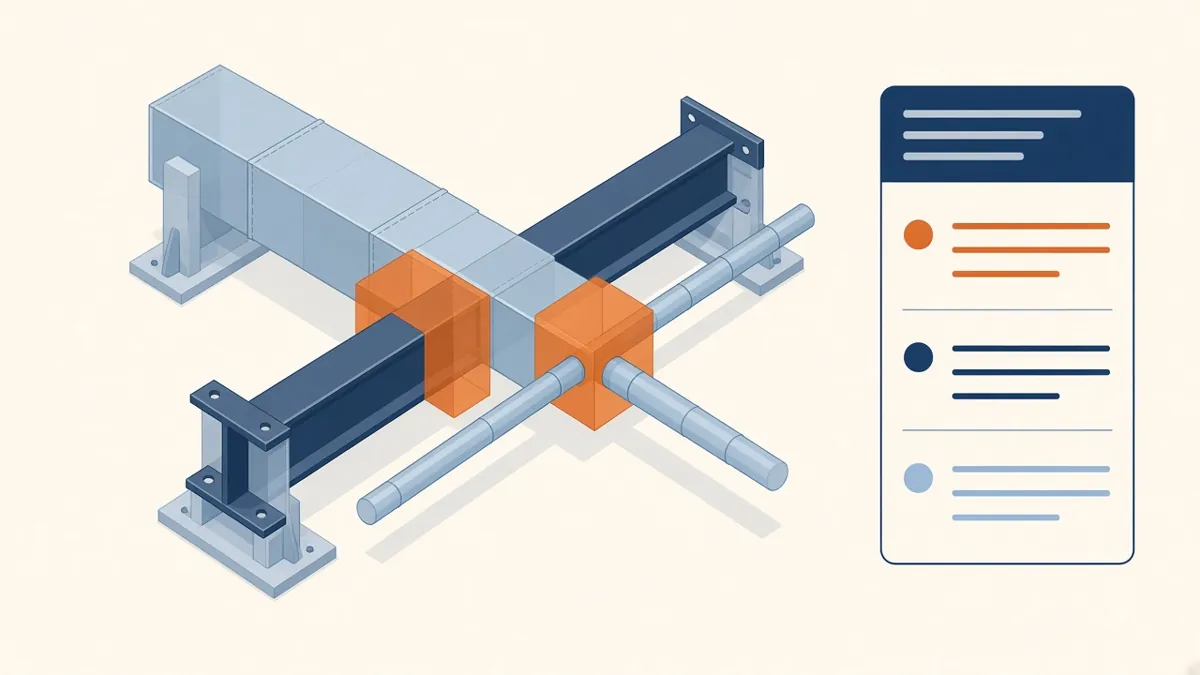
A duct running straight through a beam is obvious in 3D. Finding it before site is the whole point of clash detection.
Clash detection uses a federated BIM model to find places where elements from different disciplines conflict. It's one of the most practical benefits of BIM, but only if the results are managed well. A report of ten thousand clashes helps nobody.
Types of clashes
- Hard clashes: two elements physically occupy the same space, such as a duct passing through a beam
- Clearance (soft) clashes: an element encroaches on a required clearance zone, such as maintenance access around equipment or insulation space around a pipe
- Workflow (4D) clashes: conflicts in sequence or timing, such as equipment that can't be delivered after walls are built; these are usually handled in scheduling tools
The tools
Common tools include Autodesk Navisworks Manage (Clash Detective), Autodesk Construction Cloud model coordination, Solibri and Revizto. Most work the same way: you combine discipline models, set up tests between selected sets of elements, and review the results.
Set up focused tests
Don't run everything against everything. Set up tests that answer specific questions, for example:
- Structure against ductwork
- Structure against plumbing and drainage
- Ductwork against pipework
- Sprinklers against ceilings and lights
- MEP against Architectural walls and ceilings
Use sensible tolerances
A tolerance tells the tool to ignore very small overlaps. Agree tolerances with the team, because the right value depends on the model's level of development and the type of element. Too tight and the report fills with noise; too loose and real problems are missed.
Group and assign
Many raw clashes come from one cause, such as one duct run crossing a row of beams. Group clashes by location or by element, so each group becomes one issue. Then assign each issue to the discipline best placed to resolve it.
Run useful coordination meetings
- Share clash reports before the meeting
- Review grouped issues by level or zone
- Agree who moves what, and record the decision
- Set a due date for the model update
- Re-run tests to confirm the fix
Keep an issue log with images, locations, responsible parties and status. Many tools can export or track this directly.
Common causes of false clashes
- Models at different levels of development
- Elements that are meant to touch, such as hangers on structure
- Inaccurate or placeholder families
- Models not aligned to the same coordinates
Setting shared coordinates and agreeing model content in a BIM execution plan avoids many of these.
What the Architect brings
Architects help decide which solutions keep the design intact, such as lowering a ceiling, adding a bulkhead or rerouting a service elsewhere. Clash detection finds problems, but people still have to make design judgements.
Agree a clash detection schedule
Clash detection works best as a regular rhythm rather than a one-off exercise. Many teams agree a cycle in the BIM execution plan: models are uploaded by a set day, tests are run, and issues are reviewed at the next coordination meeting. Tracking how many issues are open at each cycle shows whether coordination is converging, and it highlights areas of the building that need more attention before drawings are issued.
Used well, clash detection moves coordination problems from site to screen, where they're much easier to resolve.
If your team needs extra production capacity for work like this, take a look at our Architectural production services, or tell us about your project.
Related articles
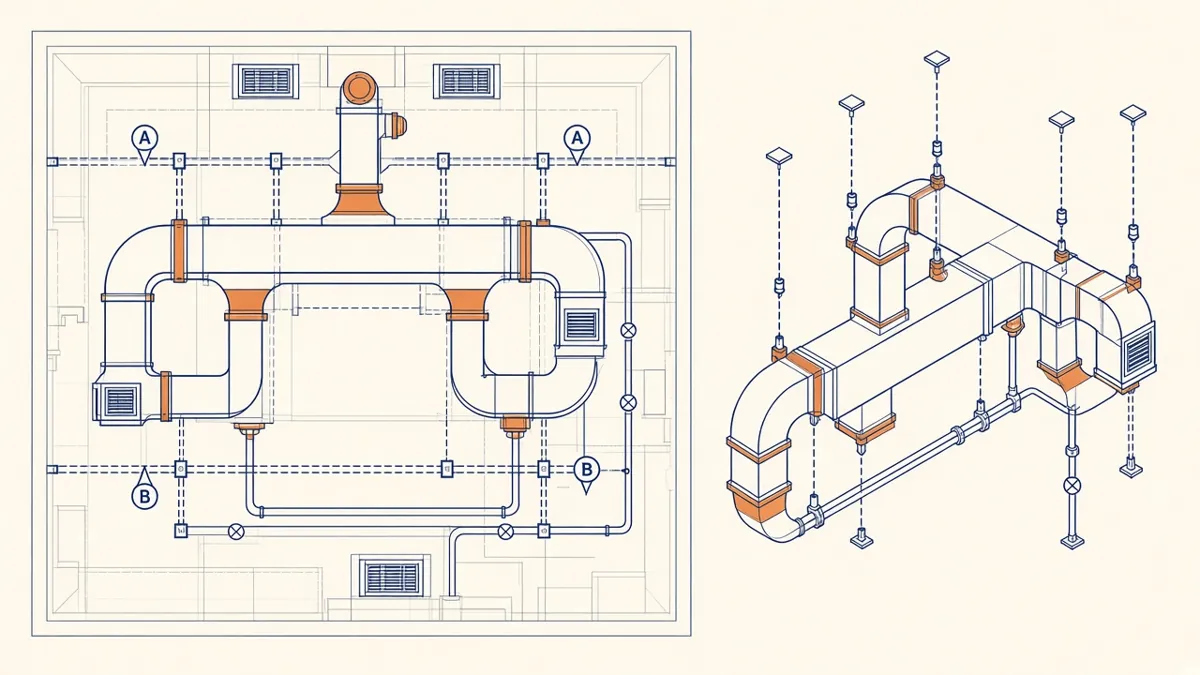
MEP Shop Drawings: What Architects Should Check
How shop drawings differ from design drawings, and what to look for in review.
Read more →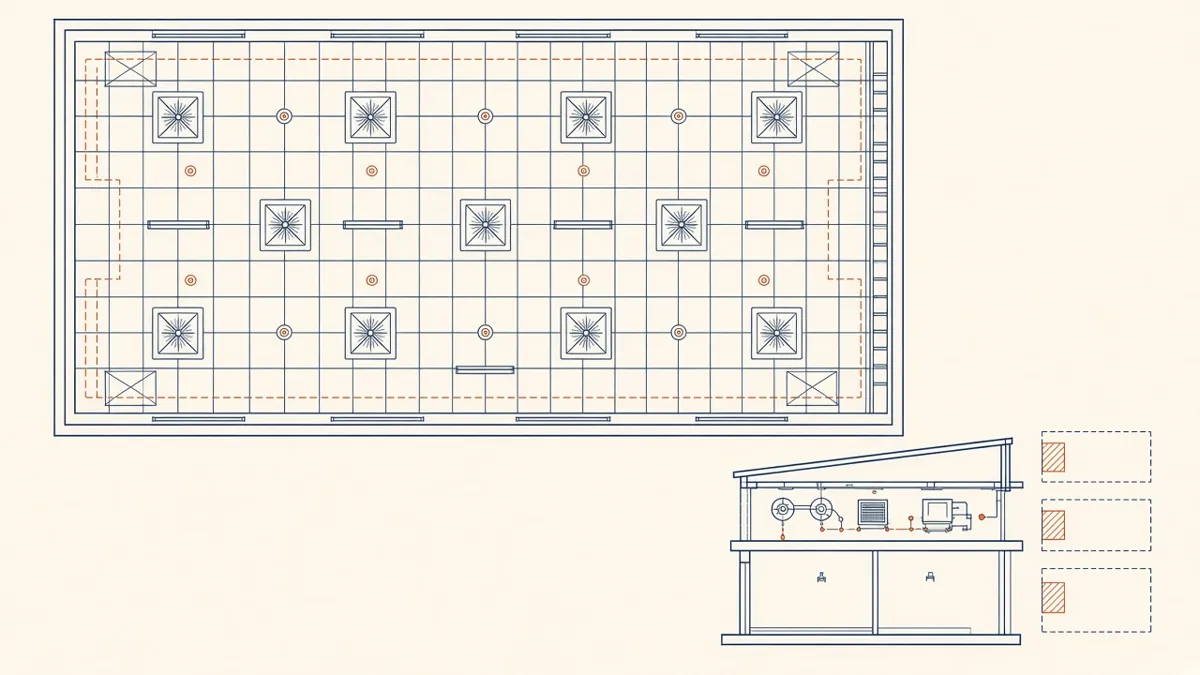
Coordinated Services Layouts and Ceiling Coordination
Ceiling zones, routing priorities and coordinated drawings that work on site.
Read more →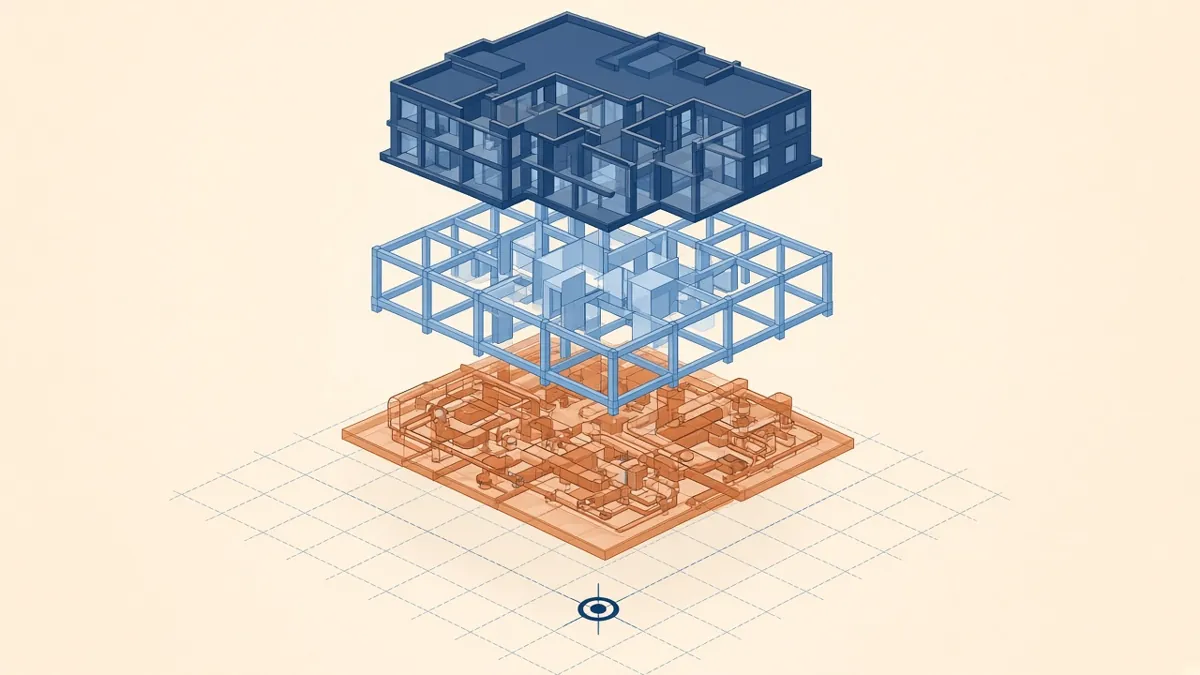
A Practical BIM Coordination Workflow for Design Teams
Setting up shared coordinates, model exchanges and coordination cycles that actually resolve issues.
Read more →