
Choosing Drawing Scales for Architectural Sets
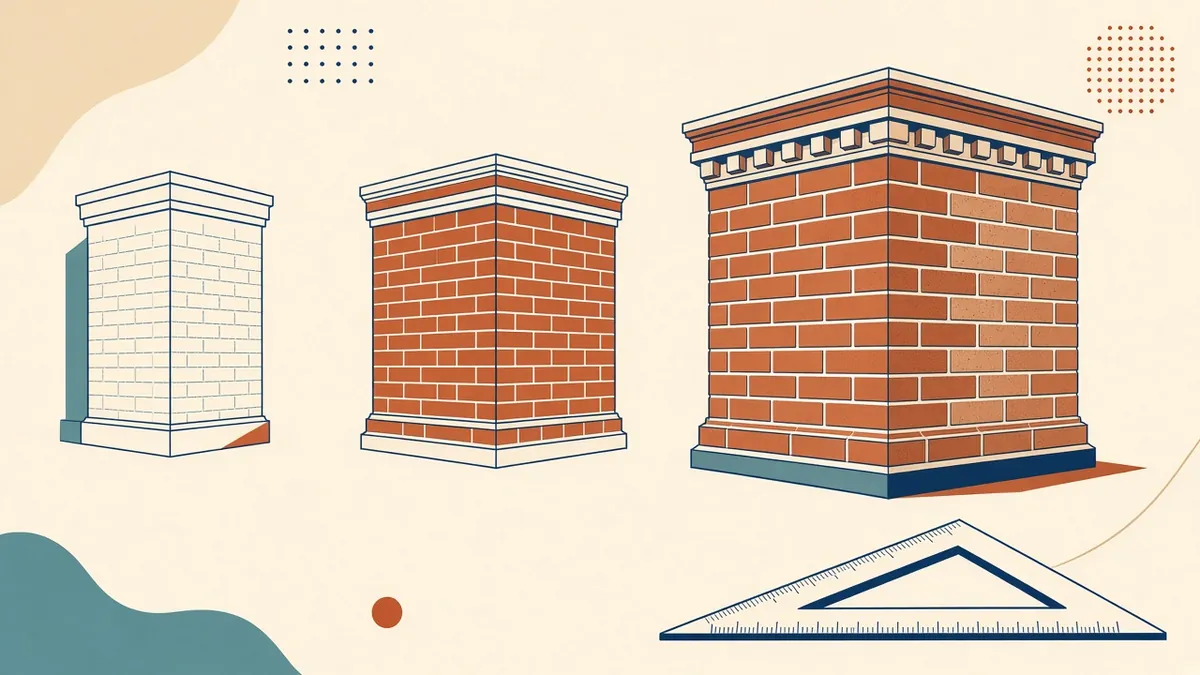
A detail drawn at the wrong scale either hides the information that matters or wastes a whole sheet saying very little.
Choosing the right scale is about matching the drawing to the information it needs to carry. Too small and notes crowd the drawing; too large and the set balloons with extra sheets. Consistent scale choices also make a set easier to navigate.
Metric and imperial conventions
Metric projects, common in the UK and the UAE, typically use ratio scales such as 1:500, 1:200, 1:100, 1:50, 1:20, 1:10 and 1:5. US projects typically use imperial Architectural scales, such as 1/16" = 1'-0", 1/8" = 1'-0", 1/4" = 1'-0", 1/2" = 1'-0", 1 1/2" = 1'-0" and 3" = 1'-0".
Typical uses
These are common starting points, not rules:
- Site plans: 1:500 or 1:200; in the US, an engineering scale such as 1" = 20'-0" or 1" = 30'-0"
- General arrangement plans: 1:100 or 1:50; 1/8" or 1/4" = 1'-0"
- Building sections and elevations: usually matching the plans
- Enlarged plans, such as toilets and stairs: 1:20 or 1:50; 1/4" or 1/2" = 1'-0"
- Wall sections: 1:20 or 1:25; 3/4" or 1" = 1'-0"
- Details: 1:10, 1:5 or 1:2; 1 1/2" or 3" = 1'-0"
Choose by information, not habit
Ask what the reader needs to understand. A plan showing room layouts can work at 1:100, but a plan showing setting out for fixtures may need 1:50. A detail showing a flashing lap needs a scale where the lap is clearly visible.
Keep scales consistent
- Use one scale for all general arrangement plans of a building where practical
- Match sections and elevations to their related plans
- Group details at similar scales on the same sheet
Consistent scales help readers compare drawings, and they make annotation look uniform.
Annotation and scale
In Revit and modern CAD, annotation scales with the view, so text stays readable. Make sure text heights in the template are set for printed sheets, and check that dense views don't become cluttered at smaller scales.
Print and PDF
State the scale for the intended sheet size, such as "1:100 at A1". When drawings are printed at a smaller size, the stated scale no longer applies, so include a graphic scale bar. Many firms add a note that drawings shouldn't be scaled, with written dimensions taking precedence.
Plan the sheet layout early
Scale choices affect how many sheets a set needs. Before production starts, test a typical floor plan, a section and a detail sheet at the intended scales and sheet size. This quick mock-up shows whether views fit comfortably with room for notes, and it avoids late changes that force views to be re-arranged across many sheets.
- 01Metric and imperial conventions
- 02Typical uses
- 03Choose by information, not habit
- 04Keep scales consistent
- 05Annotation and scale
- 06Print and PDF
Quick checks
- Every view has a scale in its title
- Graphic scale bars are present where needed
- Mixed-scale sheets are labelled clearly
If your team needs extra production capacity for work like this, take a look at our Architectural production services, or tell us about your project.
Related articles
Drawing Sheet Standards: Numbering, Title Blocks and Naming
Sheet numbering, title blocks and naming conventions that keep large drawing sets readable.
Read more →
Abbreviations and Symbols in Architectural Drawings
Keeping abbreviations and symbols consistent so drawings read the same everywhere.
Read more →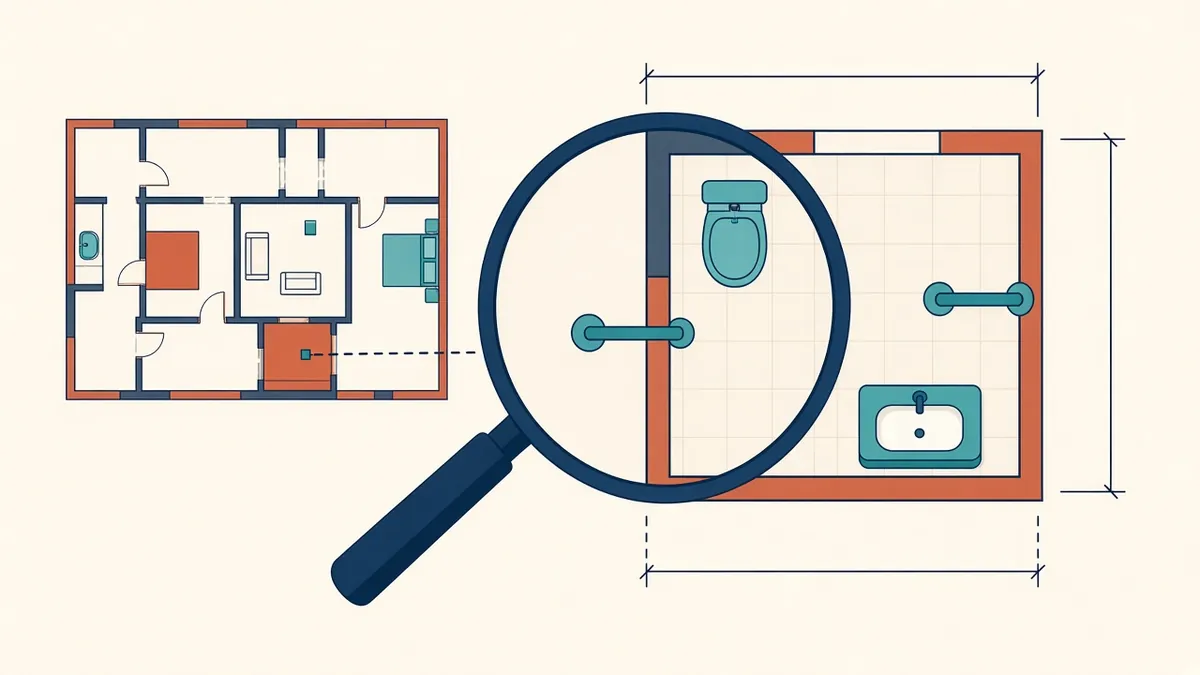
Enlarged Plans for Toilets, Kitchens and Stairs
Where general plans run out of room, and how enlarged plans fill the gap.
Read more →