
Converting Legacy CAD Drawings to BIM
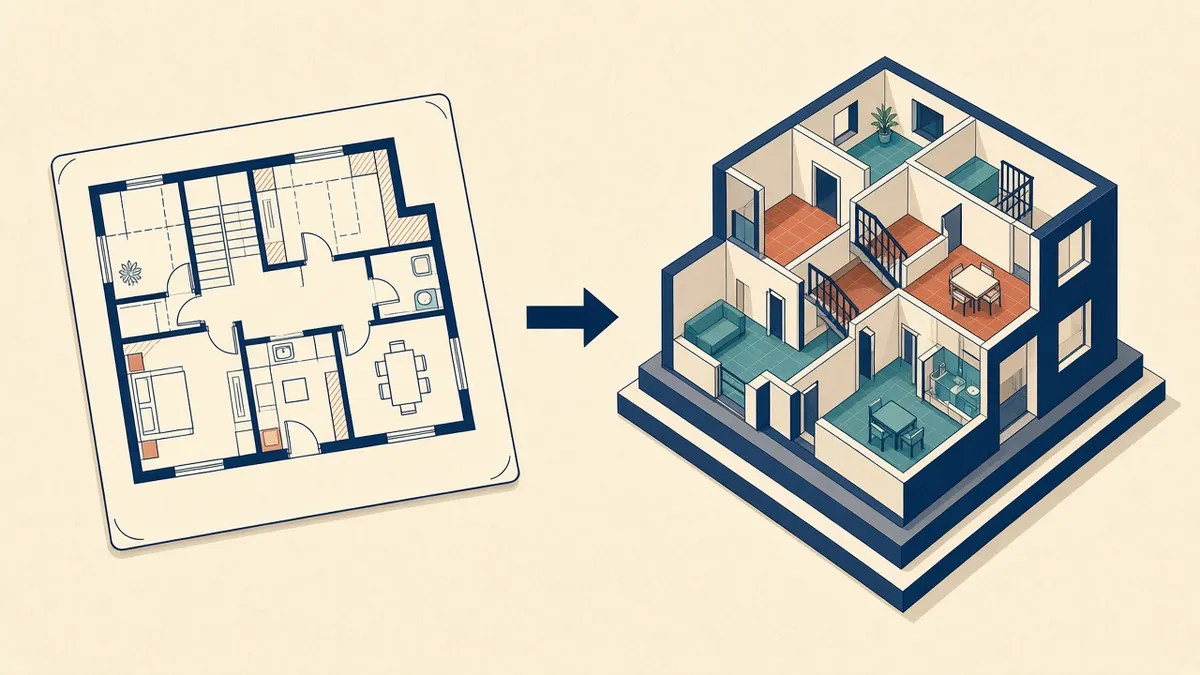
Old CAD drawings hold a lot of useful information, but turning them into a reliable model needs care.
Many building owners have CAD drawings of their existing buildings but no BIM models. Converting these drawings into BIM can support refurbishment, facility management and future projects. The result is only as reliable as the source drawings, so the process needs care.
Check the source drawings
Before modelling:
- Check drawings are complete
- Check consistency between plans, sections and elevations
- Identify the drawing date and revision
- Check whether drawings reflect the current building
- Note missing information
Verify against the building
Where possible, check key dimensions on site or against surveys. If drawings are unreliable, a survey may be needed.
Set up coordinates
Agree a coordinate system and level datum before modelling. Align CAD drawings to this system when importing or linking them.
Linking versus importing
In Revit, linking CAD files keeps models lighter and easier to update, while importing embeds them. Linking is generally recommended for reference.
Modelling strategy
- Set up levels and grids first
- Model structure, then walls, floors and roofs
- Add doors, windows and openings
- Add rooms and areas
- Add other elements as needed
Model to the agreed level of development, not more.
Resolving inconsistencies
When drawings disagree, decide which source to trust, or check on site. Record decisions.
Assumptions
Some information won't be available, such as wall build-ups or hidden structure. Make reasonable assumptions, mark them clearly and record them in a log.
Data
Add data needed for the model's purpose, such as room names, areas or asset information for facility management.
Quality checks
- Overlay the model on CAD drawings
- Check areas against known values
- Review warnings
- Check views and sheets
Use of the model
Documentation
Provide a short report explaining sources, assumptions and accuracy. It helps future users.
Check against reality
Legacy drawings may not reflect later alterations. Where possible, compare the drawings with a site visit or a quick survey of key dimensions before modelling, and note which areas were verified.
- 01Check the source drawings
- 02Verify against the building
- 03Set up coordinates
- 04Linking versus importing
- 05Modelling strategy
- 06Resolving inconsistencies
Plan the effort
Converting large sets of drawings takes time. Prioritise the areas the project actually needs, rather than modelling the whole building in detail.
Converting legacy CAD to BIM can unlock value from existing information when sources are checked and assumptions recorded.
If your team needs extra production capacity for work like this, take a look at our Architectural production services, or tell us about your project.
Related articles
As-Built Drawings vs Design Drawings: Why They Differ
Why old drawings can't be trusted, and how to verify them.
Read more →
Revit vs AutoCAD for Architectural Production
How the two tools differ, where each fits and what switching involves.
Read more →
Model Coordinates, Survey Points and Base Points
Internal origin, project base point, survey point and shared coordinates.
Read more →