
Version Control and File Management With Partners
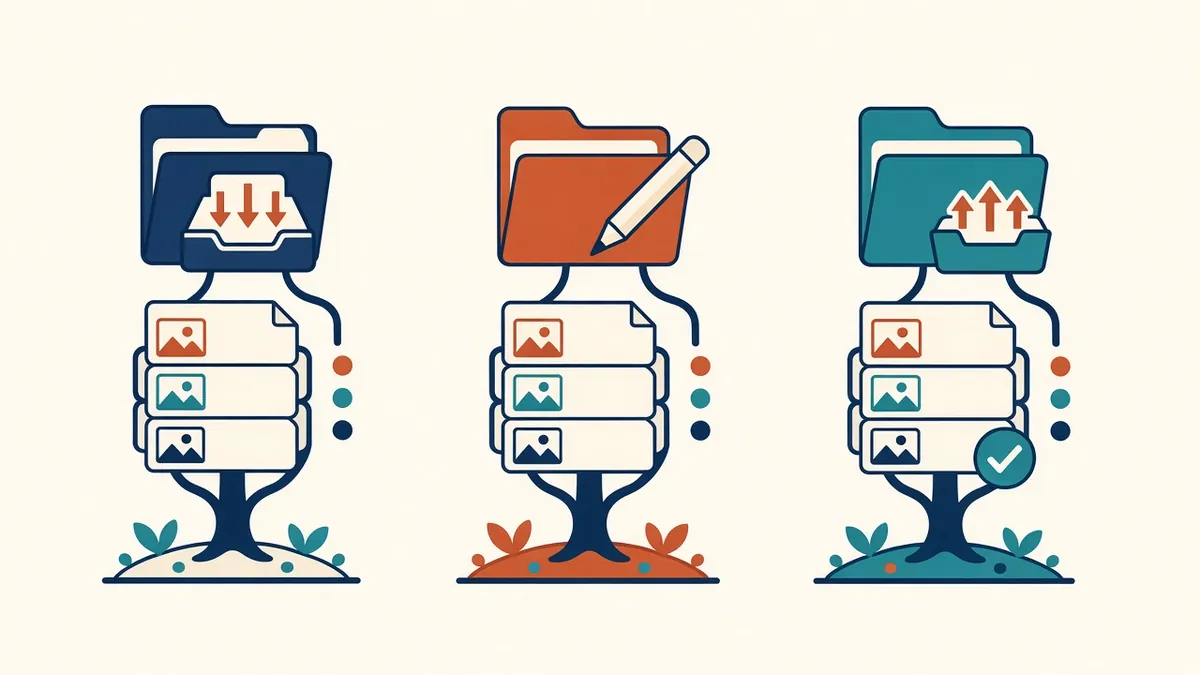
Two people editing two copies of the same file is how good work gets lost. Version control stops it.
When files move between in-house and outsourced teams, version control becomes critical. Working from an outdated drawing or model wastes effort and can lead to errors reaching site. Clear file management keeps everyone on the latest information.
Common problems
- Teams working from different versions
- Files overwritten accidentally
- Unclear which file is current
- Superseded information still in use
- Missing references, such as xrefs or links
Agree a folder structure
- Incoming: files received from others
- Working: files in progress
- Shared: files ready for others to use
- Issued: formal issues
- Archive or superseded: older versions
This mirrors ideas in ISO 19650's common data environment, where information moves through states such as work in progress, shared, published and archived.
Use clear file names
Names should show the project, originator, drawing type, number and revision. Agree a naming convention and use it consistently. Avoid names like "final" or "latest".
Revision codes
Use revision codes on drawings and in file names or metadata. Update revision lists on sheets when drawings change.
Single source of truth
Agree where the current version lives, such as a shared platform or a specific folder. Files sent by email can quickly become outdated copies.
Transmittals
Record what's sent and received, with dates and revisions. Transmittals or platform logs create an audit trail.
Superseded files
Model versions
For Revit models, agree how models are shared, such as through cloud worksharing or periodic file exchange. If files are exchanged, record which version each team is working on.
References and links
Keep xref and link paths consistent. Relative paths help when files move between locations.
Backups
Make sure both teams back up their work. Check that shared platforms have version history.
Access control
Give access only to the folders each team needs. This reduces accidental changes and supports data security.
Check before working
Ask team members to confirm they're using the latest inputs before starting a task. A quick check saves rework.
- 01Common problems
- 02Agree a folder structure
- 03Use clear file names
- 04Revision codes
- 05Single source of truth
- 06Transmittals
Write it down
Record folder structures, naming rules and exchange procedures in a short document shared with the partner. Update it when practices change.
Good version control keeps outsourced work aligned with the project and reduces the risk of outdated information reaching site.
If your team needs extra production capacity for work like this, take a look at our Architectural production services, or tell us about your project.
Related articles
Outsourcing Workflow and File Exchange for Architecture Firms
Folder structures, version control and communication habits that keep remote production smooth.
Read more →
File Naming Conventions for BIM Projects
Naming files so anyone can tell what they are, who made them and their status.
Read more →
Managing Scope Changes in Outsourced Work
Handling design changes mid-task without confusion or disputes.
Read more →