
Markups and Feedback Loops With Outsourced Teams
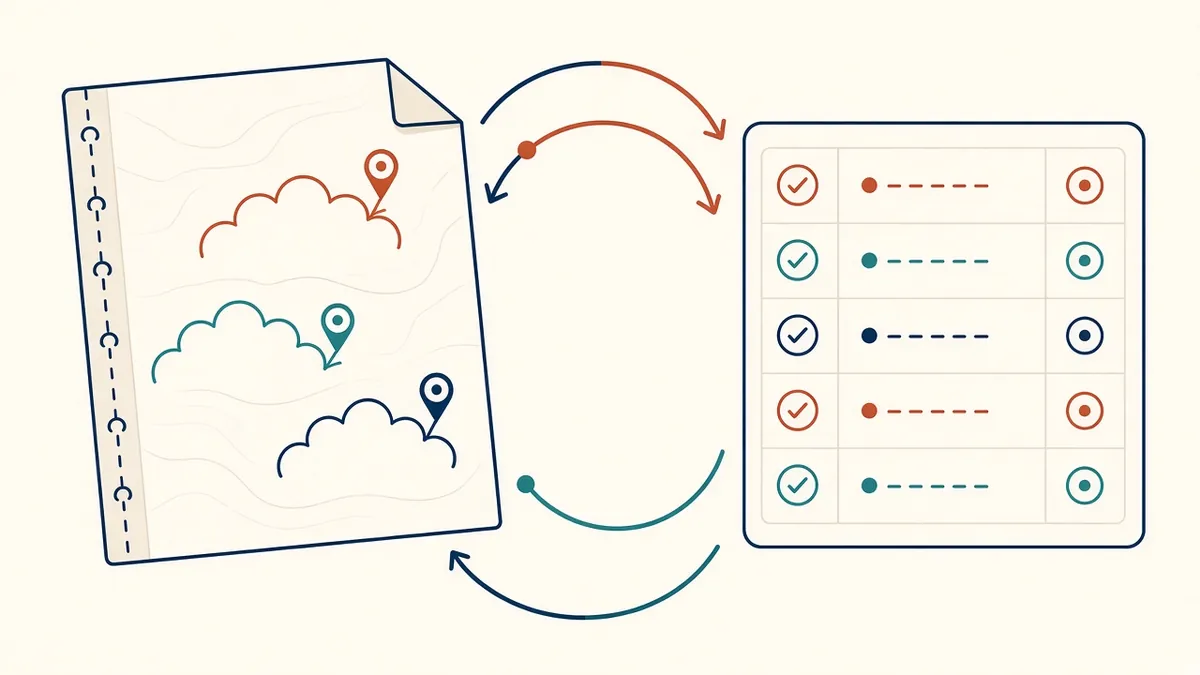
Clear markups get clear revisions. Vague ones get guesses, and another round of comments.
Markups are the main way design teams communicate changes to outsourced production teams. Clear markups lead to accurate drawings. Unclear ones lead to questions, assumptions and rework. A few simple conventions make a big difference.
Use digital markups
Digital PDF markup tools let reviewers add clouds, text, dimensions and stamps that are easy to read and track. Many teams use tools such as Bluebeam Revu or Adobe Acrobat. Digital markups can be shared instantly and kept as a record.
Markup conventions
- Red: changes to make
- Green: notes or questions, not changes
- Blue: completed items checked by the team
Whatever colours you use, keep them consistent and explain them.
- Issue drawings
- Mark up comments
- Revise the set
- Back-check every comment
- Close out and log
Make markups specific
- Show exact locations and dimensions
- Reference details and sheets
- Use clear, complete sentences
- Avoid shorthand that only the reviewer understands
"Move door 300 mm east" is better than "move door".
Group related changes
Group markups by sheet and topic. Large sets of scattered comments are harder to follow and easier to miss.
Track responses
Ask the team to respond to each markup, marking it as done or raising a question. Tools that support status tracking make this easy. This creates a clear record and helps the reviewer check changes.
Check revised drawings
When revised drawings return, check each markup has been addressed. Use overlay or compare tools to spot unexpected changes.
Keep feedback constructive
Feedback is most useful when it explains why something needs changing. If the same issue appears repeatedly, explain the underlying standard rather than correcting each instance.
Short review cycles
Short, regular review cycles keep work on track. Waiting until the end to review a large set often leads to many changes at once.
Record lessons
Recurring issues often show gaps in standards or briefs. Add them to checklists or standards so they don't repeat.
Combine markups with calls
For complex changes, a short call with screen sharing can explain the intent faster than written comments. Follow up with written markups so there's a record.
Avoid conflicting instructions
If several people review drawings, consolidate comments before sending them. Conflicting markups cause confusion and delays.
Use stamps and status
Stamps such as reviewed, revise and resubmit or approved make review outcomes clear at a glance, and help track drawing status through several cycles.
- 01Use digital markups
- 02Markup conventions
- 03Make markups specific
- 04Group related changes
- 05Track responses
- 06Check revised drawings
Keep a markup archive
Store marked-up sets with dates. They provide a record of decisions and help answer questions later.
Clear markups and steady feedback loops turn outsourced teams into reliable extensions of the design team.
If your team needs extra production capacity for work like this, take a look at our Architectural production services, or tell us about your project.
Related articles
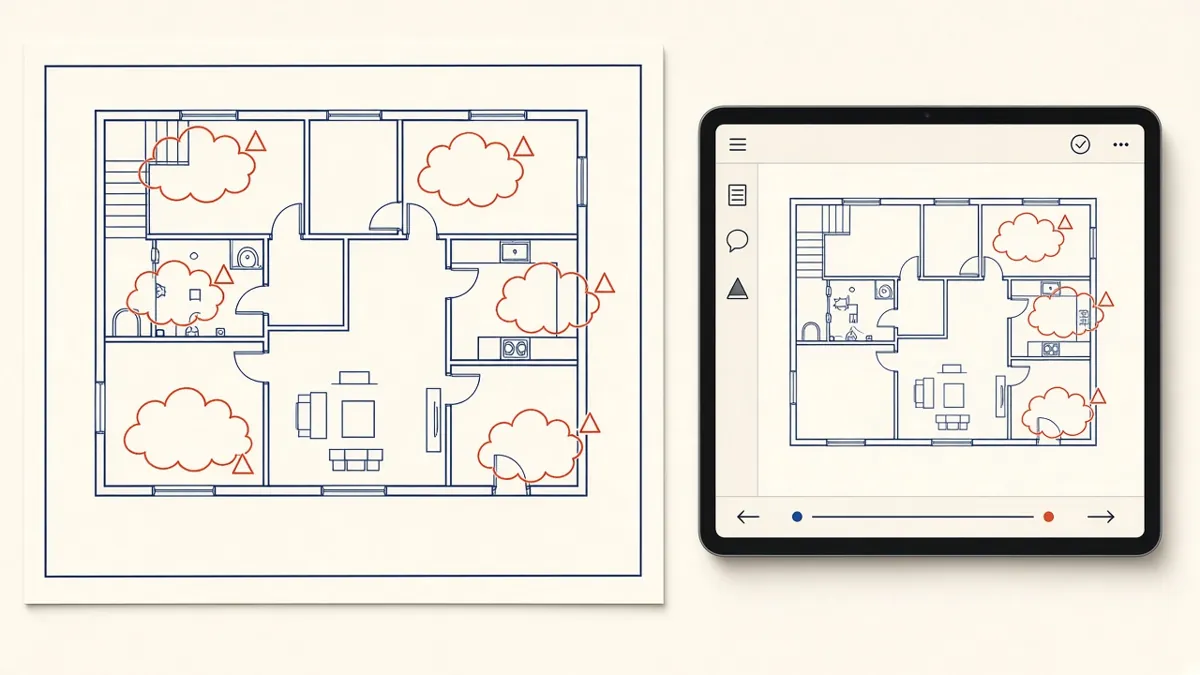
Managing Redlines and Revisions in Construction Drawings
How to turn markups into clean revisions without losing comments or creating new errors.
Read more →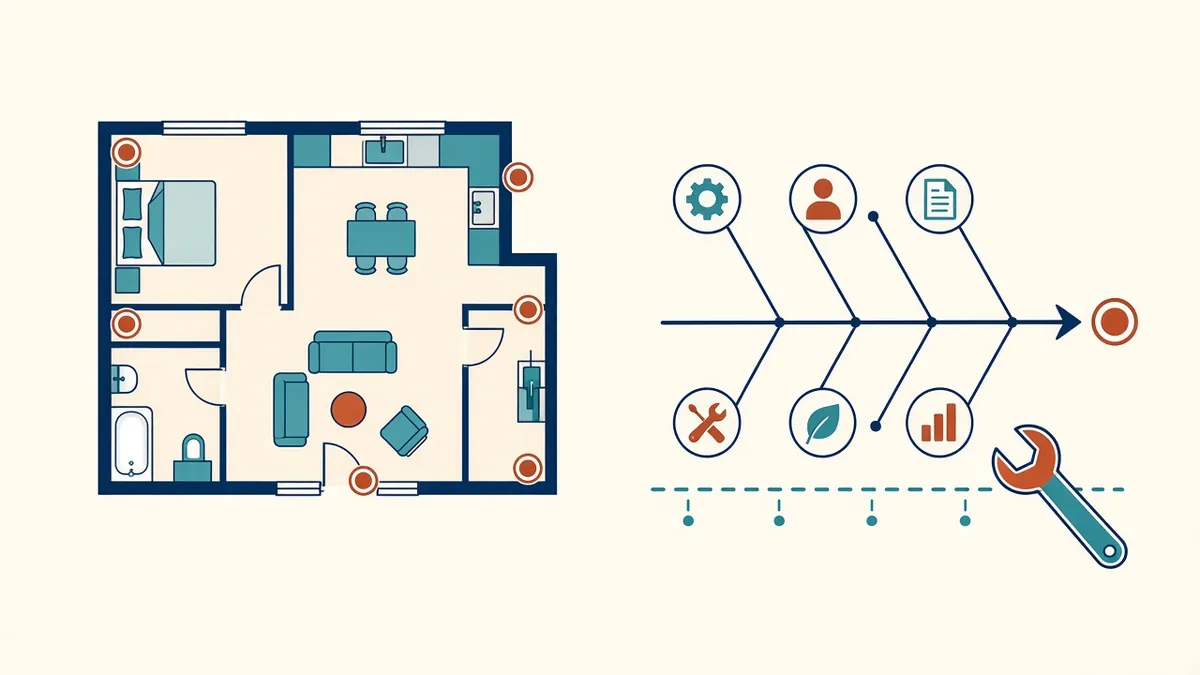
Handling Errors and Rework in Outsourced Drawings
Fixing mistakes efficiently and stopping them repeating.
Read more →
Communication Tools for Outsourced Architecture Teams
Chat, video, trackers and markup tools, and what each is best for.
Read more →