
Writing General Notes and Legends for Drawing Sets
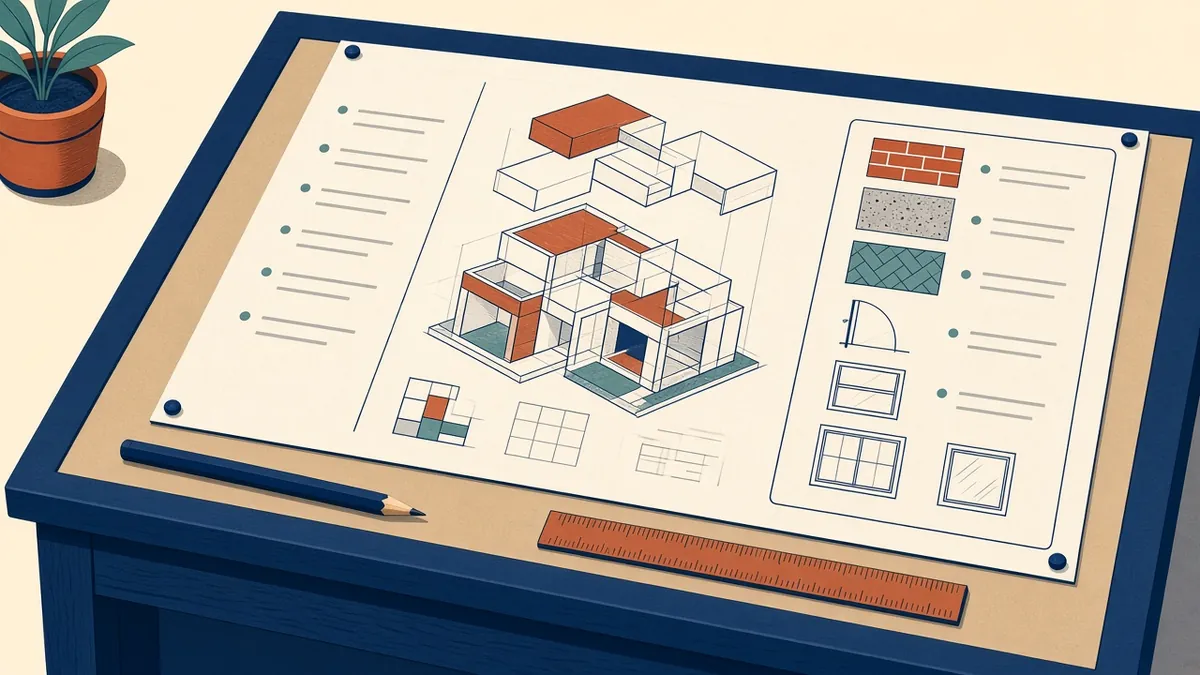
General notes are the fine print of a drawing set. Nobody reads them for fun, but everyone reaches for them when there's a dispute.
General notes and legends explain how to read the drawings and set rules that apply across the whole set. Done well, they save repeating the same information on every sheet. Done badly, they create contradictions that cause RFIs and disputes.
What general notes are for
General notes cover information that applies broadly, such as:
- How dimensions are measured, for example to face of stud, face of finish or centreline
- That written dimensions take precedence over scaling
- How discrepancies should be reported
- Datum and level conventions
- Coordination requirements with other disciplines
They shouldn't repeat specification requirements in different words. If the specification covers a material standard, refer to it rather than restating it.
Keep notes short and specific
- Use one idea per note
- Number notes so they can be referenced
- Avoid vague phrases such as "as required" or "where necessary" without saying who decides
- Use consistent terms throughout, matching the specification
Notes written years ago and copied from project to project are a common source of trouble. Review the standard notes at the start of every project and delete anything that doesn't apply.
Sheet-specific notes
Notes that only apply to one drawing type, such as reflected ceiling plans or finish plans, belong on those sheets. Keynotes linked to a keynote legend work well for repeated items on a sheet.
Legends
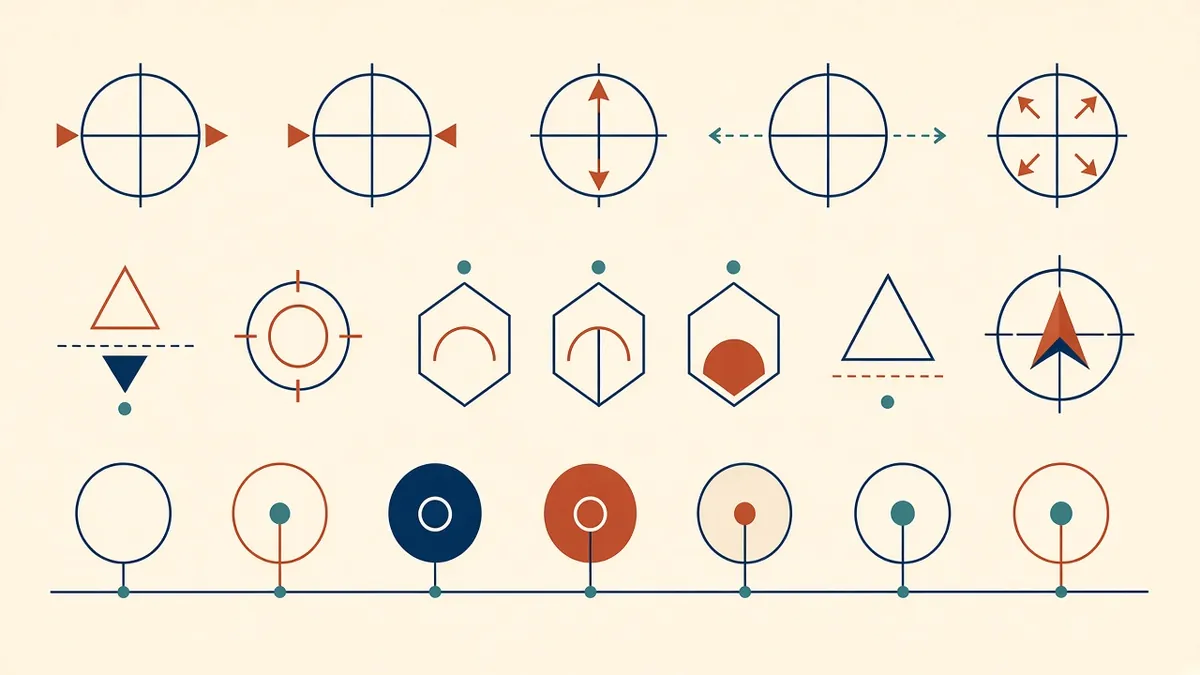
Legends explain graphic conventions:
- Wall types and hatches
- Symbols for doors, windows, fixtures and devices
- Line types, such as fire-rated walls or demolition
- Material hatches
Keep legends consistent across the set. If a symbol means one thing on the plans, it shouldn't mean something else on the RCPs.
Placement
A dedicated general information sheet near the front of the set usually holds general notes, abbreviations, symbols and legends. Repeating key legends on the sheets where they're used helps readers, as long as they're generated from one source so they stay identical.
Who owns the notes
In Revit
Legend views can be placed on multiple sheets, and keynote files keep wording consistent. Text notes can also be stored as a standard legend in the template, so every project starts from reviewed wording.
Check before issue
- Do notes match the specification and consultant notes?
- Are there notes referring to items not in the project?
- Do all legend symbols actually appear in the drawings?
- Are units and conventions consistent?
Good notes and legends are quiet. Readers barely notice them, because the drawings simply make sense.
If your team needs extra production capacity for work like this, take a look at our Architectural production services, or tell us about your project.
Related articles
Abbreviations and Symbols in Architectural Drawings
Keeping abbreviations and symbols consistent so drawings read the same everywhere.
Read more →
Cover Sheets and Drawing Indexes for Construction Sets
What a cover sheet should carry, and how to keep the sheet index honest.
Read more →
How Drawings and Specifications Work Together
What goes on drawings, what goes in specs and how to stop them contradicting each other.
Read more →