
Reflected Ceiling Plans: What to Show and How to Coordinate
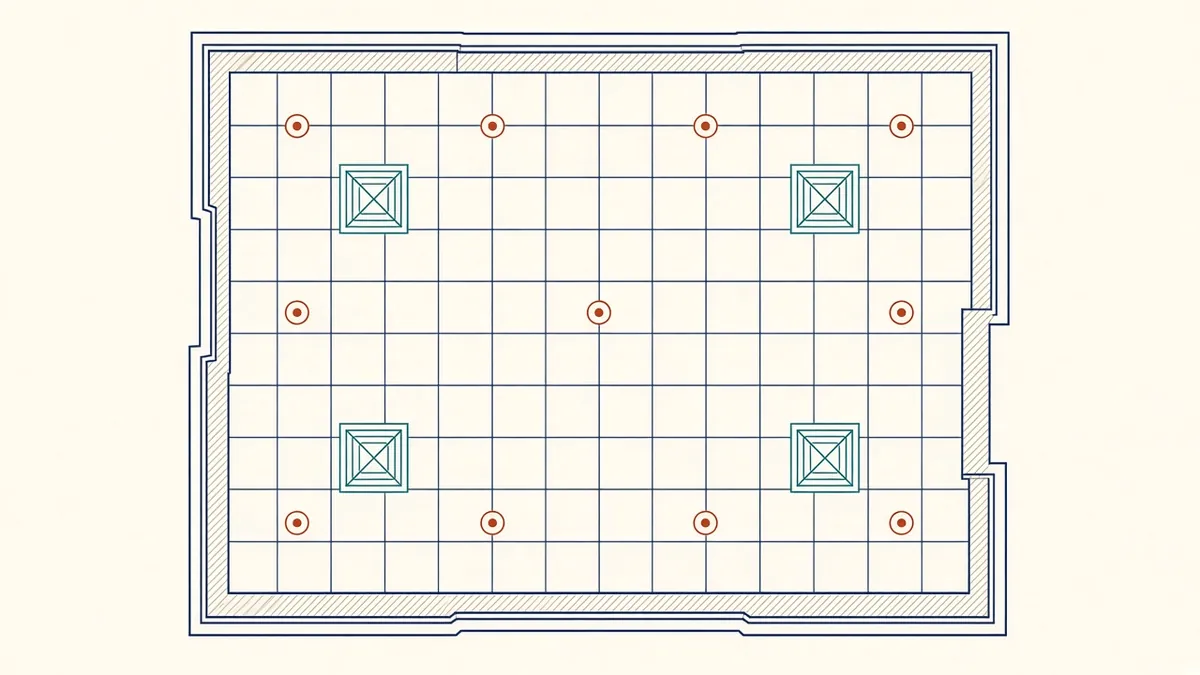
Look up in almost any finished room and you'll see the result of a reflected ceiling plan, good or bad.
A reflected ceiling plan, or RCP, shows the ceiling as if reflected in a mirror on the floor, so it aligns with the floor plan below. It's where Architecture and services meet visibly, and it needs careful coordination.
What an RCP usually shows
- Ceiling types and materials, using codes or hatches
- Ceiling heights, with height tags
- Grid layouts and setting out points for suspended ceilings
- Bulkheads and changes in ceiling level
- Light fittings, diffusers, grilles, sprinkler heads, detectors and speakers
- Access panels
- Soffits, exposed structure or open ceiling areas
Setting out the grid
For suspended grid ceilings, decide where the grid starts. Common approaches centre the grid in the room or align it with a key feature. Avoid narrow cut tiles at room edges where possible. Show the setting out point clearly.
Coordinating fixtures
Lights, diffusers and sprinklers are usually designed by MEP engineers, but their positions on the RCP affect the look of the space. Agree principles early, such as:
- Fixtures centred in tiles
- Alignment along a common line
- Clearances from walls and other fixtures
- Symmetry in feature spaces
Then review MEP layouts against these principles.
Ceiling heights and zones
Ceiling heights must leave enough space above for structure and services. Check heights against sections and coordinated services drawings. A ceiling height that looks good on the RCP but has no room for ductwork will cause problems.
Bulkheads and transitions
Show bulkheads with their heights and extents, and reference sections or details for how they're built. Transitions between ceiling types need details too.
Access
Show access panels where maintenance access is needed, such as valves, dampers and equipment. Coordinate their positions with the MEP team, and choose panel types that suit the ceiling finish.
Fire and acoustic considerations
In Revit
Ceiling plans in Revit can display ceilings, linked MEP fixtures and ceiling heights. Use view templates to keep graphics consistent, and link MEP models rather than redrawing fixtures.
Quick checks
- Every room has a ceiling type and height
- Heights match sections and finish schedules
- MEP fixtures are current
- Access panels are shown
- 01What an RCP usually shows
- 02Setting out the grid
- 03Coordinating fixtures
- 04Ceiling heights and zones
- 05Bulkheads and transitions
- 06Access
Show open ceilings properly
Exposed ceilings are increasingly common, but they still need documenting. Show which areas are open, what finish or paint the soffit receives, and how services are arranged when visible. Exposed services often need more coordination than concealed ones, because their routes, supports and finishes are part of the design rather than hidden above tiles.
A well-coordinated RCP gives spaces a calm, intentional ceiling and prevents site clashes between trades.
If your team needs extra production capacity for work like this, take a look at our Architectural production services, or tell us about your project.
Related articles
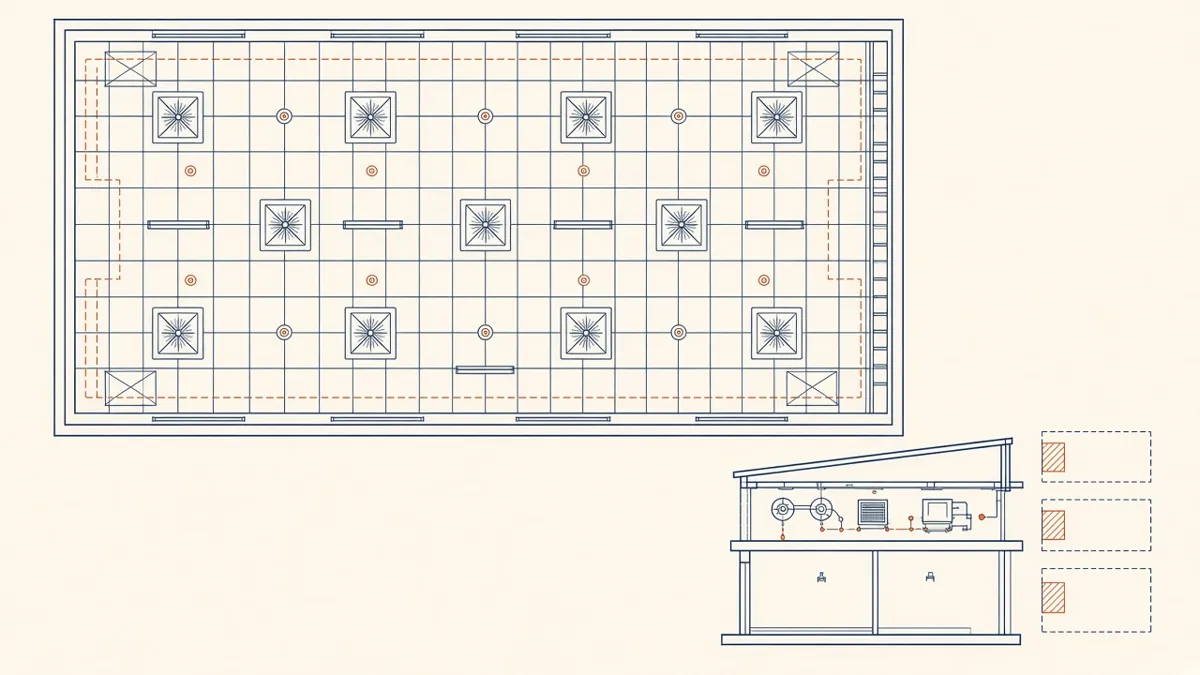
Coordinated Services Layouts and Ceiling Coordination
Ceiling zones, routing priorities and coordinated drawings that work on site.
Read more →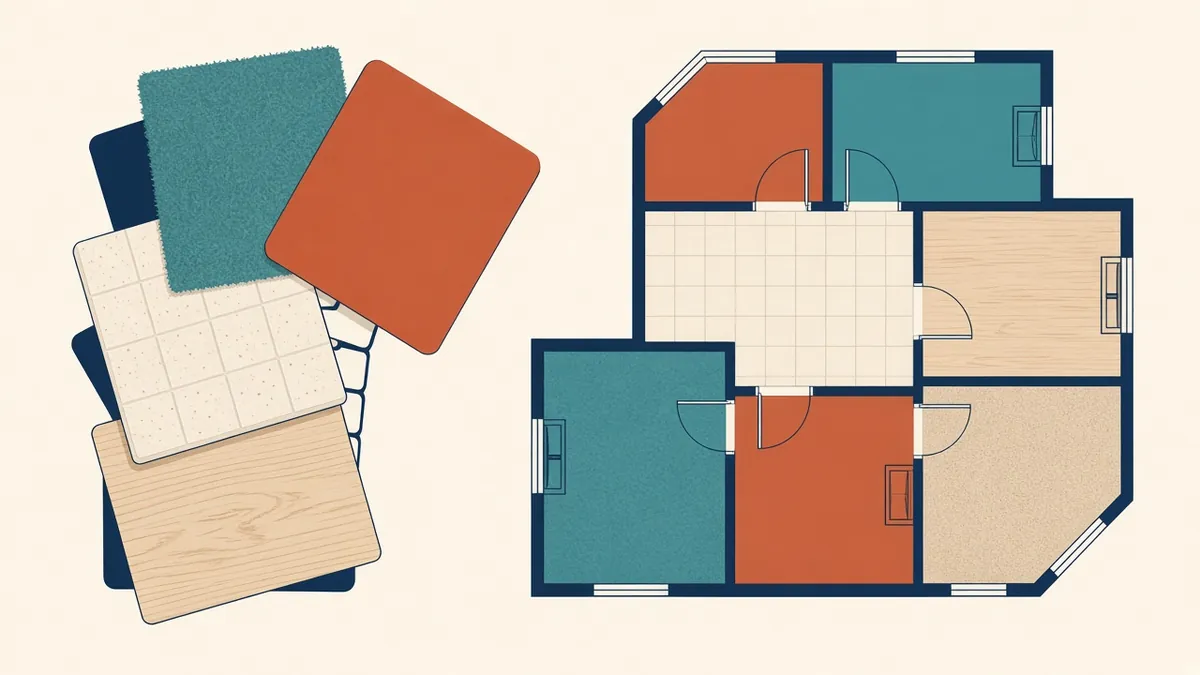
Room Finish Schedules and Finish Plans
Choosing between schedules and finish plans, and keeping finish codes consistent.
Read more →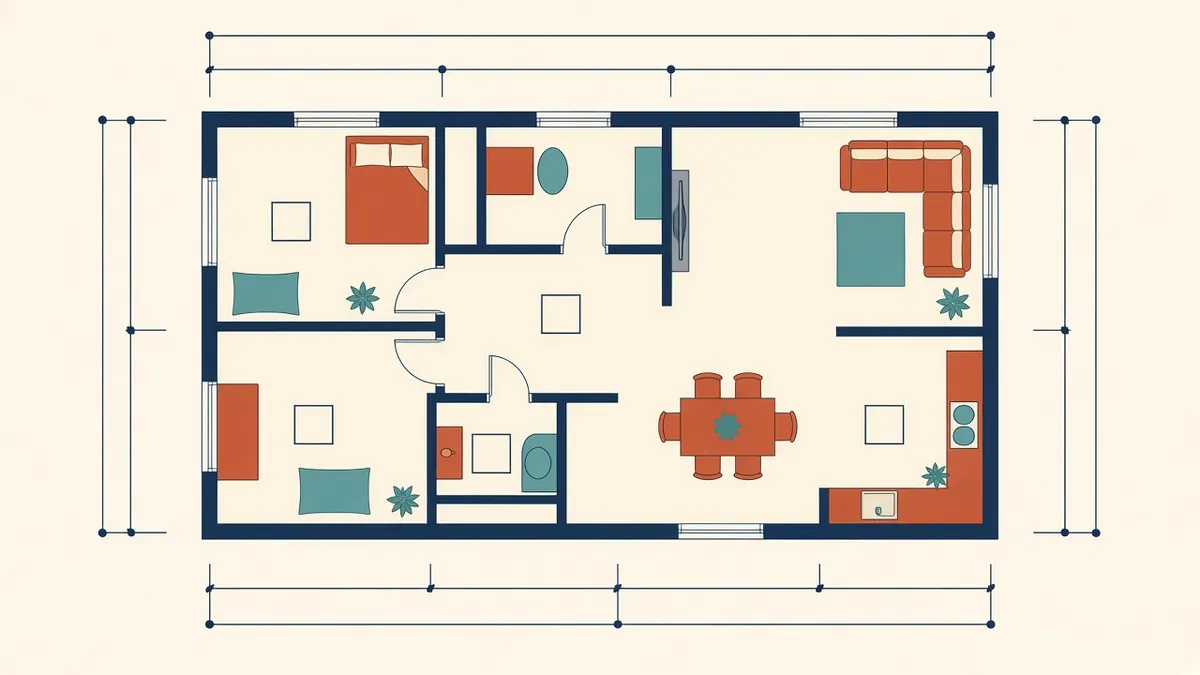
Annotating Architectural Floor Plans Clearly
Dimensions, tags and notes that make plans readable instead of crowded.
Read more →