
Enlarged Plans for Toilets, Kitchens and Stairs
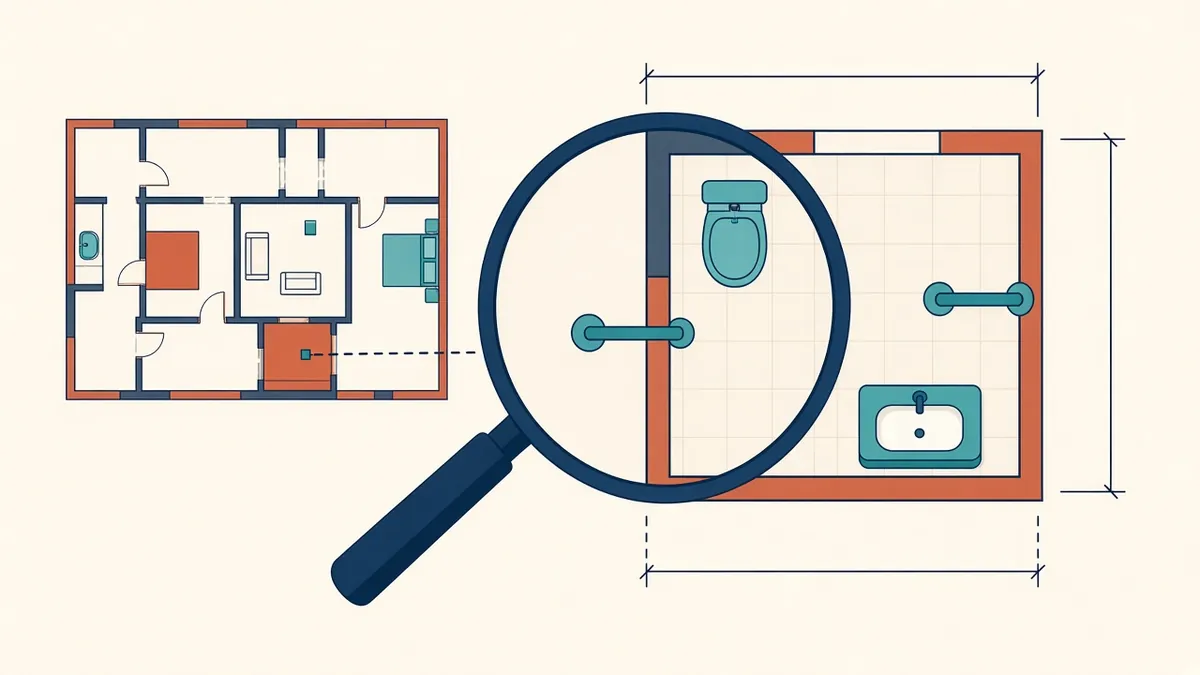
Toilets, kitchens and stairs pack a lot of information into a small footprint. At general plan scale, that detail simply disappears.
General arrangement plans can't carry every dimension and fixture for complex rooms. Enlarged plans zoom into those areas at a larger scale, giving contractors the setting out information they need without cluttering the main plans.
Where enlarged plans are useful
- Toilets and washrooms, especially accessible toilets
- Kitchens and pantries
- Stairs and lifts
- Plant rooms and service areas
- Reception desks and joinery-heavy spaces
- Changing rooms and showers
- Any area with dense fixtures or tight tolerances
Scale
Enlarged plans are usually drawn at 1:20 or 1:50 in metric sets, or 1/4" or 1/2" = 1'-0" in US sets. Choose the scale that lets dimensions and tags read clearly.
What to show
- Walls, with wall types
- Fixtures and equipment, with tags
- Setting out dimensions, often from finished faces
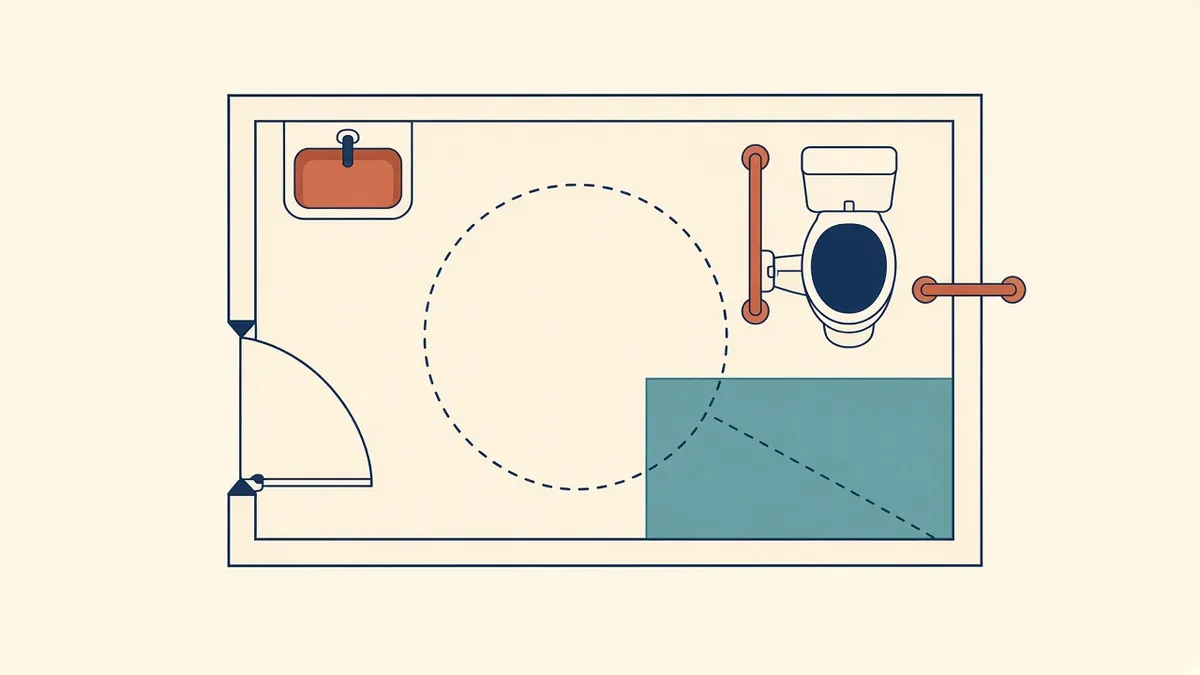
- Clearances, such as accessible turning spaces and door clearances
- Floor finishes, falls and drains in wet areas
- Callouts to interior elevations and details
- Grab rails, accessories and mounting heights, often referenced to elevations
Coordinate with interior elevations
Enlarged plans and interior elevations work together. The plan shows positions horizontally, and the elevation shows mounting heights and wall finishes. Reference each elevation clearly from the plan.
Accessibility
Accessible toilets, showers and changing facilities have specific dimensional requirements that vary by code. In the US, these typically come from the ADA Standards and ICC A117.1 as adopted locally. In England, Approved Document M and BS 8300 are common references. In the UAE, authority-specific accessibility guidance applies. Enlarged plans are the best place to demonstrate compliance, with clearances shown graphically.
Coordinate with MEP
Plumbing fixtures, drains, ventilation and electrical points all appear in these rooms. Overlay MEP layouts to make sure positions agree, and that services fit within walls and ceilings.
Avoid duplicating information
In Revit
Create enlarged plans as callout views from the main plan. They update with the model, and their boundaries appear on the main plan as callout marks.
Quick checks
- Every enlarged area is called out on the main plan
- Fixture tags match schedules
- Accessible clearances are shown and meet the applicable code
- 01Where enlarged plans are useful
- 02Scale
- 03What to show
- 04Coordinate with interior elevations
- 05Accessibility
- 06Coordinate with MEP
Keep repeated rooms consistent
Where several toilets or kitchens share a layout, draw one typical enlarged plan and list which rooms it applies to. Note any handed or mirrored versions clearly. This reduces drawing effort and keeps repeated rooms identical, but check each listed room carefully, because small differences in walls or services can make a typical layout unsuitable.
Enlarged plans turn crowded rooms into clear instructions, and they're often the drawings tradespeople rely on most.
If your team needs extra production capacity for work like this, take a look at our Architectural production services, or tell us about your project.
Related articles
Detailing Accessible Toilets and Washrooms
Clearances, fixture positions and the standards that govern them.
Read more →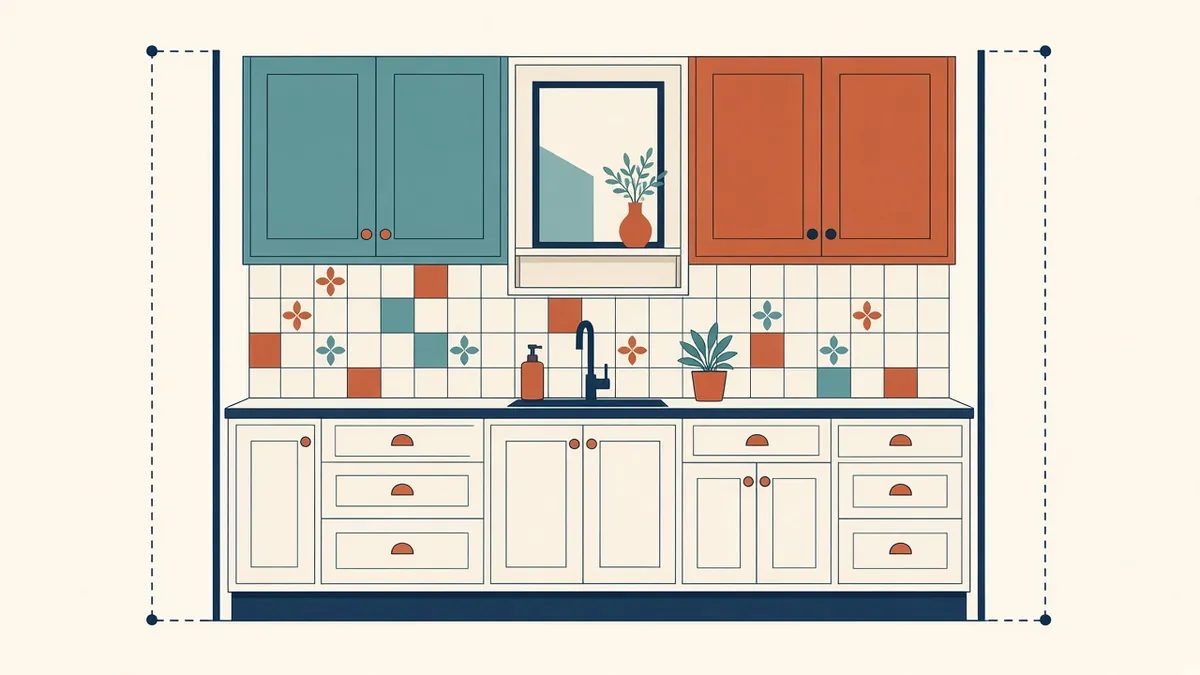
Interior Elevations: When You Need Them and What to Show
Mounting heights, finishes and joinery shown where plans can't.
Read more →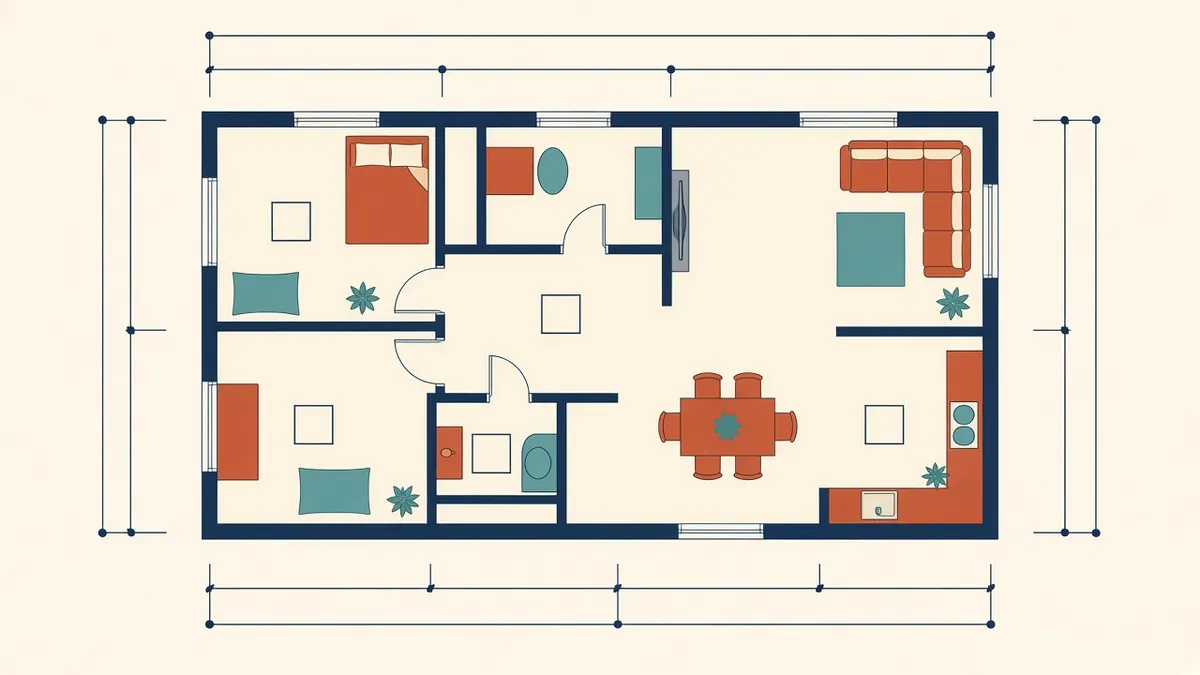
Annotating Architectural Floor Plans Clearly
Dimensions, tags and notes that make plans readable instead of crowded.
Read more →