
Keeping Drawing Sets Consistent Across Teams
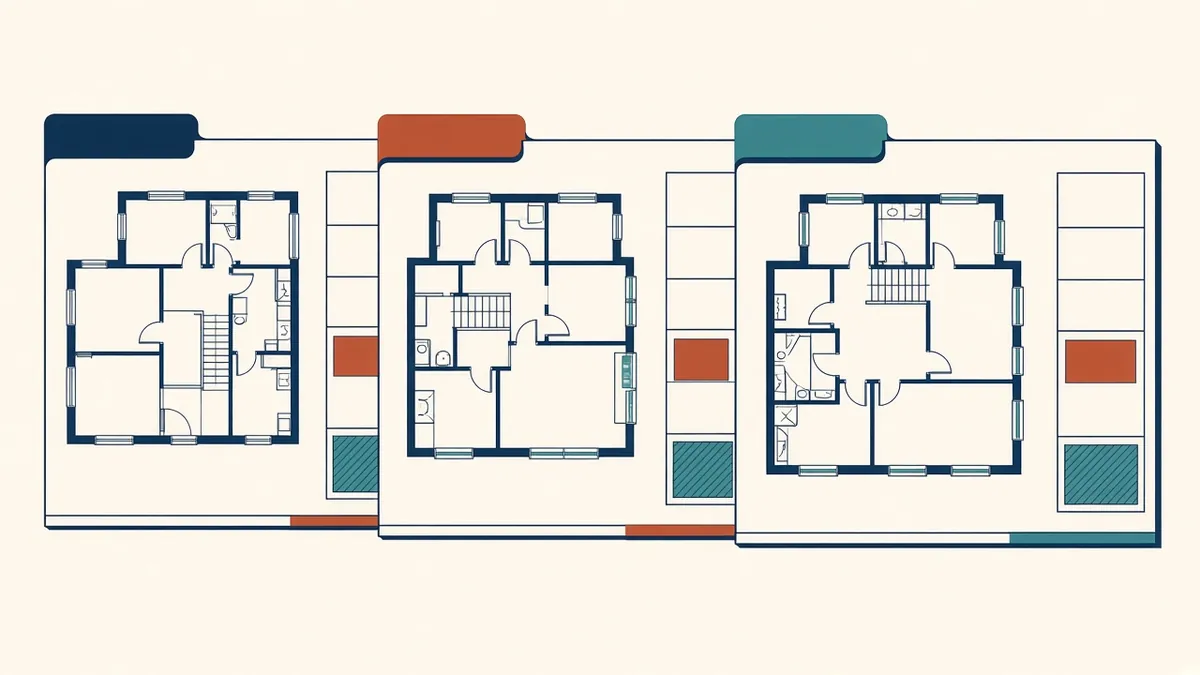
When several people work on one set, small differences in style and annotation add up quickly.
When in-house and outsourced teams both contribute to a drawing set, inconsistencies can appear. Different line weights, annotation styles or terminology make sets harder to read and can cause errors. Consistency comes from shared standards and good coordination.
Common inconsistencies
- Line weights and hatching
- Text sizes and fonts
- Dimension styles
- Terminology, such as different names for the same material
- Tag and symbol styles
- Title block information
- Level and grid naming
Use shared templates
Everyone should use the same CAD templates or Revit project templates. Templates control many of the visual aspects automatically.
Single sources of information
- Room names from a room schedule
- Door information from the door schedule
- Materials from a keynote or specification list
In Revit, schedules and tags help keep information consistent. In CAD, shared reference files help.
Agree terminology
A short glossary of materials and components helps teams use the same terms. It's especially useful when teams work in different regions or languages.
Divide work sensibly
Assigning whole drawing types to one team, such as all details or all enlarged plans, can help consistency. Splitting similar drawings between teams makes inconsistencies more likely.
Coordination checks
Before issue, check:
- References between sheets
- Matching information across plans, sections and details
- Consistent revisions and dates
- Matching drawing lists and sheets
Overlay and compare
Overlaying drawings from different teams can reveal misalignments, such as walls in different positions on plans and sections.
Review the whole set
Reviewing a set as a whole, not sheet by sheet, helps spot inconsistencies. Printing a full set or viewing it as a combined PDF can help.
Keep standards updated
When the in-house team updates a standard, share it with the partner straight away. Outdated standards are a common cause of inconsistency.
Feedback loops
When inconsistencies appear, explain the standard and update guidance. Repeat issues suggest a gap in the standards.
Use a set coordinator
On larger sets, one person responsible for overall consistency can review the full set before issue. They don't need to check every detail, but they look for differences in style, terminology and referencing across sheets.
Keep a style sample
A single sheet showing standard line weights, hatches, text sizes and symbols is a quick reference for every team member.
- 01Common inconsistencies
- 02Use shared templates
- 03Single sources of information
- 04Agree terminology
- 05Divide work sensibly
- 06Coordination checks
Check after changes
Late changes are a common source of inconsistency. After a revision, check related sheets, not just the one that changed.
Consistent drawing sets look professional, are easier to build from and reduce questions on site.
If your team needs extra production capacity for work like this, take a look at our Architectural production services, or tell us about your project.
Related articles

Handing Over CAD Standards to an Outsourcing Team
Layers, plot styles, blocks and xrefs, packaged so drawings match yours.
Read more →
Sharing Revit Templates and Families With Partners
Packaging templates, families and parameters for a partner's Revit work.
Read more →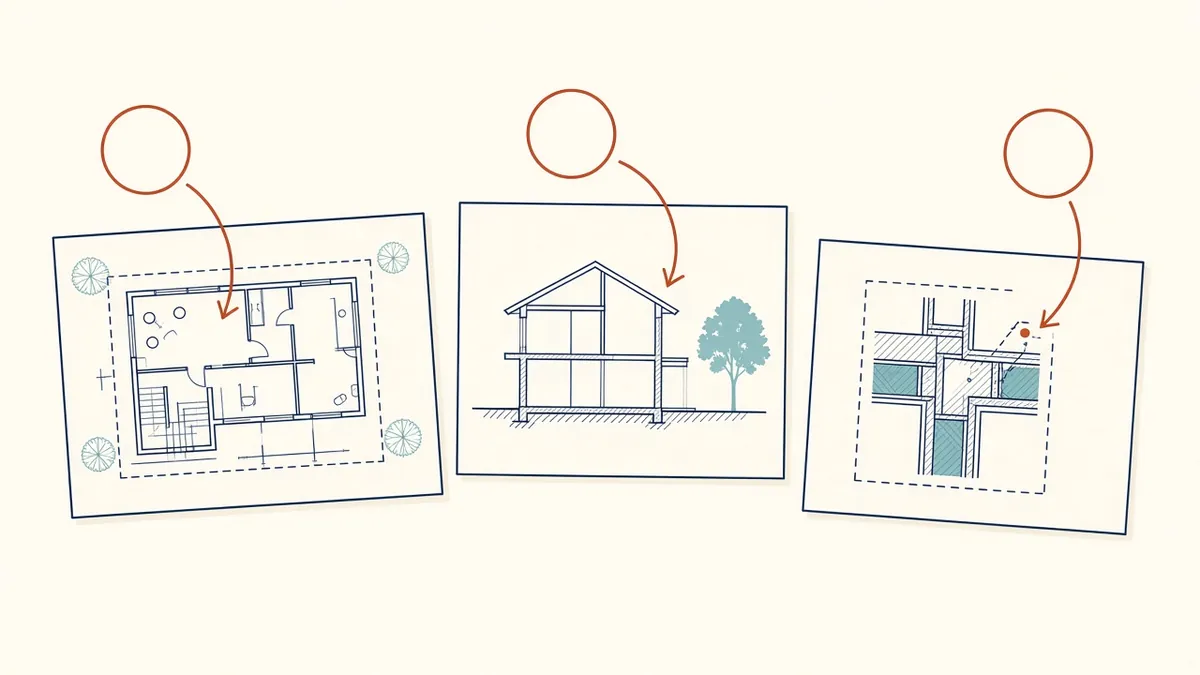
Cross-Referencing Drawings: Callouts, Tags and Coordination
Making every callout point to the right sheet, every time.
Read more →